25
YES
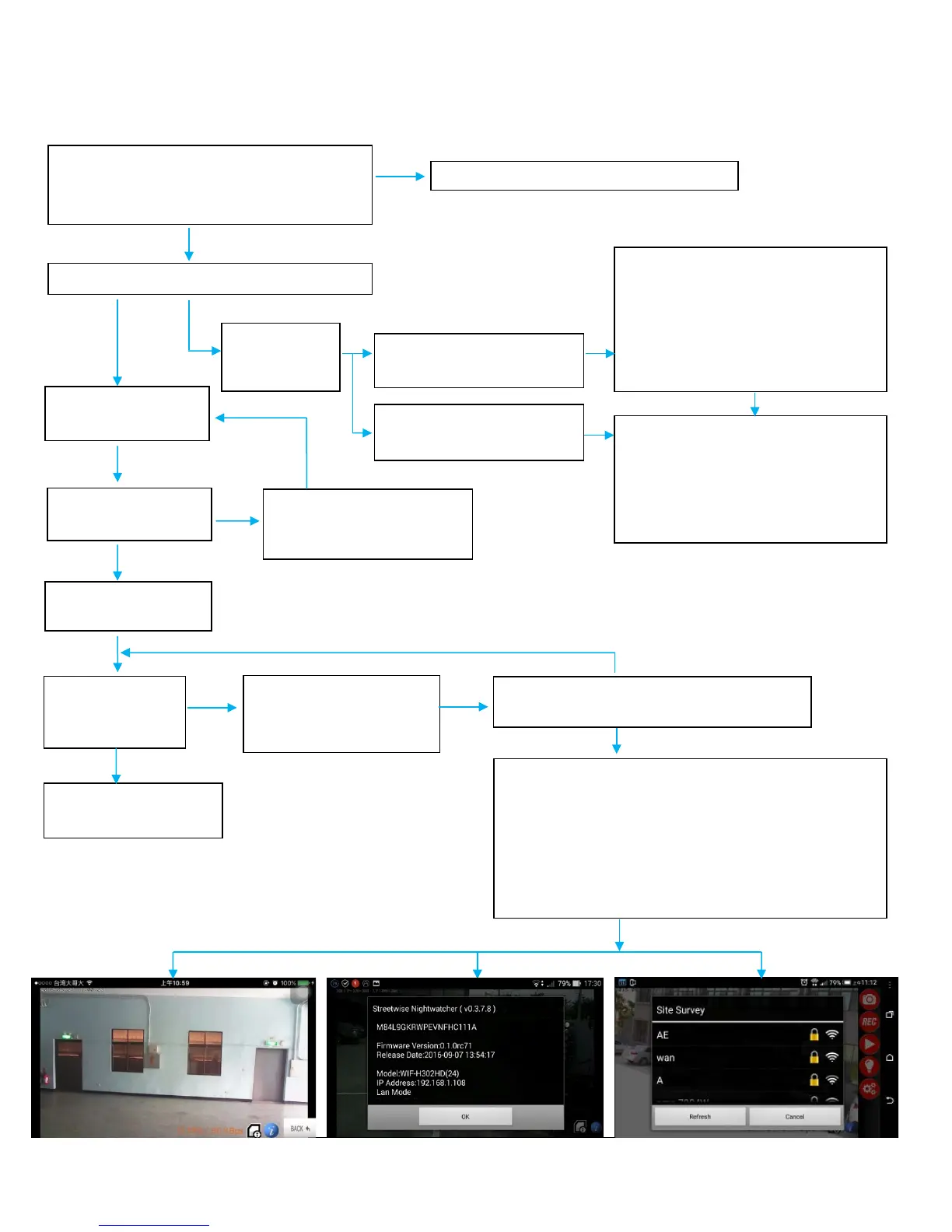
Check your smartphone version:
1. Android 4.0 and later
Please update smartphone system version
Check if CAM LED indicator remains RED
The connection setting is
completed successfully
Switch your phone to Home AP Wi-Fi.
Contact customer service and provide them with the
following screenshots:
1) Live image under AP mode
2) The information by clicking blue ball
3) The Site Survey menu after Join Home AP
Error -19: if your screen shows this error follow the diagram below
1. Turn off the product and turn on
again (warm up time about 1
minute)
2. Press RESET to turn to AP mode,
please follow manual step 1.2, Join
Home AP again
and green
password
Home AP (router) code is
Change the code of Home AP (router)
to WPA2
※ If your Home AP (router) is without
WPA2 code, please change to a high
level Home AP (router)
Open APP to enter CAM
connect to the internet
Home AP Wi-Fi
CAM live image
Switch your phone to
3G/4G
Check if Home AP internet is set up correctly
Turn off the unit and turn on
again (warm up time about


 To Next Page