29
In the setup menu, the user first sees the software revision displayed. Then the backlight on/off is shown, then IN/
MM, then CAL/LOC.
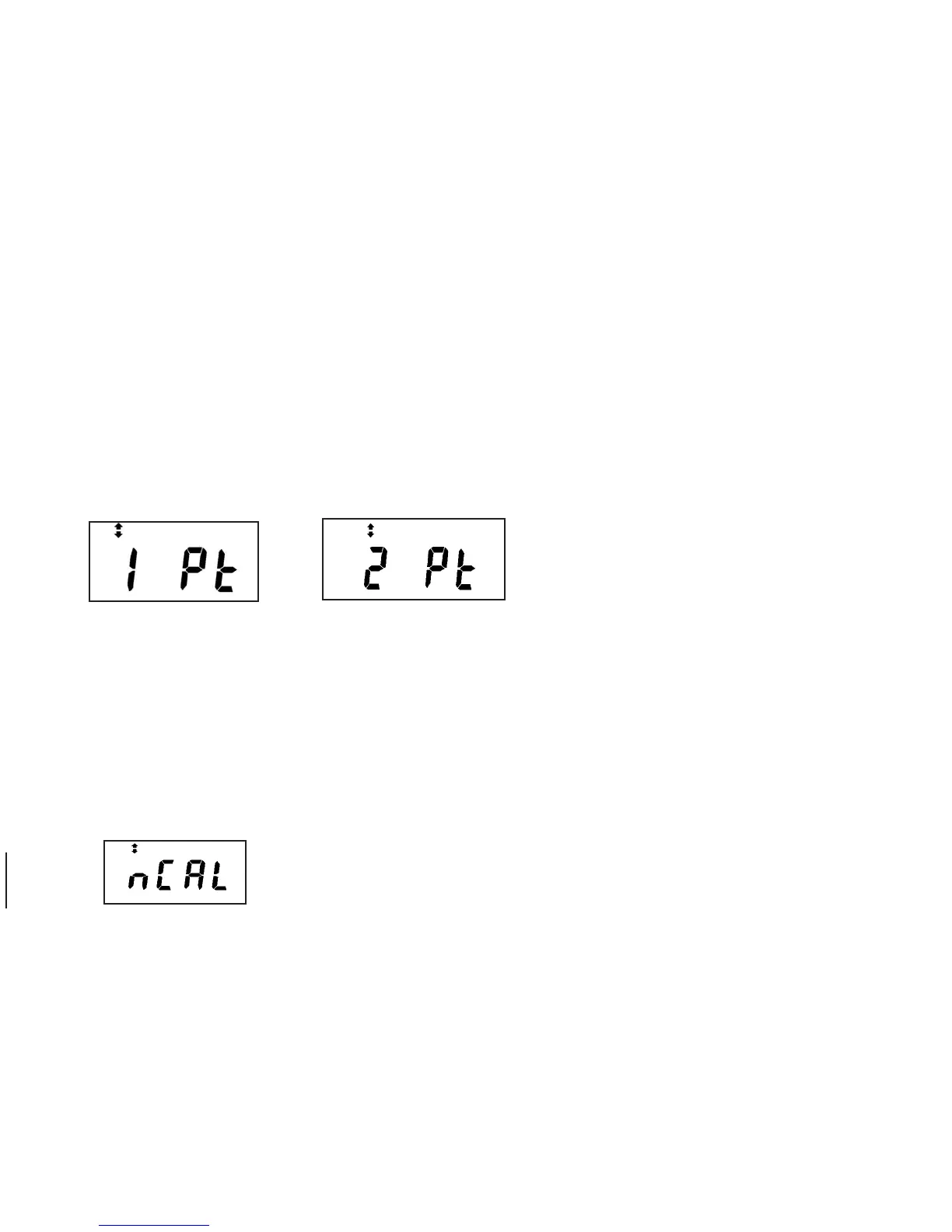
The next press of CAL allows the user to scroll between one and two point calibration techniques.
The display appears:
Press Ó or Ô to toggle between one and two point. When the user selects 1 Pt, the gage works in the normal one
point calibration.
When the user selects 2 Pt, the gage calibration technique is modified to the following procedure:
How to perform a two point calibration
You must have a calibration sample which has two known thicknesses. (Measured by mechanical means.) Press
the [CAL] key and
the gage will display:


 To Next Page