EasyManua.ls Logo

Strong SRT 5203 - User Manual

Strong SRT 5203
21 pages
Print Icon
To Next Page IconTo Next Page
Loading...
www.strong.tv
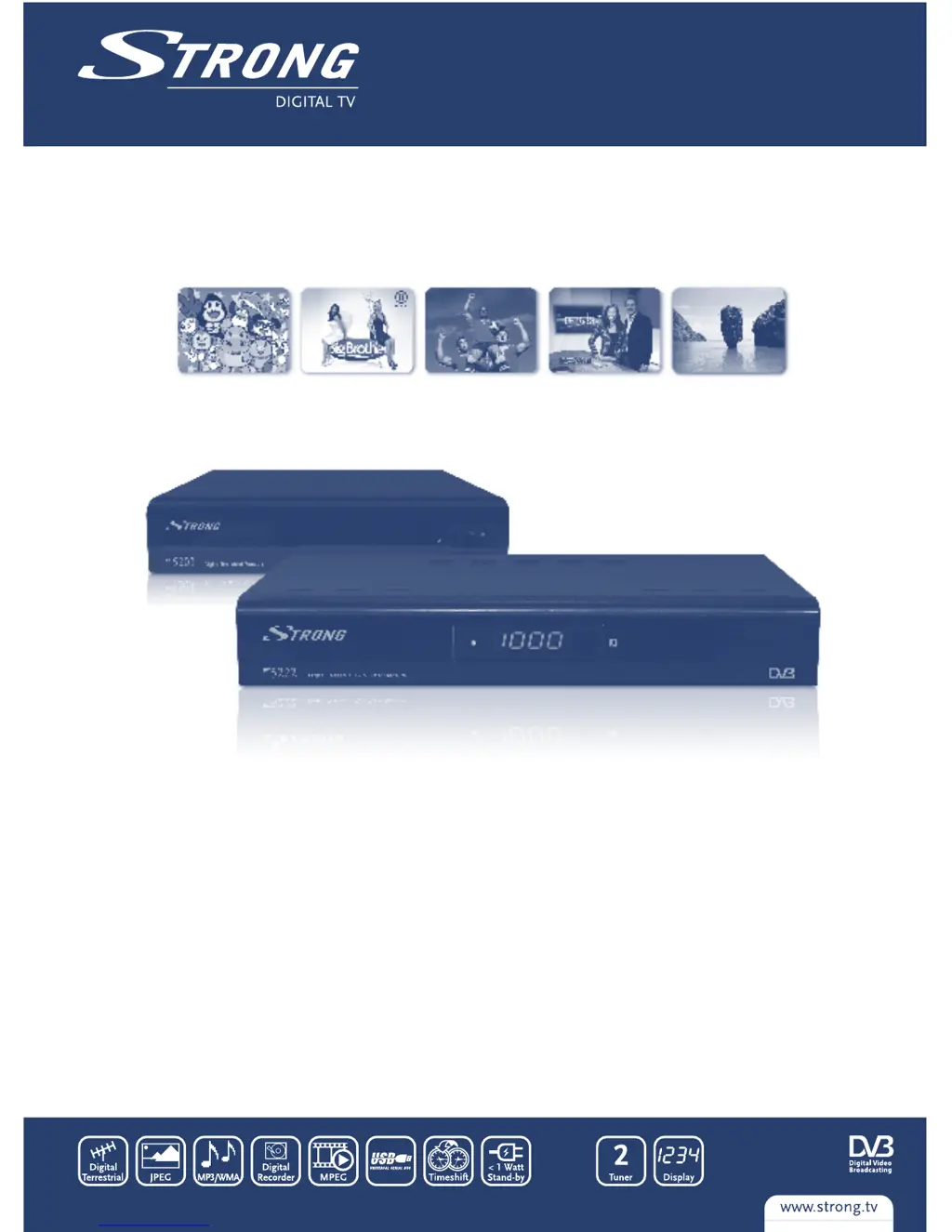
SRT 5203, SRT 5222
User manual
Digital Terrestrial Receiver SRT 5203
Digital Terrestrial Twin Tuner Receiver SRT 5222
Picture similar
SRT 5222

Other manuals for Strong SRT 5203

Questions and Answers

  • R
    ryan50Aug 8, 2025
    What to do if my Strong TV Receiver remote control is not working?
    • S
      Sonya AndersonAug 8, 2025
      If your Strong TV Receiver isn't responding to the remote control, there are several possible reasons: * The receiver might be off. Ensure it's plugged in and turned on. * The remote might not be aimed correctly. Try aiming the handset directly at the front panel of the receiver. * Something might be blocking the signal. Check for any obstructions in front of the receiver. * The batteries in the remote might be dead. Replace them with fresh batteries.
  • M
    Monica HarrisAug 13, 2025
    Why does my Strong TV Receiver say no signal?
    • R
      ronald16Aug 13, 2025
      If your Strong TV Receiver shows 'No signal found', the issue could be: * The aerial is disconnected. Check the aerial lead to ensure it's properly connected. * The aerial is damaged or misaligned. Inspect the aerial for any damage or misalignment. * You might be out of the digital signal area. Contact your dealer to confirm digital signal availability in your area. * If using an active antenna, the antenna power may need to be switched on, or an external feed connected. Switch the receiver’s Antenna Power ON or connect an external feed.
  • T
    Tiffany LopezAug 18, 2025
    How to fix no picture or sound on Strong TV Receiver?
    • J
      Jacob WilliamsAug 18, 2025
      If you're not getting any picture or sound from your Strong TV Receiver, consider these possibilities: * The incorrect input might be selected on your TV. Switch to the correct TV input (SCART). * The TV or VCR might not be connected to the mains. Verify the mains lead is properly connected.
  • B
    brandifreemanAug 25, 2025
    Why is the IR sensor light not lit on my Strong TV Receiver?
    • L
      Leslie WilliamsAug 25, 2025
      If the IR sensor light on your Strong TV Receiver is not lit, check the following: * The mains lead might be unplugged, or the multipoint connector switched off. Check the mains lead and switch the multipoint connector on. * The mains fuse might be blown. Check the fuse. * There might be a bad connection of the IR sensor plug. Check the connection.
  • L
    larsonrebeccaAug 29, 2025
    What to do if I get a scrambled channel message on Strong TV Receiver?
    • G
      Gina DavisAug 29, 2025
      If you're seeing a 'Scrambled channel' message on your Strong TV Receiver, it means the channel you're trying to watch is scrambled. To resolve this, select an alternative channel.
  • C
    casemeganSep 2, 2025
    Why can't I get digital reception on my Strong TV Receiver after moving it to another room?
    • K
      keithspencerSep 2, 2025
      If you've moved your Strong TV Receiver to another room and can no longer receive digital reception, the issue might be that the aerial feed at the new location comes through a distribution system, potentially reducing the digital signal. Try connecting a direct feed from the antenna.

Summary

INSTRUCTION

Safety Instructions

Details safety precautions, warnings, and general handling instructions for the device.

Equipment Set-up

Instructions for professional and DIY equipment installation.

YOUR RECEIVER

Remote Control

Explains the functions of each button on the remote control.

FIRST TIME INSTALLATION

MAIN MENU

Channel

Access and manage TV and Radio channels, lists, and favourites.

Installation

Covers automatic and manual channel scanning procedures.

TROUBLESHOOTING

SPECIFICATIONS

Strong SRT 5203 Specifications

General IconGeneral
TypeDigital Satellite Receiver
Tuner TypeDVB-S2
Resolution1920 x 1080
Video FormatsMPEG-2, MPEG-4, H.264
Weight0.3 kg
OutputHDMI
Video Resolution1080p
FeaturesEPG, Teletext, Parental Control
USBUSB 2.0
Audio FormatsMP3, AAC

Related product manuals