EasyManua.ls Logo

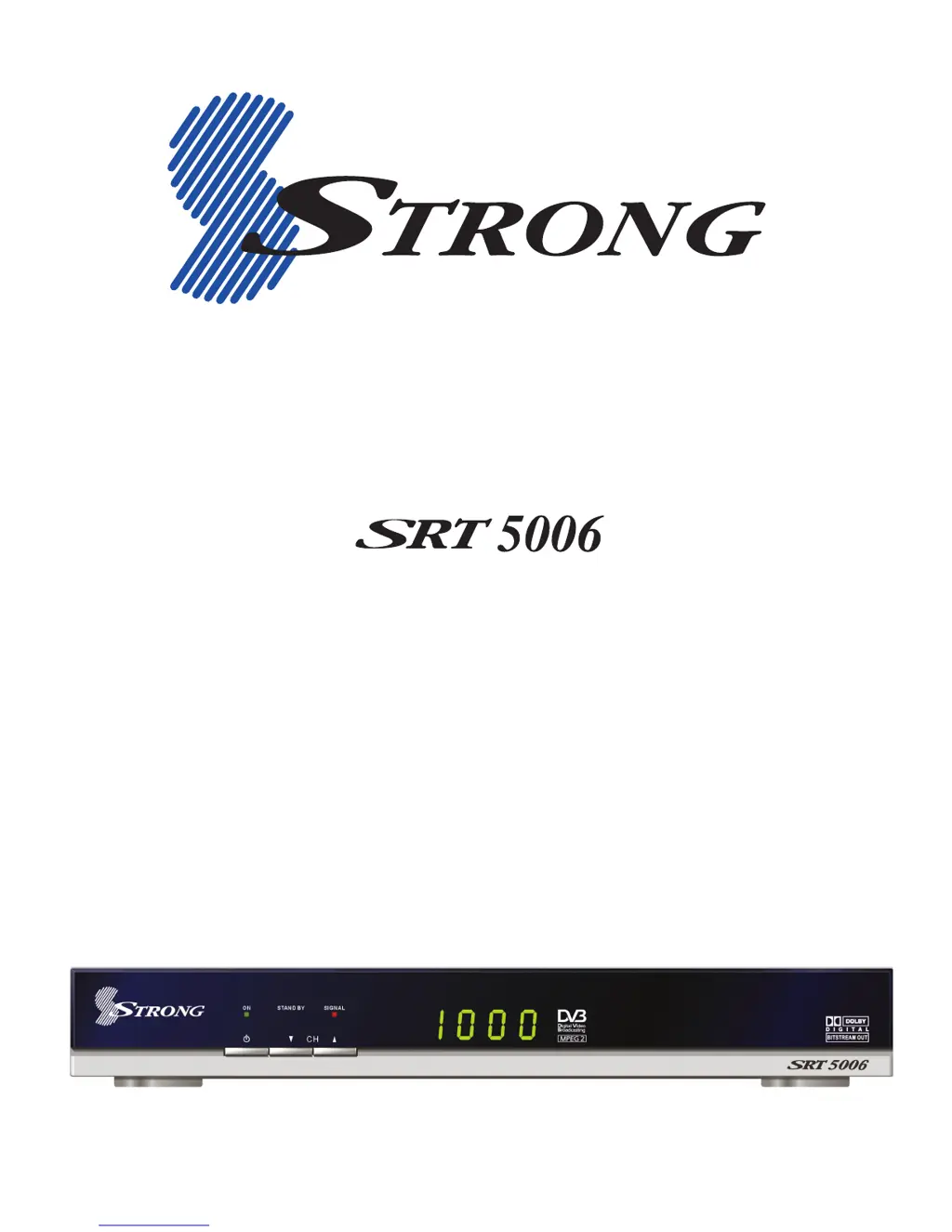
Strong SRT 5006 - User Manual

Strong SRT 5006
42 pages
Print Icon
To Next Page IconTo Next Page
Loading...
Digital Terrestrial Television Receiver
USER’S MANUAL

Questions and Answers

  • A
    Amy HallAug 19, 2025
    How to fix picture and/or audio glitch on Strong SRT 5006 TV Receiver?
    • E
      Edward DawsonAug 19, 2025
      To resolve picture and/or audio glitches on your Strong TV Receiver: check the signal level and quality indicators of the receiver to verify whether your antenna signal is adequate. Also, inspect all antenna cabling used, ensuring it is Quad Shielded type, including the antenna Fly Lead from the wall socket to the receiver, to avoid electrical interference.
  • C
    Cheryl BenitezAug 21, 2025
    What to do if indicators on front panel of Strong TV Receiver do not light up?
    • M
      Michael McclureAug 21, 2025
      If the indicators on the front panel of your Strong TV Receiver do not light up, check that the main power cord is plugged into the wall socket and ensure that the power switch is turned on.
  • J
    Jonathan SullivanAug 25, 2025
    Why is my Strong Receiver remote control not working?
    • K
      Karla FitzgeraldAug 25, 2025
      If the Strong Receiver's remote control isn't working, first, check the batteries. Ensure the receiver is in operate mode and that you're pointing the remote at the front panel, avoiding direct sunlight from behind. If issues persist, try switching off the receiver at the power source, then switch it on again after a few seconds.
  • S
    Samantha DixonAug 26, 2025
    How to fix Strong Receiver when it does not find channels?
    • S
      Stacey PaceAug 26, 2025
      If your Strong Receiver isn't finding channels, ensure your directional aerial points towards a digital TV transmitter and is correctly positioned. Verify digital terrestrial signal reception in your area. Using a standard outdoor aerial is advisable for better performance. Inspect the aerial cable. If the problem continues, have your aerial and installation professionally tested.
  • S
    Samantha GarciaAug 28, 2025
    Why am I seeing blocks in the TV picture with my Strong Receiver?
    • E
      elizabethfarrellAug 28, 2025
      If you're seeing blocks in the TV picture on your Strong Receiver, it could be due to a weak or defective signal, possibly caused by bad weather. Try adjusting your aerial position or wait for the signal to stabilize.
  • R
    Raymond ArmstrongAug 30, 2025
    What to do if the EPG is empty on my Strong Receiver?
    • F
      francisco22Aug 30, 2025
      If the EPG (Electronic Program Guide) is empty on your Strong Receiver, it could be that the selected program doesn't support EPG, or the local time is incorrect. Try setting the correct local time.
  • P
    Patrick CruzSep 1, 2025
    Why is the standby indicator not lighting up on my Strong Receiver?
    • M
      Mark AshleySep 1, 2025
      If the standby indicator on the front panel of your Strong Receiver isn't lighting up, check if power is available at the wall socket. Also, ensure the SCART cable and antenna cable are correctly connected and that the receiver is switched on. Disconnect and reconnect these cables to ensure they are properly in place.
  • A
    anthonybauerSep 3, 2025
    Why does the TV picture change color on my Strong Receiver?
    • P
      Philip HughesSep 3, 2025
      If the TV picture color changes on your Strong Receiver, especially after a power cut, your receiver may have lost some software settings. Try switching it off and on again after a few seconds. If the issue persists, contact your vendor.
  • M
    Michael PalmerSep 5, 2025
    What to do if my Strong Receiver doesn't record on VCR?
    • P
      Phillip CastilloSep 5, 2025
      If your Strong Receiver isn't recording program broadcasts on your VCR, check the connection between the receiver and VCR. Ensure your VCR is set up properly.
  • C
    cclarkSep 7, 2025
    Why is the standby indicator on my Strong Receiver red?
    • D
      daryl90Sep 7, 2025
      If the standby indicator on the front panel of your Strong Receiver is red, your receiver is in standby mode. Press the power button on your remote control.

Summary

Safety Precautions

Essential Safety Warnings

Critical warnings regarding electric shock and general safe operation of the device.

Product Overview

Introduction to the Receiver

General information about the Strong Digital Terrestrial Television Receiver and its compliance.

Key Features

Receiver Capabilities Highlight

A list of the main features and functionalities offered by the receiver.

Front Panel Controls

Indicator Lights and Buttons

Description of the status indicators and channel selection buttons located on the front panel.

Back Panel Connections

Port Identification and Usage

Detailed explanation of each connector on the back panel and its respective function.

On-Screen Menu Navigation

Essential Remote Buttons for Menus

Identifies and explains key remote control buttons used for navigating menus.

Remote Control Functions

Button-by-Button Operation Guide

A comprehensive guide detailing the function of each button on the remote control.

Remote Control Maintenance

Battery Replacement and Range

Instructions for battery replacement and information on the remote control's operating range and conditions.

Connection Examples

Component Video Connection Guide

Illustrates how to connect the receiver using component video cables for enhanced picture quality.

S-Video (Y;C) Connection Method

Demonstrates the connection process using an S-Video cable for video output.

CVBS Composite Video Connection

Explains the setup for composite video and stereo audio using RCA leads.

Connecting the Receiver

Component Video & Audio Setup

Detailed steps for connecting the receiver's component video and RCA audio outputs.

S-Video & Audio Connection

Guide for connecting the receiver using S-Video and associated audio connections.

Composite Video & Audio Setup

Instructions for connecting composite video and audio via RCA cables.

Antenna Input Connection

Steps for connecting the TV antenna to the receiver's aerial input port.

Initial Power-On and Auto Scan

Automatic Channel Tuning Process

Guide on powering on the receiver for the first time and performing an automatic channel scan.

Video and Audio Output Settings

Setting the Correct A;V Mode

Instructions on selecting the optimal A/V mode in the menu for video output.

Dolby Digital Audio Configuration

Enabling Digital Audio Output

Steps to configure and enable Dolby Digital audio output via a coaxial connection.

Time Setting Options

Automatic and Manual Time Input

Setting the receiver's time and date, either automatically or manually.

Aerial Signal Quality Assessment

Checking Signal Level and Quality

Procedures to verify the signal strength and quality for optimal digital reception.

Antenna Adjustment for Signal Improvement

Guidance on repositioning the antenna to enhance signal reception.

TV Loop Out Functionality

Aerial Signal Pass-through Usage

How to use the TV Loop Out connector for passing aerial signals to other devices.

Channel and Volume Management

Channel Selection Methods

Various ways to select and change channels, including numeric entry and navigation.

Volume Control and Mute Function

How to adjust audio volume and use the mute feature.

Picture Pause and Mode Switching

Functions for pausing video playback and switching between TV and radio modes.

Electronic Program Guide (EPG) Usage

Navigating Program Schedules

Using the EPG to view current and upcoming program information.

Aspect Ratio Configuration

Setting Display Aspect Ratio

Adjusting the screen aspect ratio for optimal viewing of different content formats.

Subtitle and Teletext Features

Closed Captions (ON;OFF) Control

How to enable or disable closed captioning for accessibility.

Accessing Teletext Information

Guide to using the Teletext service for text-based data.

Favourite Channel Management

Organizing Favourite Channels

Steps for creating, grouping, and managing favorite channels with custom headings.

Favourite Channel Customization

Deleting Channels from Favorites

Removing specific channels from user-created favorite lists.

Renaming Favourite Headings

Modifying the default names of favorite channel groups for better organization.

Service Setup Operations

Channel Arrangement and Deletion

How to reorder channels and remove unwanted ones from the list.

Channel Locking and Renaming

Setting up channel locks with a password and renaming channels.

Channel List and Language Options

Program List Navigation

Browsing the channel list, including sorting and viewing broadcast previews.

On-Screen Display Language Selection

Changing the language used for menu descriptions and on-screen interface elements.

Event Timer Setup

VCR Recording Timer Configuration

Setting up timers for VCR/DVD recording based on broadcast events.

Sleep Timer Functionality

Automatic Power-Off Setup

Configuring the receiver to automatically turn off after a specified time period.

Password Management Settings

Setting a New User Password

Procedures for changing the receiver's default password for security purposes.

Parental Guidance System

Content Blocking by Rating

Implementing parental controls to restrict access to content based on ratings.

Colour Setup for Display

Customizing On-Screen Display Colours

Adjusting the colour settings for various elements of the on-screen display menu.

Manual Channel Scan

Scanning Specific Frequencies

Performing a manual scan to locate and tune into specific broadcast frequencies.

Factory Reset Procedure

Restoring Default Settings

Steps to reset the receiver to its original factory default configuration.

Receiver Information Menu

Viewing Software and Hardware Details

Accessing information on the receiver's software version and hardware specifications.

Troubleshooting Guide

Diagnosing and Resolving Issues

A comprehensive guide for identifying and fixing common operational problems.

Technical Specifications

Detailed Receiver Specifications

Comprehensive technical data covering demodulator, CPU, video/audio, dimensions, and power.

Strong SRT 5006 Specifications

General IconGeneral
TypeDigital Satellite Receiver
Resolution1080p
TunerDVB-S2
Input Frequency Range950-2150 MHz
Weight0.8 kg
OutputHDMI, RCA
FeaturesEPG
Symbol Rate1-45 Msps
DiSEqC1.0, 1.2
Video DecodingMPEG-2, MPEG-4
Audio DecodingMPEG-1 Layer 1, 2
Video OutputPAL, NTSC
Power SupplyAC 220V

Related product manuals