26
Captions ON/OFF
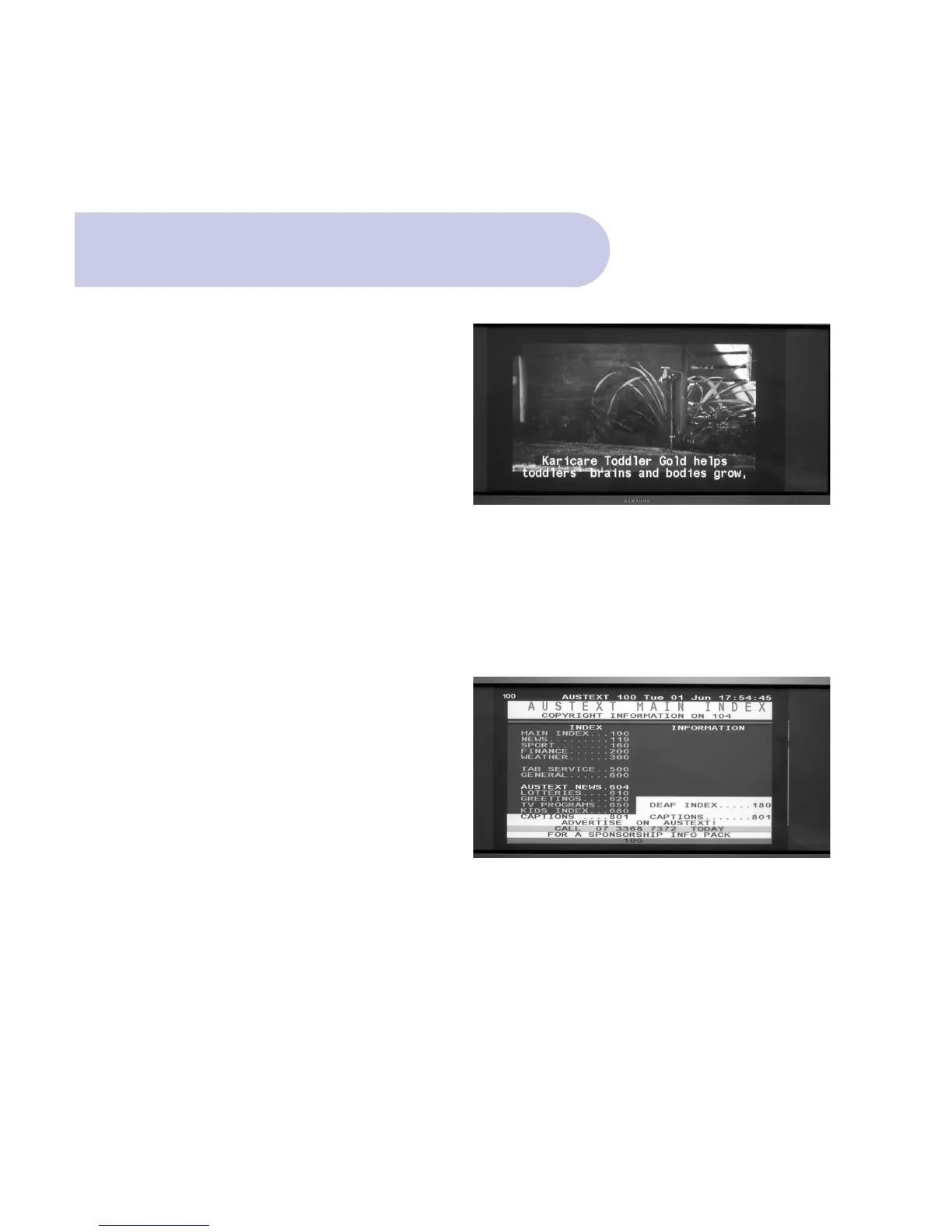
Closed captions are the spoken words displayed on
the screen. It is available only when the broadcasting
signal carries such data.
• To view Captions, Press SUB button
• To turn Captions OFF, push Exit.
Teletext is a text-based data service. It is available
only when the broadcasting signal carries such data.
• Press TEXT button.
• To select your preferred Teletext topics, enter the
topic number via the numeric buttons the remote
control.
• To turn Teletext Off and return to normal viewing,
push EXIT button.
Teletext



 To Next Page