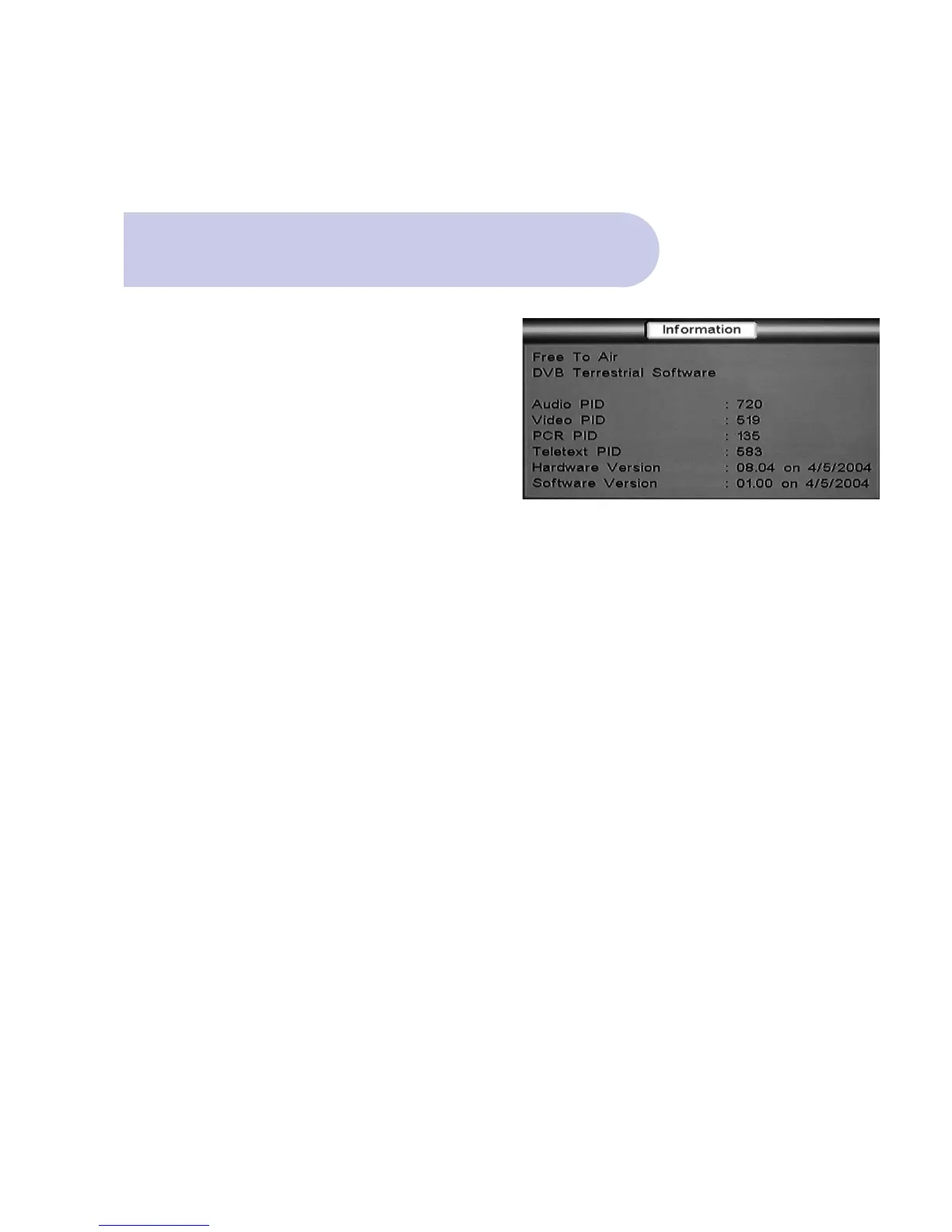
Information Menu
This menu details information on the receiver’s
software and hardware version
• Push the MENU button, and Welcome banner
will appear.
• Push the BLUE button for Main Menu.
• Banner at the top of the TV screen will be viewed
listing: Installation / Set Up / Information.
• Scroll to & select Information by pushing OK button
and then select sub menu Information.
Information banner will now be viewed.
• Push Exit 3 times to view normal TV broadcast.
39



 To Next Page