EasyManua.ls Logo

Strong SRT 5406 - User Manual

Strong SRT 5406
40 pages
Print Icon
To Next Page IconTo Next Page
Loading...
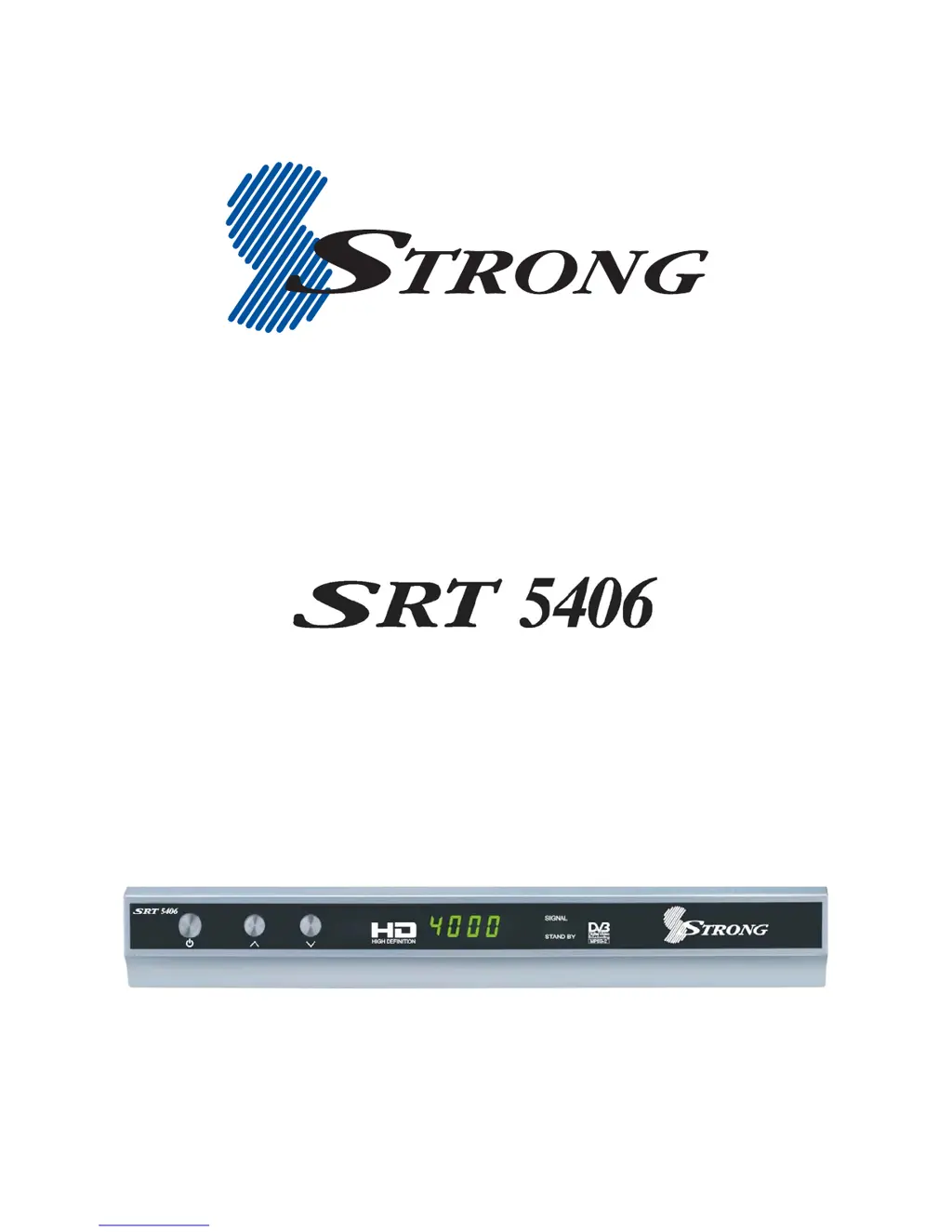
High Definition Digital Terrestrial Receiver
USER’S MANUAL

Questions and Answers

  • C
    Caleb GrantJul 31, 2025
    How to fix no sound on Strong SRT 5406?
    • K
      Kelly GarciaJul 31, 2025
      If your Strong TV Receiver is silent, first, check if the receiver or TV is in mute mode by pressing the MUTE button on both devices. If that's not the issue, adjust the TV volume using the TV remote control.
  • W
    William BoyleAug 5, 2025
    What causes picture and audio glitches on Strong SRT 5406?
    • N
      Nicholas McclureAug 5, 2025
      If you're experiencing picture or audio glitches on your Strong TV Receiver, ensure the antenna cable is securely plugged in and that the signal is adequate. Also, check that all antenna cabling is quad-shielded to prevent electrical interference.
  • R
    rebeccasmithAug 9, 2025
    What to do if my Strong TV Receiver has no picture and sound?
    • U
      ufoleyAug 9, 2025
      If your Strong TV Receiver shows no picture and sound, first, ensure the correct cable connects your TV and receiver, including the antenna. Next, verify that you've selected the correct video or AV input on your TV. Finally, if using a Composite or S-Video connection, set the video definition to 576i by pressing EXIT and then FORMAT on the remote control until a picture appears.
  • A
    Alison ArnoldAug 14, 2025
    Why is my Strong TV Receiver remote control not working?
    • D
      donald32Aug 14, 2025
      If your Strong TV Receiver remote control isn't working, first, make sure batteries are inserted correctly. If they are, try changing the batteries. Finally, ensure you're aiming the remote control directly at the receiver.
  • P
    pughdeniseAug 20, 2025
    How to troubleshoot Strong SRT 5406 when indicators on front panel do not light up?
    • G
      goldenstacyAug 20, 2025
      If the indicators on the front panel of your Strong TV Receiver do not light up, ensure the AC power cord is properly connected to the wall socket and that the power switch is turned on.
  • L
    longjackAug 25, 2025
    What to do if music files don’t appear on Strong SRT 5406 TV Receiver from USB?
    • D
      David KennedyAug 26, 2025
      If music files on your USB memory stick aren't appearing on your Strong TV Receiver, verify that the files are in MP3 format. Also, ensure the files are located at the root or top level of the USB drive, not within any folders or directories.

Summary

Important Safety Instructions

Controls and Indicators

Front Panel Controls

Identifies controls and indicators on the front panel of the SRT 5406.

Rear Panel

Rear Panel Connectors

Details the input/output ports and their functions on the rear panel.

Remote Control

Remote Control Buttons

Explains the functions of various buttons on the remote control.

Remote Control Setup

Installing Remote Batteries

Step-by-step instructions for inserting batteries into the remote control.

Quick Start

Initial Setup Steps

Provides a concise guide for initial setup of the SRT 5406 receiver.

Connection Guide

Connecting to Antenna

Instructions for connecting the antenna lead to the receiver.

Choosing TV Connection Method

Outlines different methods for connecting the receiver to a TV.

Connection Options

HDMI, Component, S-Video Connections

Details connecting the receiver via HDMI, Component, and S-Video.

Composite Connection

CVBS (Composite) Connection

Details connecting via Composite video and audio cables.

Getting Started

Operation

Features

Program Guide

Channel Scanning

User Settings

System Settings

PIN Setting

System Maintenance

Data Management

Troubleshooting

Strong SRT 5406 Specifications

General IconGeneral
BrandStrong
ModelSRT 5406
CategoryTV Receiver
LanguageEnglish

Related product manuals