20
To check existing levels
To assure that you can receive adequate picture
quality for digital transmissions, it is very important to
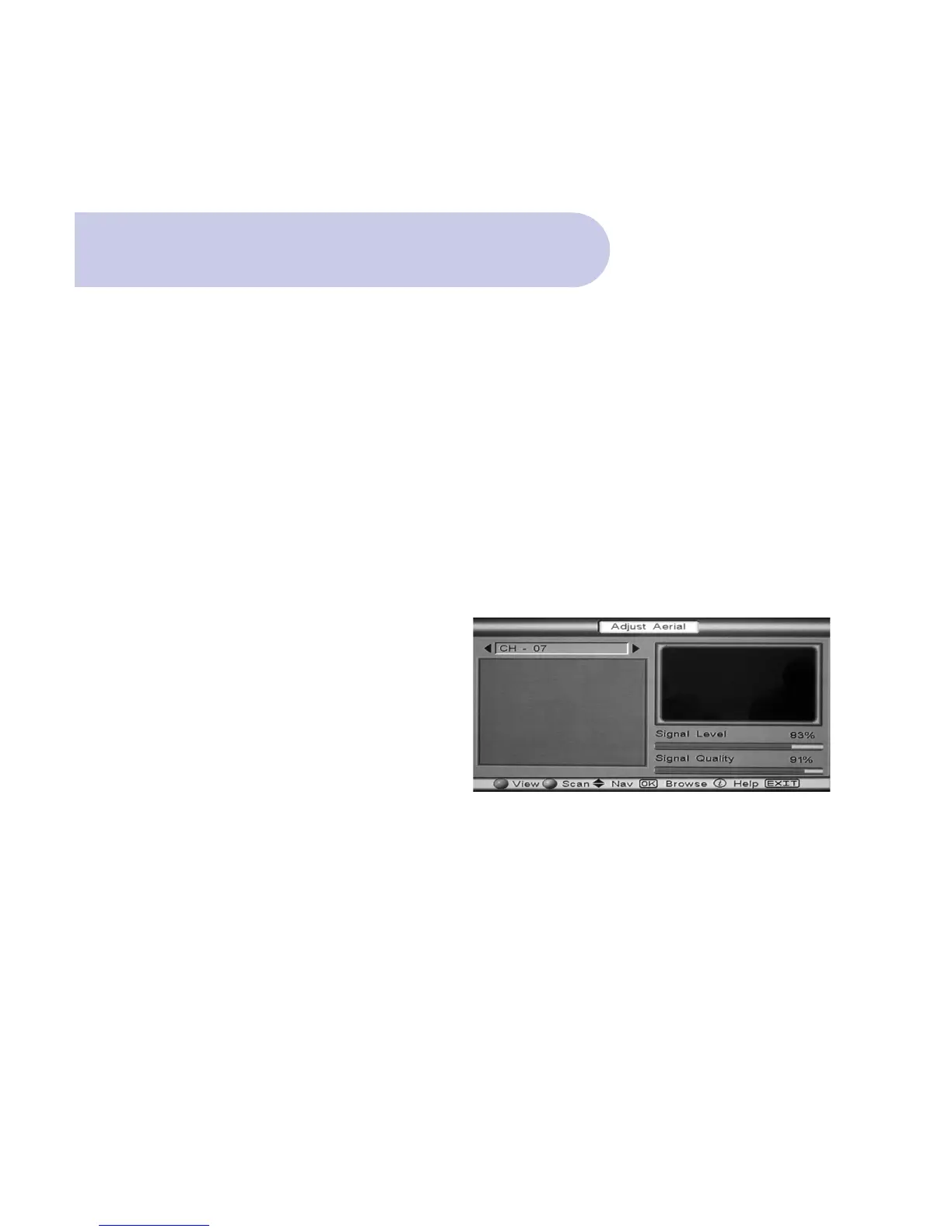
check that you have enough Signal Level and Quality
(signal to noise ratio) through your antenna system.
Level: Ideal is 100 % Quality: Ideal is 100%
Minimum is 50% Minimum is 50%
• Push the MENU button, and Welcome banner will
appear.
• Push the BLUE button for Main Menu.
• Banner at the top of the TV screen will be viewed
listing: Installation / Set Up / Information.
• Scroll to Installation and push OK. Select Aerial
Banner and Push Ok
• Select Adjust Aerial banner and push OK.
• Adjust Aerial banner will be viewed.
Checking your Aerial Signal



 To Next Page