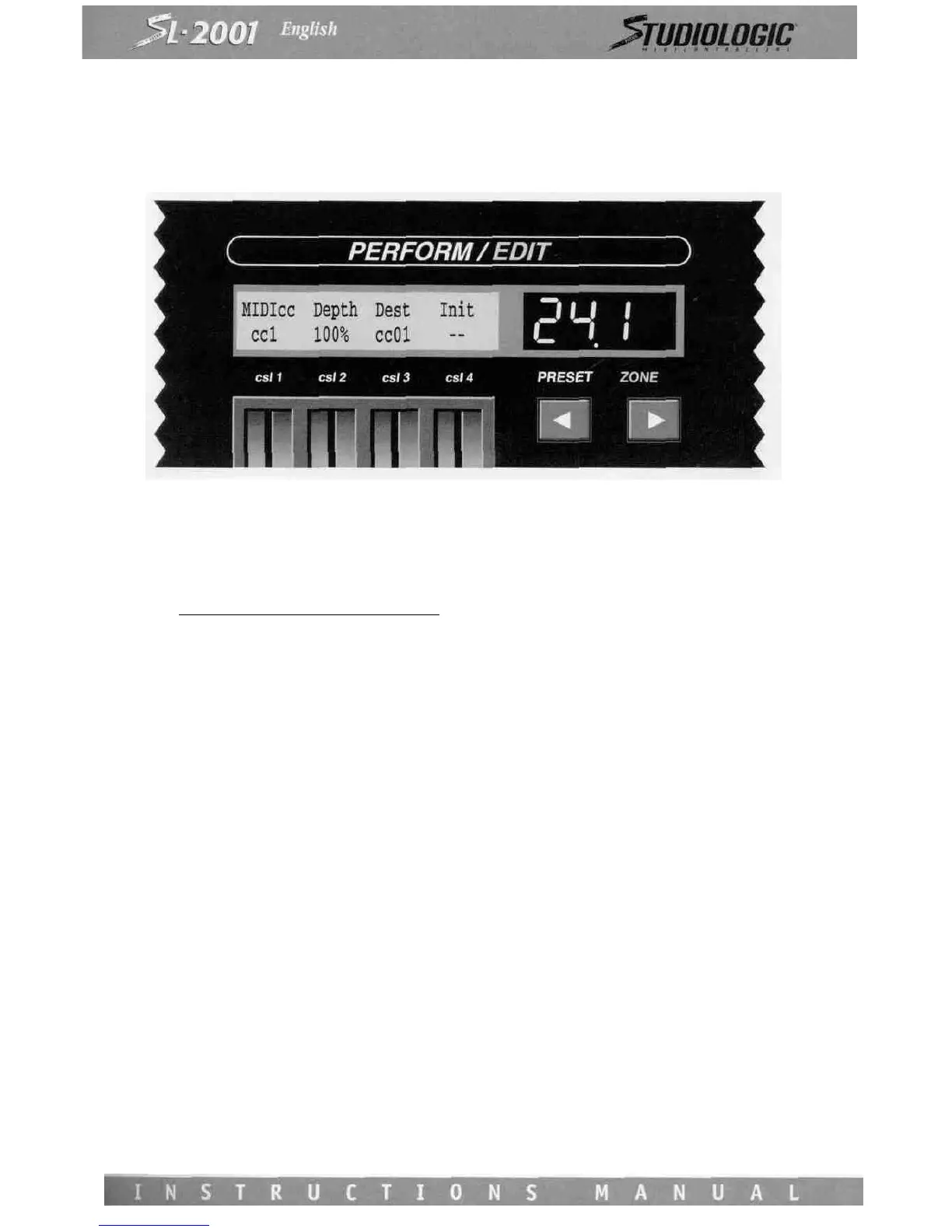
MIDIcc
The MIDI cc screen applies to continuous controller messages from external instruments.
Operation of this screen is nearly identical to the CONTROLS screen. Control Slider 1 is used to select among the MIDI con-
tinuous controller messages:
cc #. Definition____cc * Definition
Pitch 9
Channel Pressure 10 Pan
Note* 11 Expression
Velocity 12
0
I
1 Modulation 15
2 Breath 16 Gen'l Purpose #\
3 17 Gen'l Purpose #2
4 Foot 18 Gen'l Purpose #3
5 Portamento time 19 Gen'l Purpose #4
6 Data Entry MSB 20
7 Volume I -
8 Balance 31
If a controller type does not have a standard name, it will appear on the slider as "cc" plus its number. In addition to these
controller messages, there is also a selection for polyphonic key pressure.
Use Control Slider 2 to adjust the depth. To block a message completely, set this slider for Off. Select the destination mes-
sage using Control Slider 3. If desired, any destination controller may be initialized when the preset is entered. Use Control
Slider 4 to set the initial value to be issued. The initial value can be sent to any destination, even if the depth setting is off.
The MIDI cc screen operates only if the zone has an external source (and the zone is not bypassed).














 To Next Page