FORESTER (NA) A8050BE–A (ENG.)
4-8
1. Set the air inlet selection lever to the “
” position
2. Set the air flow control dial to the “
” position.
3. Set the temperature control dial to the most comfortable level.
4. Set the fan speed control lever to the desired speed.
NOTE
Warm air also comes out from the right and left air outlets. To
stop warm air flow from these outlets, turn the corresponding
thumb-wheel to the “
” position.
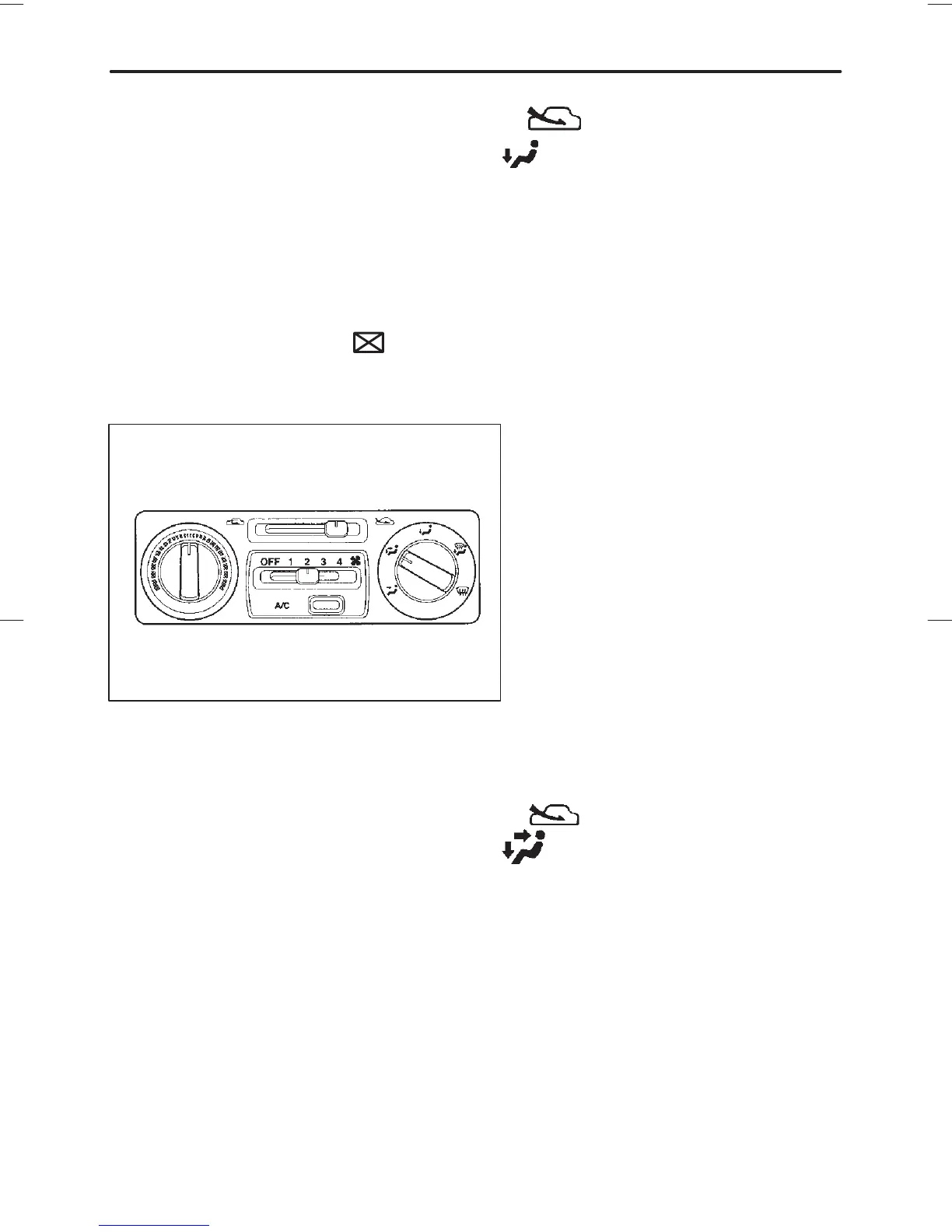
B Bi-level heating
HS0078
This setting allows you to direct air of different temperatures from the
instrument panel and foot outlets. The air from the foot outlets is
slightly warmer than from the instrument panel outlets.
1. Set the air inlet selection lever to the “
” position.
2. Set the air flow control dial to the “
” position.
3. Set the temperature control dial to the desired temperature level.
4. Set the fan speed control lever to the desired speed.
Setting the temperature control dial fully turned to the red area or blue
area decreases the temperature difference between the air from the
instrument panel outlets and the air from the foot outlets.














 To Next Page