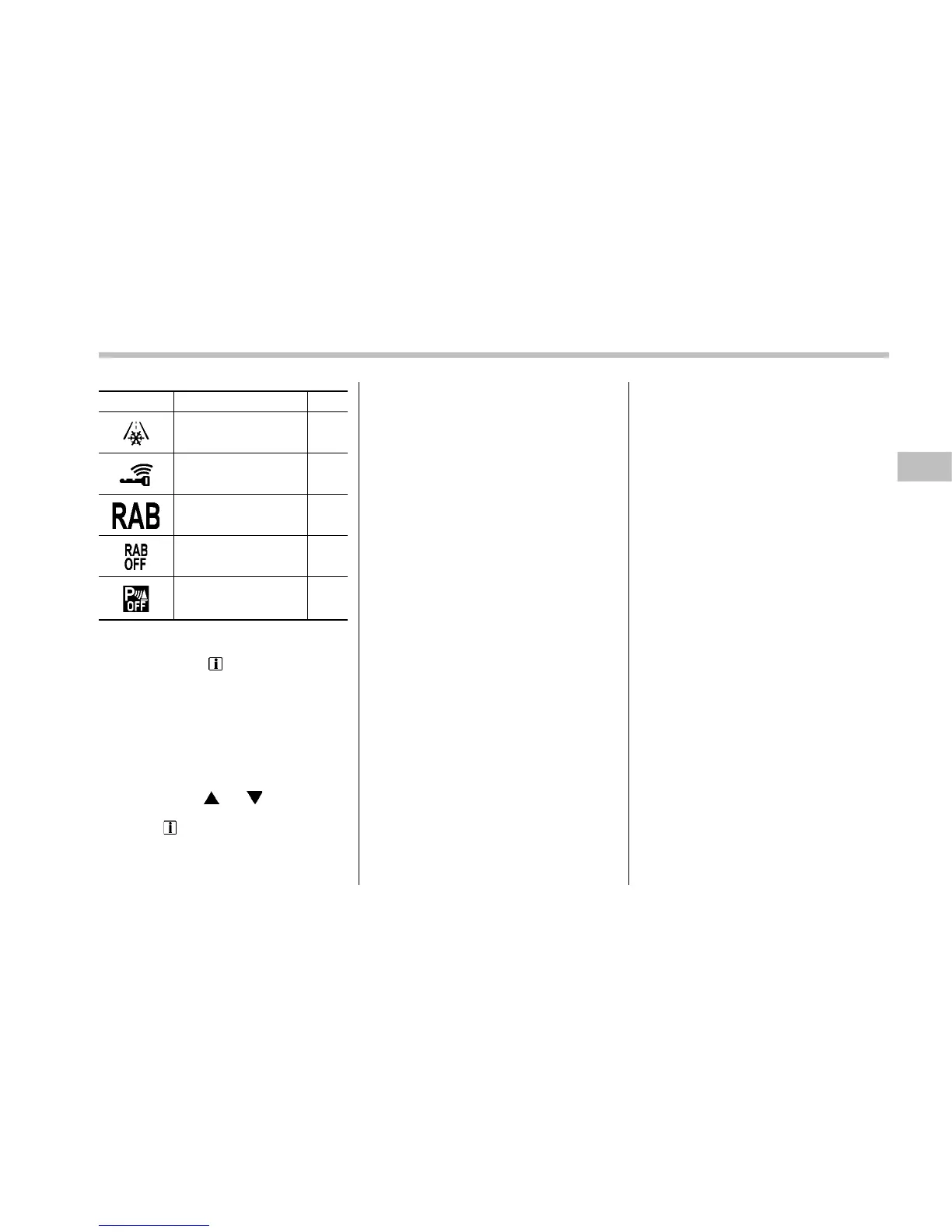
Mark Name Page
Icy road surface warn-
ing indicator
3-32
Access key warning in-
dicator (if equipped)
3-25
RAB warning indicator
(if equipped)
3-33
RAB OFF indicator (if
equipped)
3-33
Sonar audible alarm
OFF indicator (if
equipped)
3-33
& Menu screens
Pull and hold the “ /SET” switch to enter
the menu screens when all of the following
conditions are satisfied.
. The vehicle has been completely
stopped.
. The select lever is in the “P” position.
. The menu screen entering screen is
selected.
By operating the “
” or “ ” switch on the
steering wheel, you can select the menu.
Pull the “
/SET” switch to enter the
selected menu.
NOTE
If you enter the “Go Back” menu, the
system will return to the previous
screen.
Instruments and controls/Multi information display
– CONTINUED –
3-41















 To Next Page