Audio/Audio set
No. Function
&
10
Return to the playback display.
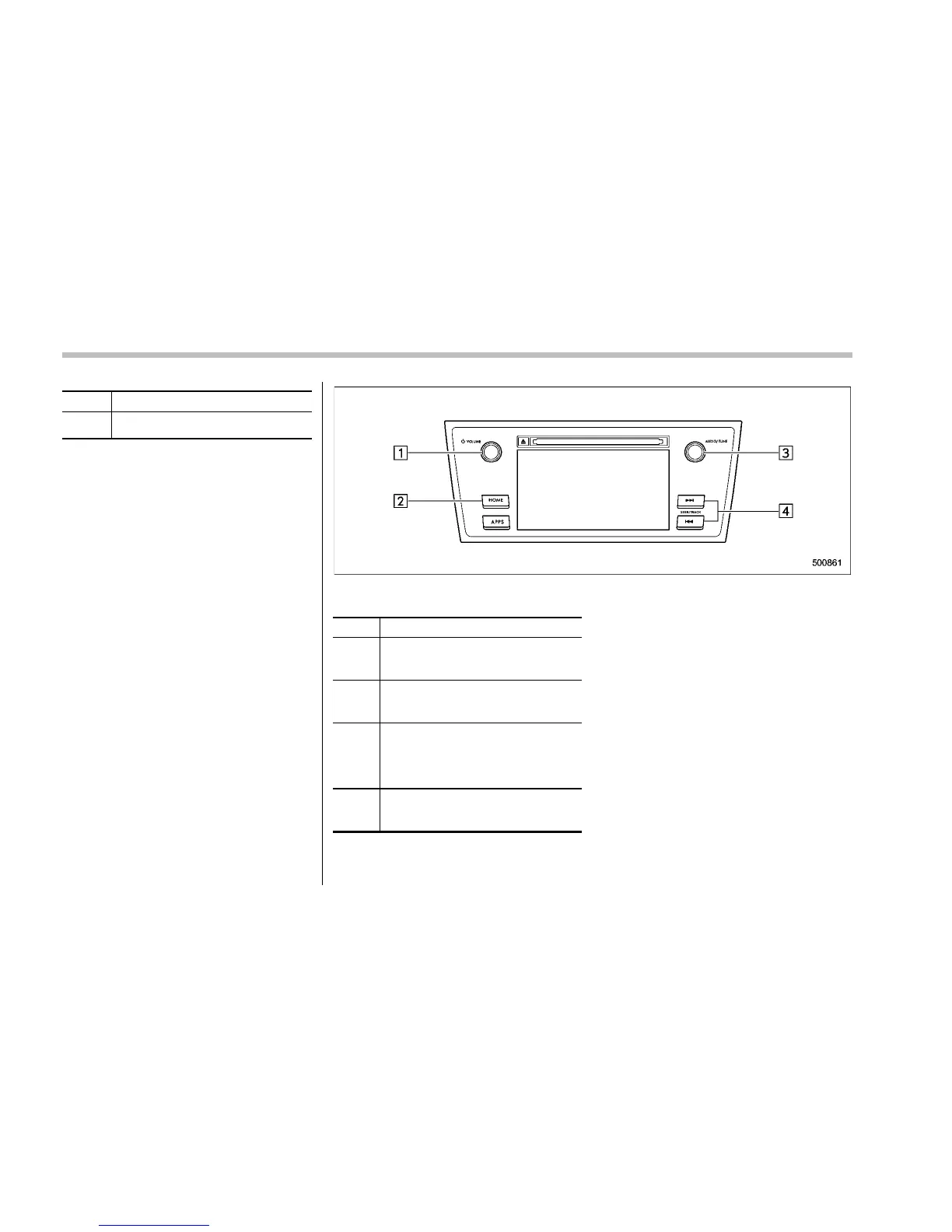
Audio panel
No. Function
&
1
Turn to adjust volume.
Press to turn the audio system on/
off.
&
2
Press to display the sound setting
screen. Refer to “Unit settings” F5-
19.
&
3
Turn right to step up channels and
turn left to step down channels.
Press to select an audio source.
Refer to “Selecting an audio source”
F5-18.
&
4
Press to step up/down channels.
Press and hold to step up/down
channels fast.
5-38















 To Next Page