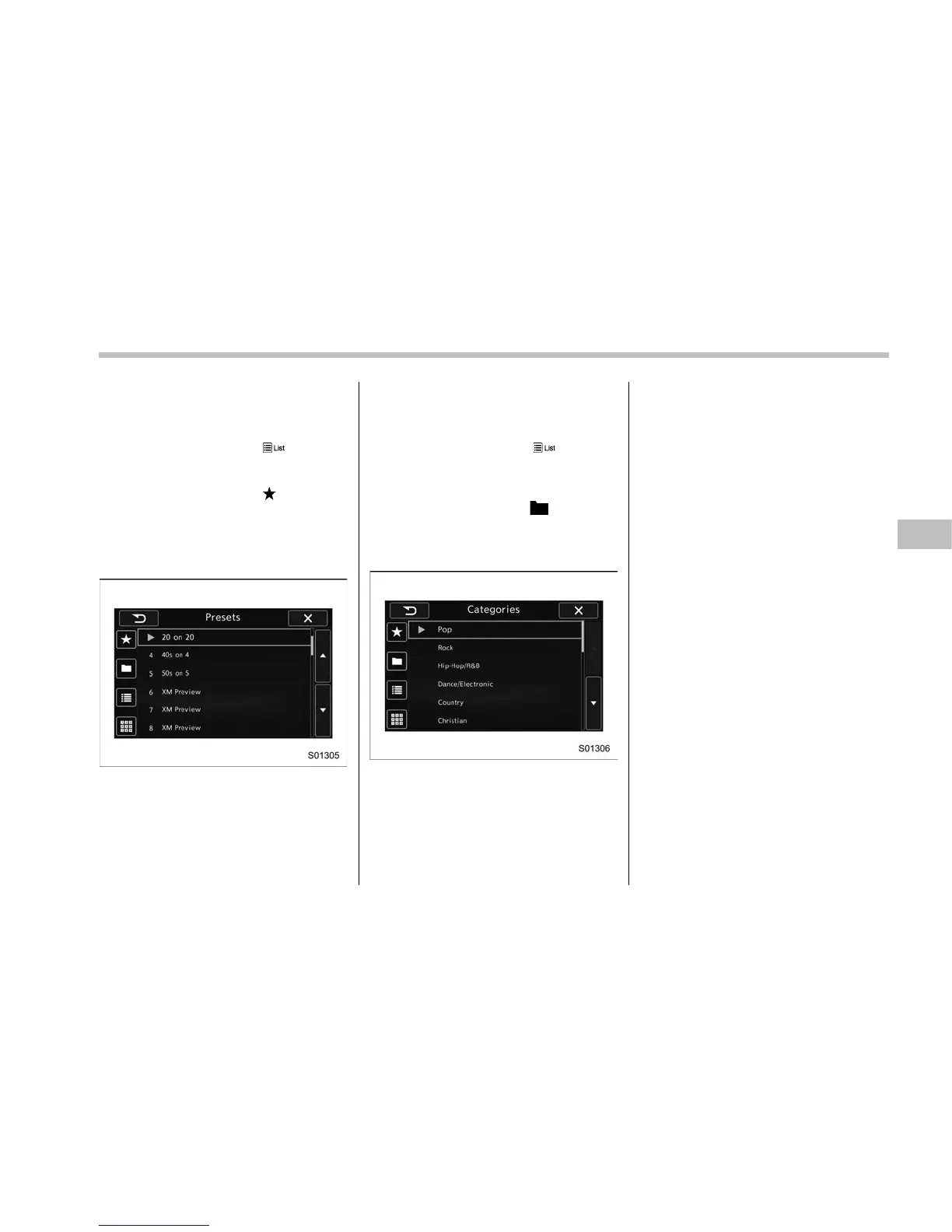
! Presetting a channel
1. The presets list is displayed via either
of the following procedures.
. When you touch the
tab in the
SiriusXM main screen (if the list that
was displayed the last time is Presets).
. When you select the
tab in each
list screen.
2. The current channel is stored if you
touch and hold the preset list key. You can
store up to 30 channels (A beep sounds
when a channel stored).
The playing icon is displayed for the
currently selected channel.
! Selecting a channel from the list
1. The categories list is displayed via
either of the following procedures.
. When you touch the
tab in the
SiriusXM main screen (if the list that
was displayed the last time is Cate-
gories).
. When you select the
tab in each
list screen.
2. Each channel list is displayed when
you select each category item.
Audio/Audio set
– CONTINUED –
5-41















 To Next Page