北米Model "A2600BE-B" EDITED: 2020/ 10/ 1
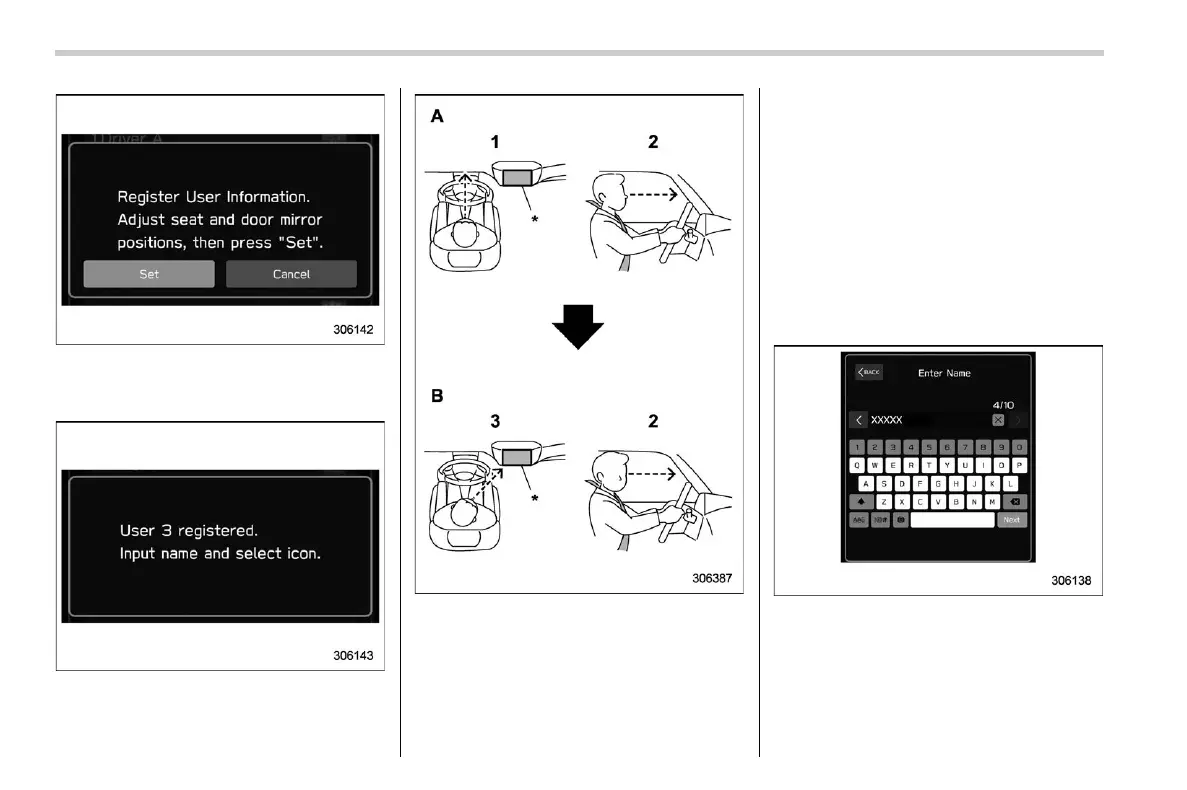
8. ? “Set”
9. While seated in the driver’s seat, face
forward and wait for a few moments.
When the screen changes, the registration
of the facial scan is completed.
A) Forward direction
B) Display direction
1) Face forward.
2) Do not lower your chin.
3) Face the display.
*: Display
NOTE
. If user registration cannot be per-
formed, turn your face forward as
shown in the illustration, then turn to
the display.
. There are some cases where user
registration cannot be registered prop-
erly. In those cases, refer to “Driver
Monitoring System” FP404.
. If “Unable to register. Try again.”
appears, repeat the procedure begin-
ning from step 5.
10. Enter the name.
11. ? “Next”
Center Information Display (CID)
228














 To Next Page