EasyManua.ls Logo

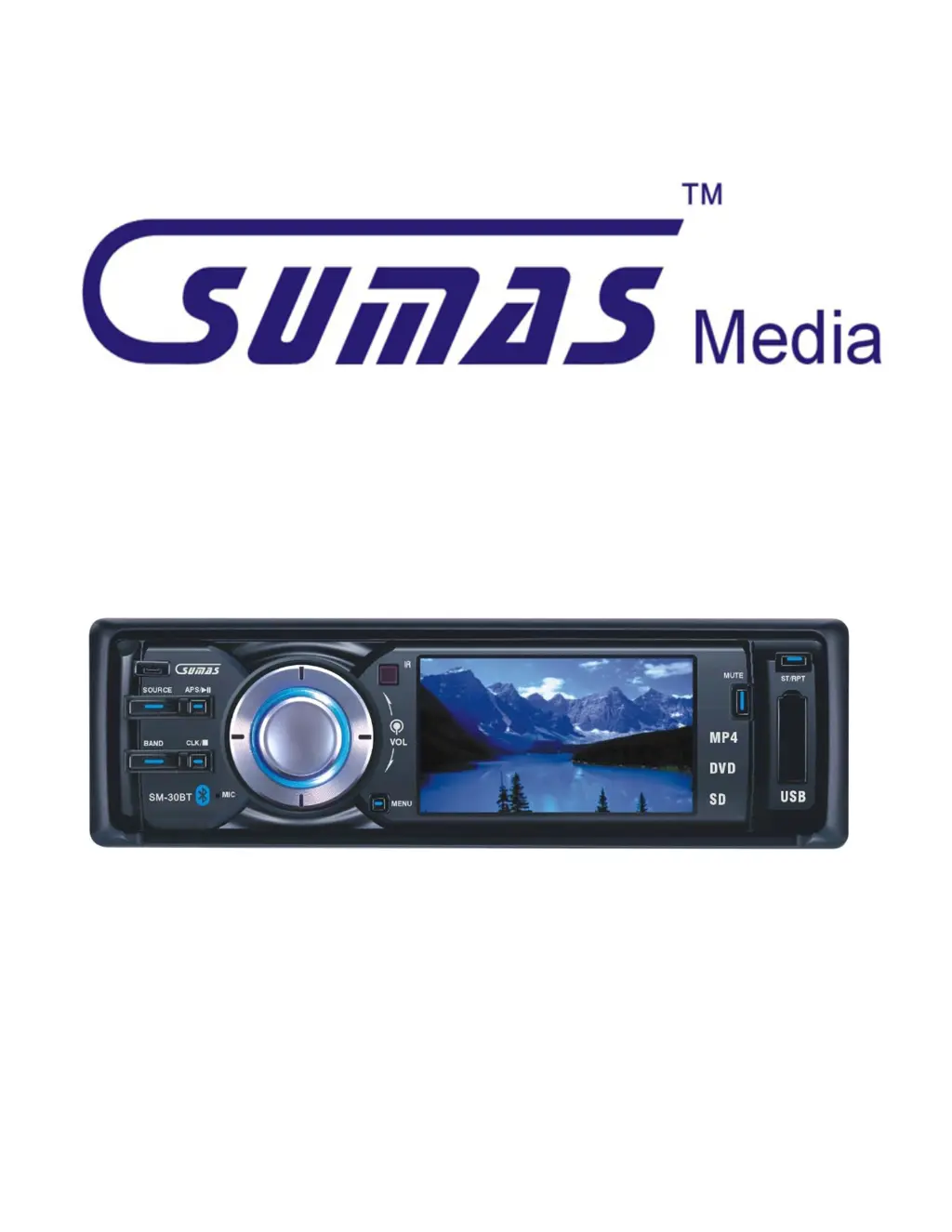
sumas SM-30BT - User Manual

sumas SM-30BT
16 pages
Print Icon
To Next Page IconTo Next Page
Loading...
SM-30BT
USER OPERATION MANUAL

Questions and Answers

Summary

Safety Information

Laser Safety Warning

Warning about direct exposure to the laser system and not opening the unit.

Safe Driving Practices

Keep sound at appropriate level to hear surroundings while driving.

Cleaning and Environment Precautions

Avoid liquids and extreme environments to prevent damage and ensure proper function.

Parking Brake Wire Connection

Connect park wire to parking brake for functionality and safety.

Fuse Replacement

Use fuses with the correct amperage rating to prevent damage.

Installation

Front Panel Installation and Removal

Instructions for installing and removing the front panel of the unit.

Electrical Connection Safety

Ensure correct wiring and battery disconnection to prevent damage and short circuits.

Speaker Wiring Guidelines

Connect speaker leads correctly to terminals, avoiding cross-connections.

Ventilation and Reset Procedure

Avoid blocking vents and perform a reset after installation.

Maintenance

Playable Media and Care

Lists compatible disc formats and provides care instructions for DVDs and digital files.

Remote Control Battery Replacement

Instructions for replacing the battery in the remote control.

Remote Control Functions

Power, Source, and Mode Buttons

Controls for powering the unit on/off and switching between different modes.

Radio and Playback Operation

Functions for radio band selection, auto-scan, playback control, and repeat modes.

Navigation and System Settings

Controls for navigating menus, confirming selections, accessing settings, and adjusting audio.

Phone and Display Functions

Controls for managing phone calls and displaying information on the screen.

Numeric Keypad and Search

Numeric keypad for dialing, plus functions for searching and scanning radio stations.

Regional Functionality Notes

AF/TA/PTY buttons are noted as non-functional for European models.

Front Panel Functions

Front Panel Release

Button used to release the front panel.

Menu and System Settings

Accesses system settings and menu options.

Band and Random Play Selection

Selects radio bands (FM/AM) and toggles random playback.

Source and Power Control

Powers the unit on/off and switches between different media modes.

Directional and Media Controls

Navigate menus and control playback for various media types.

Audio and Display Adjustments

Controls for stereo/mono, mute, clock display, and equalizer settings.

Input Ports and Reset

Connect USB devices, SD/MMC cards, and reset the unit to factory defaults.

Basic Setup

Powering the Unit On;Off

Instructions for turning the unit on and off using the Source/Power button.

Switching Media Modes

How to cycle through and select different modes like Radio, Disc, SD, USB, etc.

Video Setting Adjustments

Adjust video settings like Brightness, Color, Contrast, and VMODE via Menu or Setup.

Audio Setting Adjustments

Customize audio settings including Bass, Treble, Balance, Fader, and EQ presets.

System Mode Settings

Configure system settings like Loudness, Beep, Background, Time Display, and Time Adjustment.

Basic Operation

Bluetooth Pairing and Call Management

Steps to pair a phone, make/receive calls, and manage call history via Bluetooth.

Bluetooth Music Playback

How to play music from a phone via Bluetooth, with controls managed by the phone.

Radio Mode Operation

Instructions for operating radio mode, including band selection, tuning, and storing stations.

Music;MP3-4 CD Mode

Guidance for inserting CDs, selecting tracks, random playing, and repeat play.

DVD Mode Operation

Instructions for inserting DVDs, skipping chapters, and using subtitle and repeat functions.

USB;SD;MMC Mode

How to insert and play files from USB drives and SD/MMC memory cards.

Auxiliary (AUX) Mode

Connecting external devices via RCA cables for audio/video input.

Trouble Shooting

Power and Remote Functionality Issues

Solutions for the unit not turning on or the remote control being non-functional.

Playback and Sound Problems

Troubleshooting for discs not playing, no sound, or speaker output issues.

Display and Connection Issues

Resolving display errors, loud noise on power-up, and USB/SD card read errors.

Subtitle, Language, and File Format Problems

Addressing subtitle issues, language selection, and unsupported file formats.

Bluetooth and EQ Setting Issues

Troubleshooting Bluetooth connection problems and EQ setting limitations.

Specifications

General Unit Specifications

Details power requirements, impedance, dimensions, and weight of the unit.

DVD Deck and Video Specifications

Information on playable discs, video systems, and output resolution.

Audio and Tuner Specifications

Technical details for audio output, frequency response, and AM/FM tuner sensitivity.

Accessories

Included Installation Components

Lists components like faceplate frame, dash casing, screws, and wiring harness.

Included Operation and Manual Components

Details items such as push pin, extractors, faceplate caddy, remote control, manual, and wiring diagram.

sumas SM-30BT Specifications

General IconGeneral
BrandSumas
ModelSM-30BT
CategoryCar Receiver
BluetoothYes
USB PortYes
AUX InputYes
FM RadioYes
DisplayLCD
SD card slotYes