Basic Setup
Powering the unit ON/OFF
- Press the Source/Power button once to turn the unit on. Press and hold to turn off.
Note: When using the remote, just press “PWR” power button once to turn unit on/off.
Switching Modes
- Press the Source/Power Button on the unit repeatedly to cycle through the Modes.
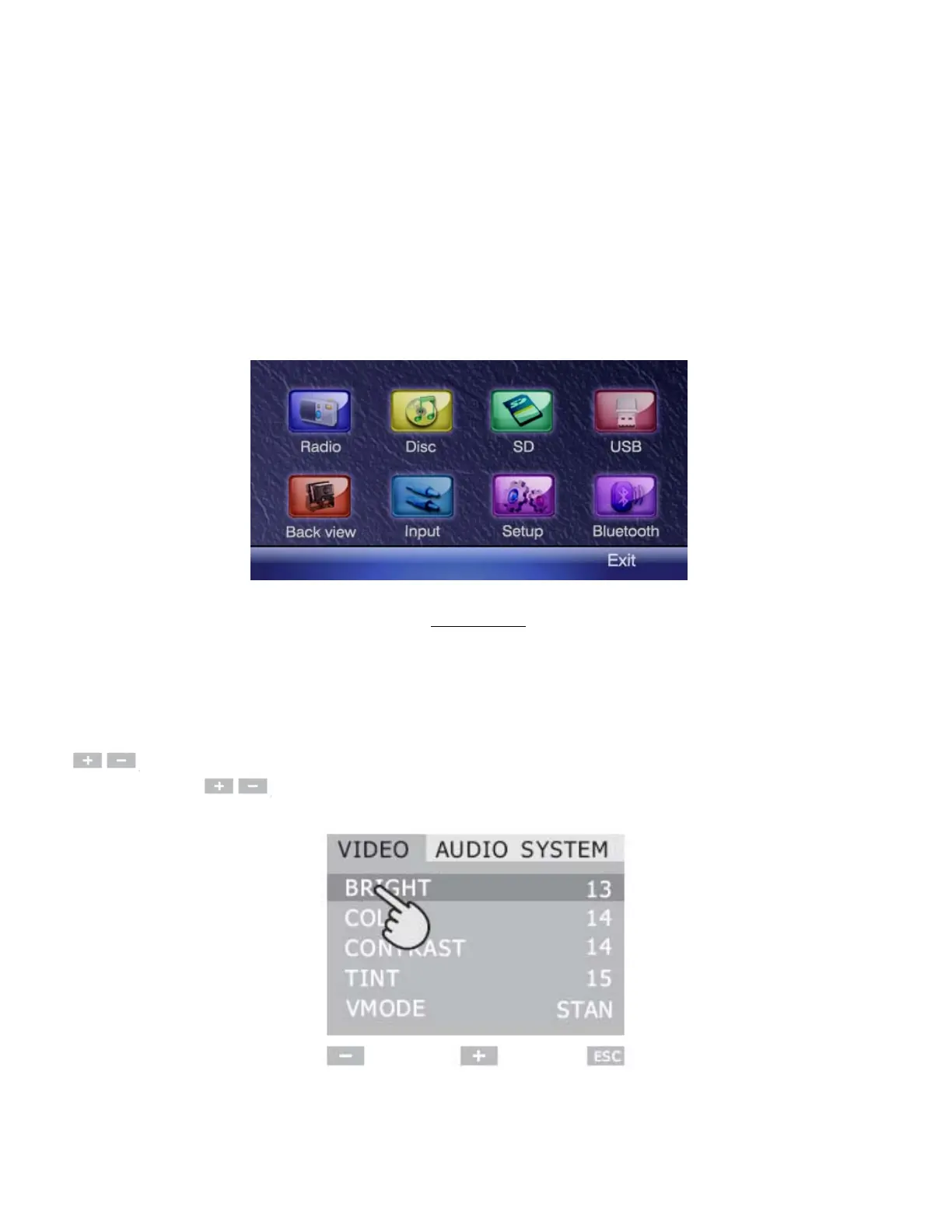
When on the main screen, simply touch the desired icon. (See below)
Main Screen
Video Setting
- To change settings, press MENU button on the panel or Setup on the remote control.
Scroll down or touch the option you want to change directly on the screen, press
to change settings. Play with these options to get the desired setting. Touch
VMODE then to cycle through preprogrammed video settings.
8


 To Next Page