29
USB Modes
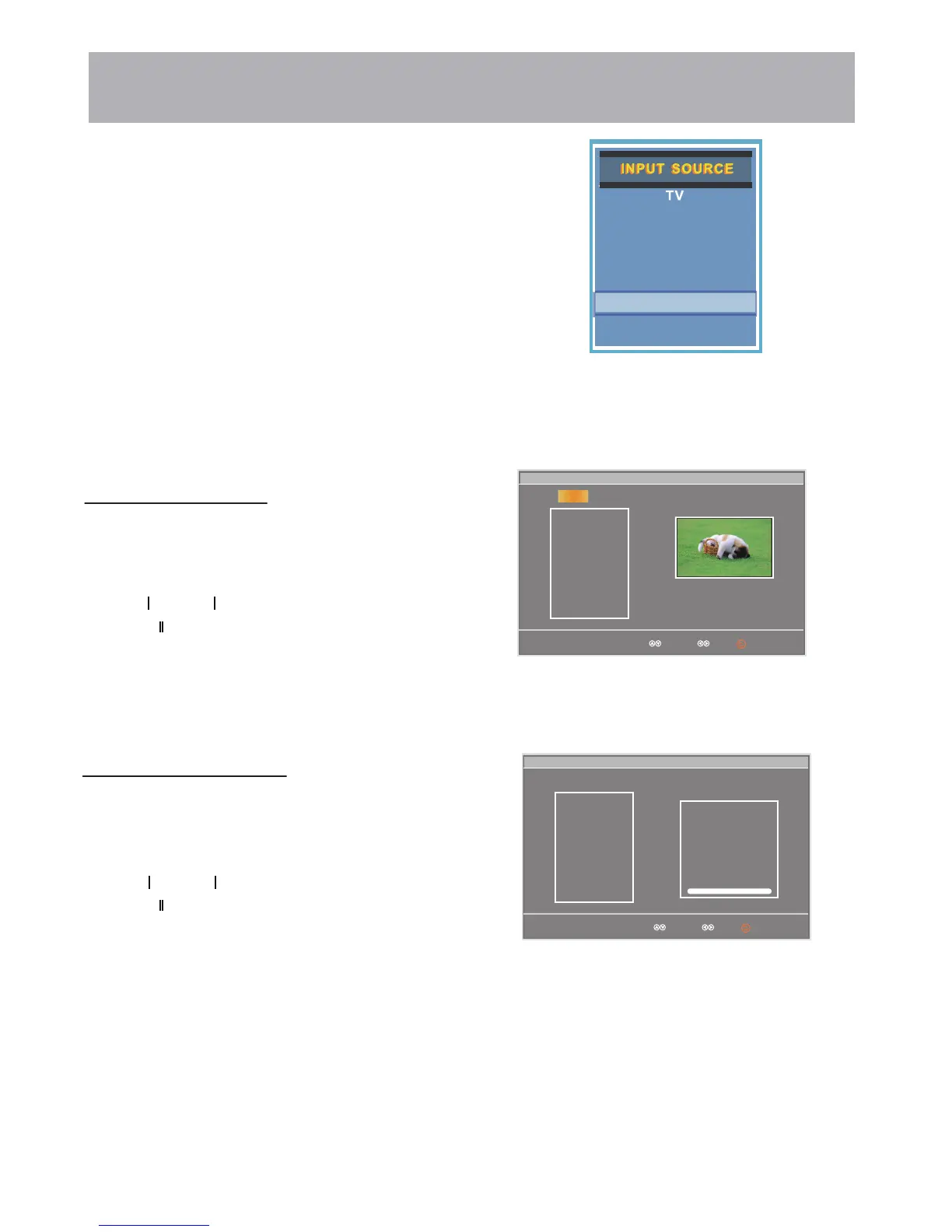
1. Press the INPUT button on the remote control to display the Input Menu.
2.
Press the ▲▼ buttons to select USB in the
Source menu, and then press
the ENTER button.
USB
VGA
HDMI1
HDMI2
HDMI3
Select Move
mblog.jpg
Play File:1
Total size:2.0GB
Unused size:1.8GB
001/001 534 x 800 34.3KB
Repeat
mblog.jpg
Music
C:\
C:
USB
Photo
To view Photos on the TV:
Press the
Press the button to return main menu.
Press the or button to view the next photo.
Press the buttons to select Photo.
▲
▲
or
▼
▼
button to highlight the photo you want to view.
Select Move
Photo
LOVE.mp3
Play File:1
Total size:2.0GB
Unused size:1.8GB
002/002
Repeat
LOVE.jpg
Title:
Artist:
Album:
Year
Pause
00:00 02:38
Music
C:\
C:
USB
▲
▲
▲
▲
Component / AV
Press ENTER to view the photo.
To Listen to Music on the TV:
Press the
Press the button to stop playback.
Press the or button to skip to the next/previous song.
Press the buttons to select Music.
▲
▲
or
▼
▼
button to highlight the song you want to hear.
▲
▲
▲
▲
Press ENTER to start playing the song.
▲ ▲



 To Next Page