27
If you have more cameras in same LAN network, software can auto-detect them and list in “Device List in
LAN”
Enable the channel you want to add; Choose the IP, input host(for camera in different network, you will need
to input external ip address/DDNS address), web port, media port, username, and password manually, click
Add to submit.
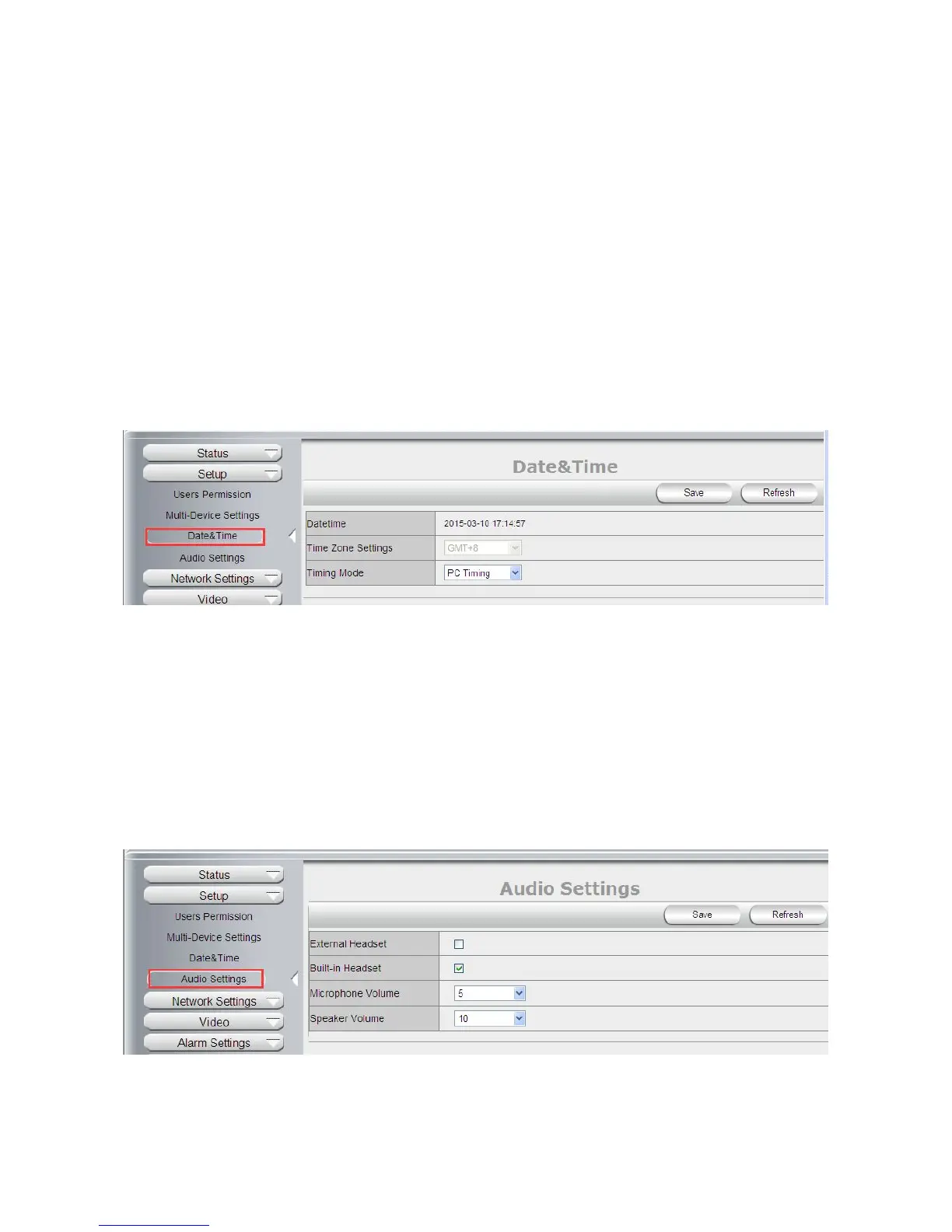
4.2.3 Date & Time
Date Time: Display the current date and time
Time Zone: Set the current time zone Selest the working time server.
Time Mode: Can choose PC Time or NTP Time.
PC Timing: Camera will set the time the same as your PC.
NTP Server: User will need to select a working time server, and select the time zone.
4.2.4 Audio Settings
External Headset: User need to enable this feature, and connect external audio device like speak, Mic. So
that this feature work.
Built-in Headset: This means the built-in Headset port; with located in the cable. User can connect to the
audio devices;
Microphone Volume: User can adjust the volume of Microphone.
Speaker Volume: User can adjust the volume of Speaker.



 To Next Page