35
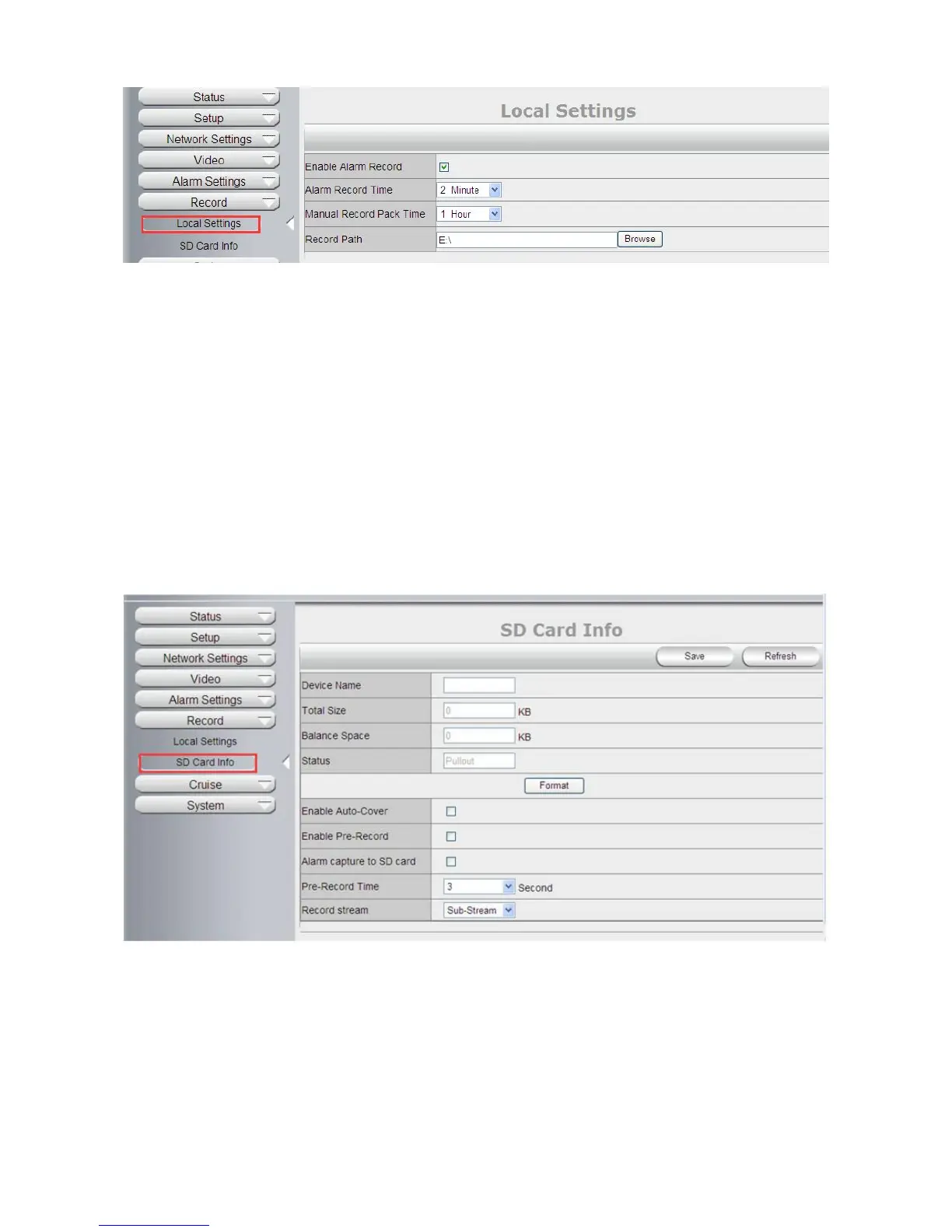
4.6.2 SD Card info--(Only Support SD Card Version)
Device Name: Display the name of SD card.
Total Size: Display the total size of SD card
Balance Space: Display the free space of SD card
Status: Display the state of SD card.
Format: Click it to delete all data and format the SD card. (All data will be lost if formatted).
Open Auto cover: Set SD card auto cover when it’s full.
Open Pre-recording: Set Pre-recording function (Record the video before alarm triggered).
Pre-recording Time: Set the Pre-recording time, can be from 1 to 6 seconds.
Record Stream: Choose the stream here:Main Stream and Sub Stream.
4.7 System
4.7.1 Log
Log provides information of camera, login, log out, alarm, power on/off..etc;



 To Next Page