18
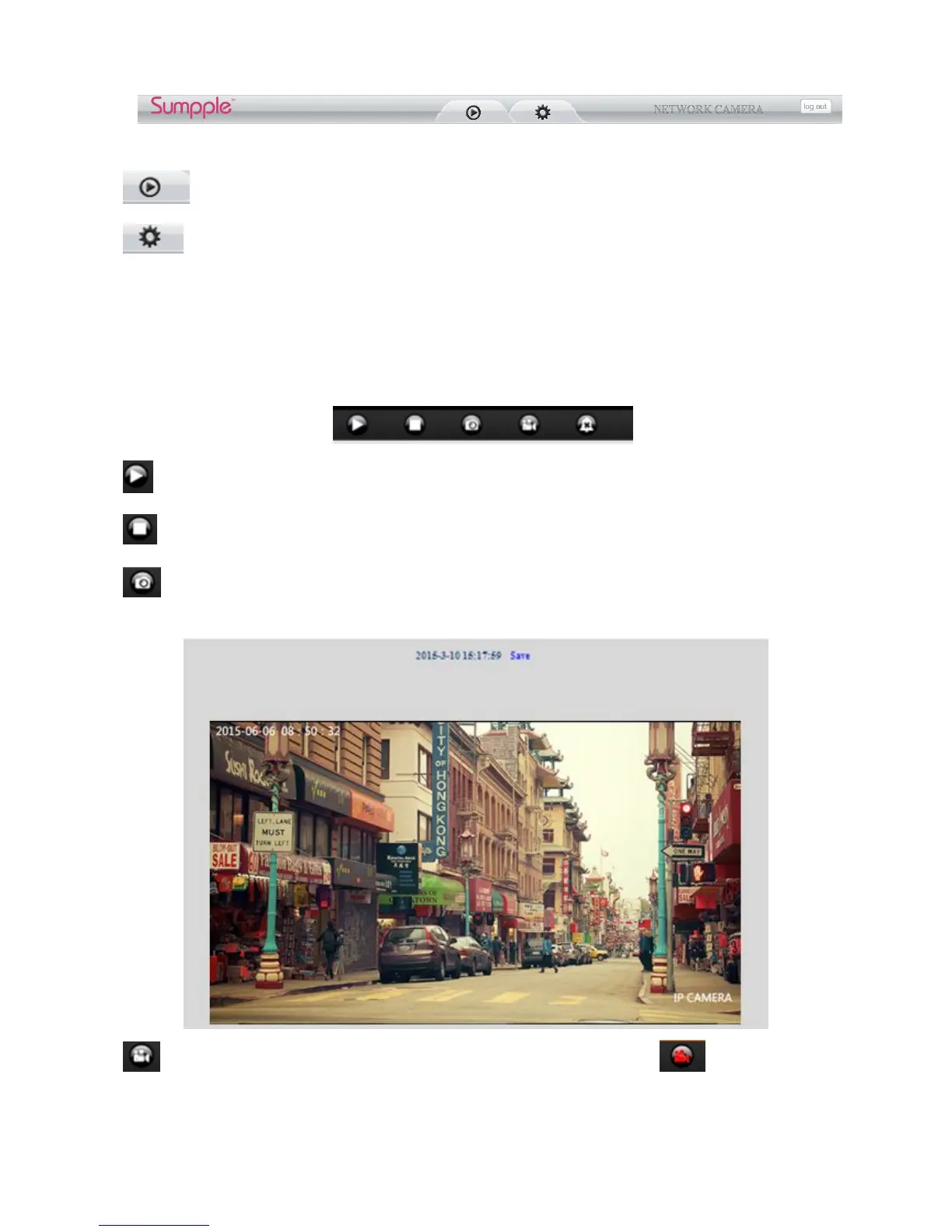
Live video: Click it, back to live video window from “Playback” or “Params settings”
Params Settings:Setting the camera’s parameters (Details see 4 Params settings)
Log out: you will back to the login page
3.4 For Live Video (for IE browser)
3.4.1 Video Menu:
Play: Play the live video.
Stop: Stop the live video.
Snapshot: Click to take snapshot, the picture be saved in the PC to its appointed path as JPG format,
and pop-up the prompt as below:(you can click “Save” to save the snapshot)
Record: Click to start record manually, the icon will change to green color. Record file will be
saved in the PC to its appointed path as AVI format. Click it again, will stop record function.



 To Next Page