25
4. SETTINGS
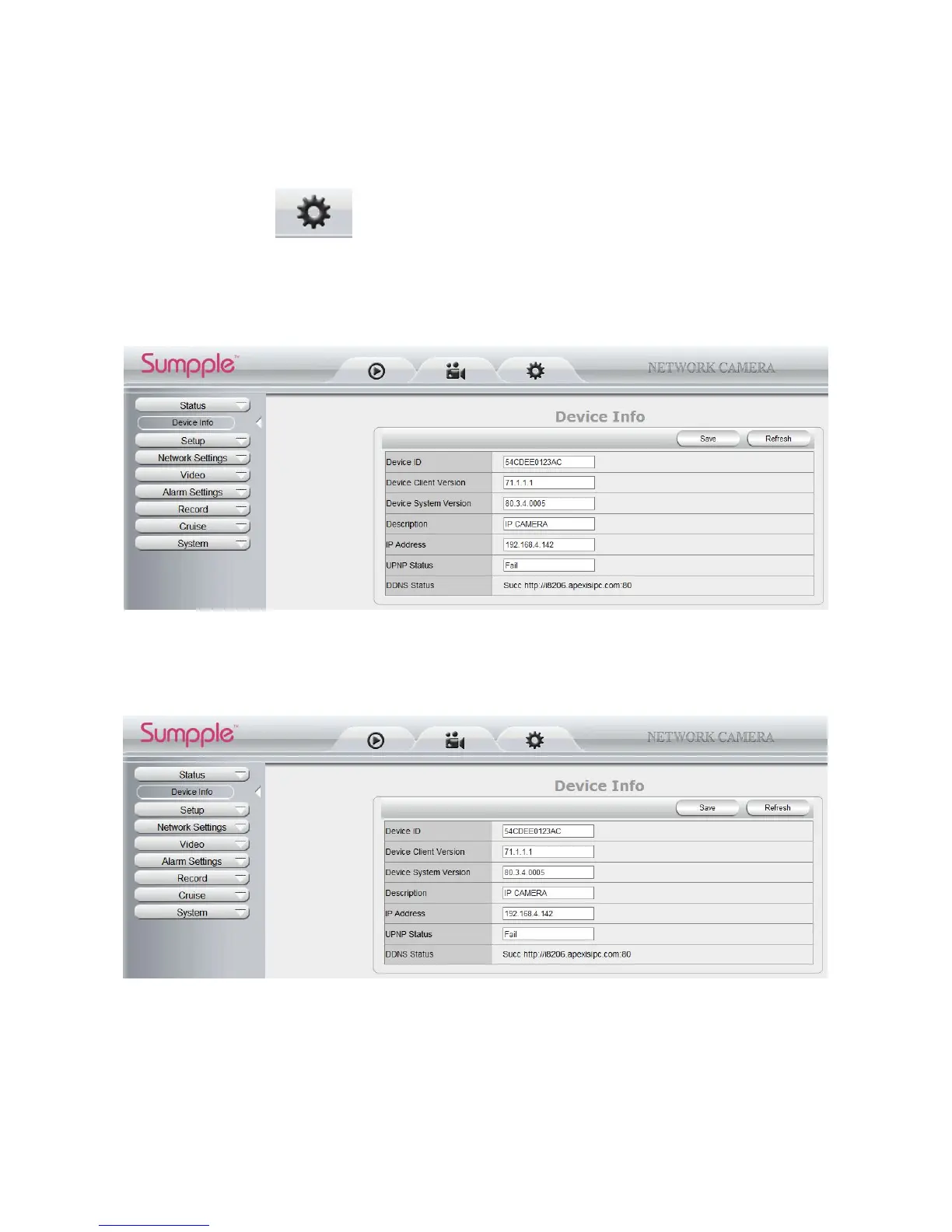
4.1 Status----Device Info.
Click “ Settings” icon select “Status”, it will show the basic information such as “Device ID”,
“Device Client Version”, “Device System Version”, “Description”, “IP Address”, “UPNP Status”, “DDNS
Status” etc.
Default device name is “IP Camera”, users can change the camera’s description here, picture as below:
4.1.2 For IE, camera will show as below:
Figure 4.7
4.1.3 For Safari, Chrome, Firefox, camera will show like picture as below:
Figure 4.8
4.2 Setup
4.2.1 User Permission
User can set 10 different usernames and passwords for different permission; Permission:
Administrator,Operator; Visitor;



 To Next Page