24
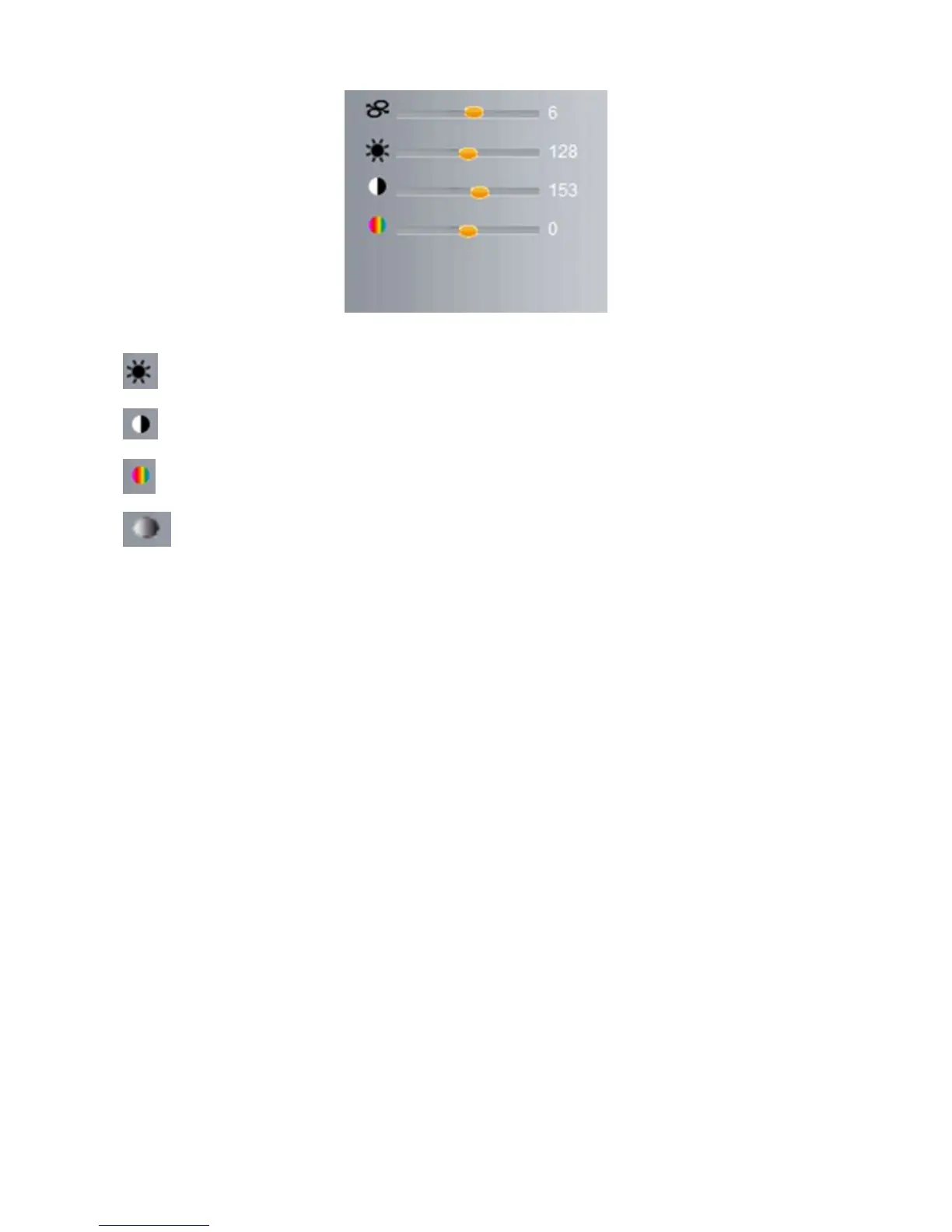
Figure 4.6
Brightness: set value from 0 to 255, click the icon to go back to the factory settings.
Contrast: set value from 0 to 255, click the icon to go back to the factory settings.
Hue: set value from -128 to 127, click the icon to go back to the factory settings.
Saturation: Set video saturation here.



 To Next Page