23
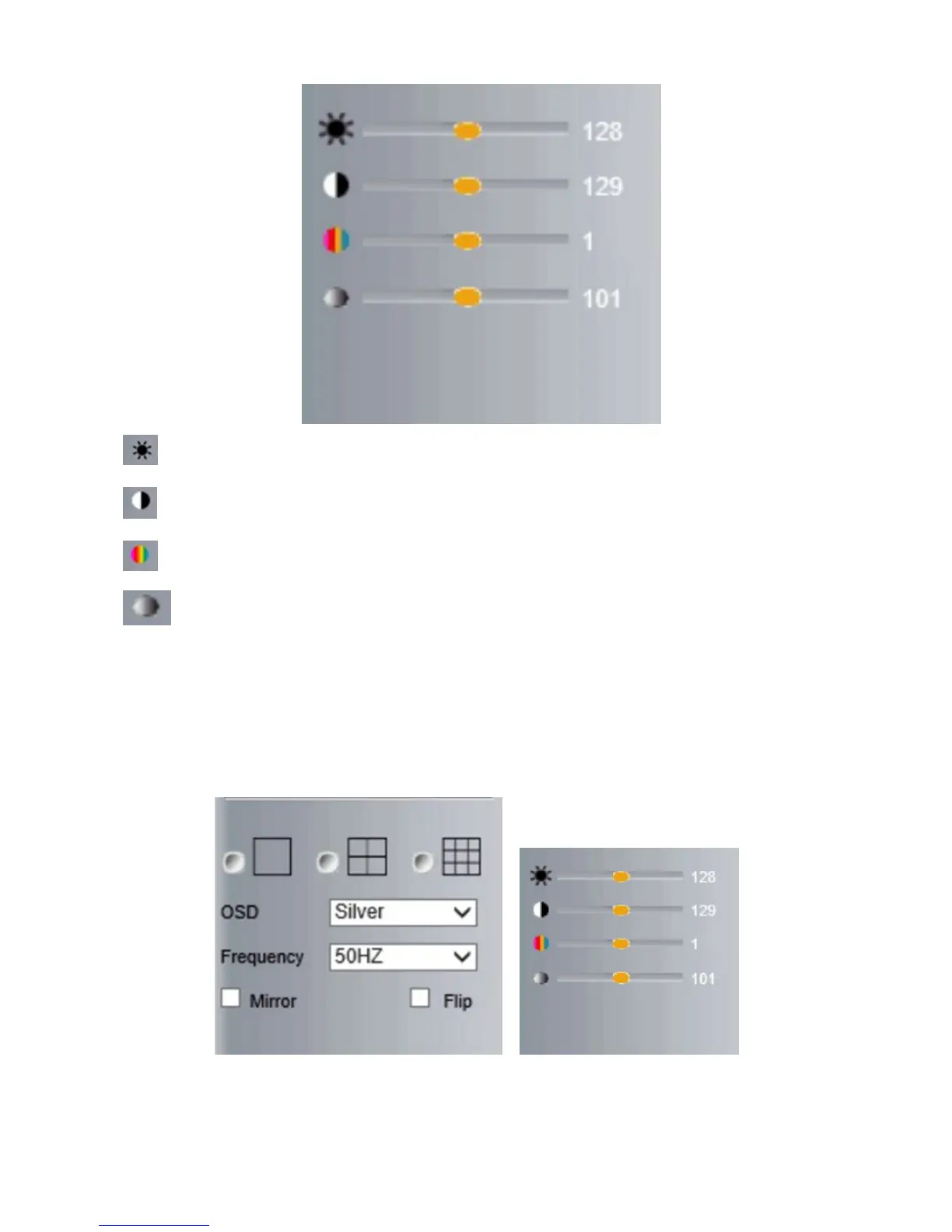
Brightness: set value from 0 to 255, click the icon, it will change back to the factory settings.
Contrast: set value from 0 to 255, click the icon, it will change back to the factory settings.
Hue: set value from -128 to 127, click the icon, it will change back to the factory settings.
Saturation: Set video saturation here.
3.4.2 Left Side Menu for Safari, Chrome, Firefox:
There are some basic operation icons listed on the left side menu as below:
Figure 4.4



 To Next Page