22
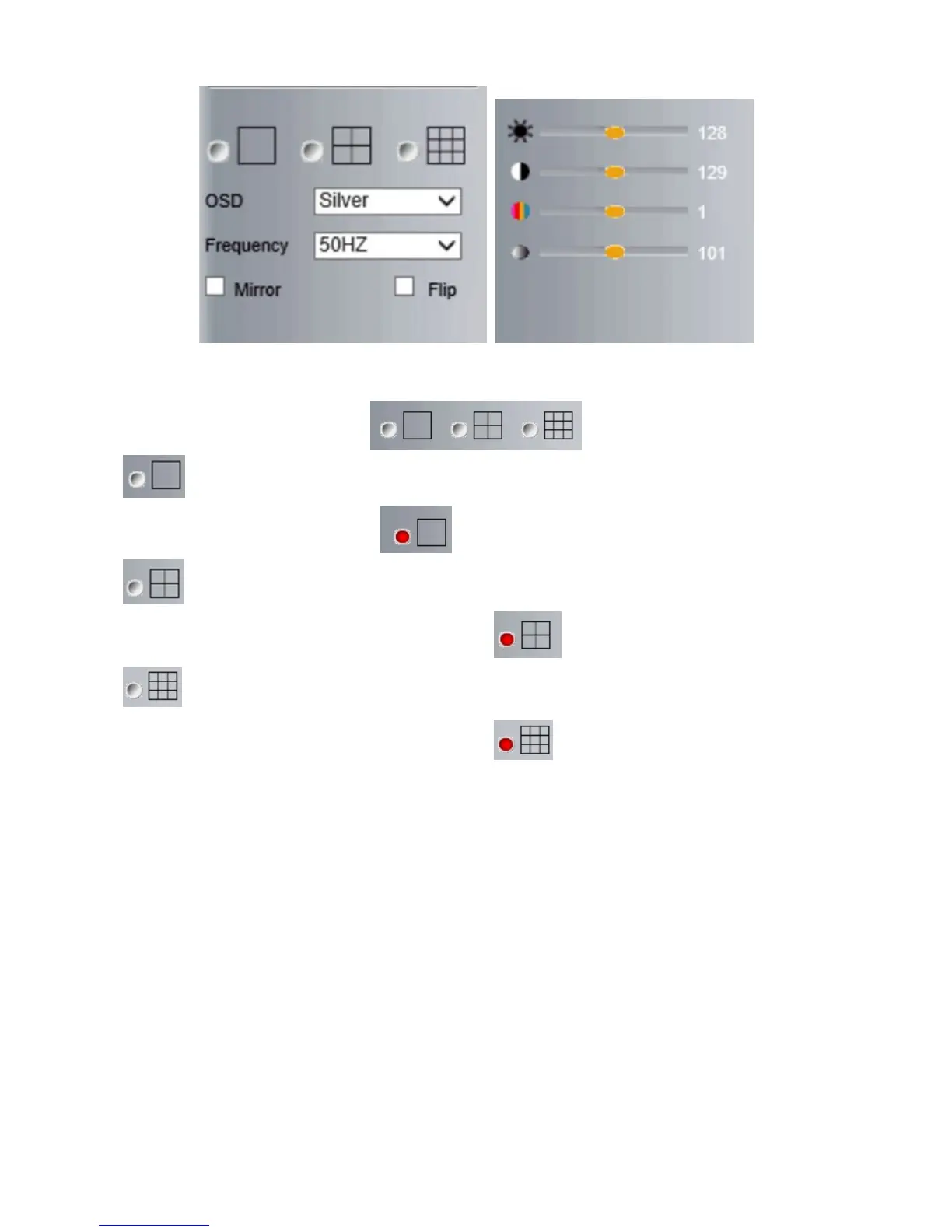
Click this one, you can view the main channel of the camera you login to, move the mouse to the
icon, the frame will change to red color .
Click this one; you can view 4 Channels of cameras that are connected, from CH1 to CH4. Move
the mouse to the icon, the frame will change to red color .
Click this one; you can view 9 Channels of cameras that are connected, from CH1 to CH9. Move
the mouse to the icon, the frame will change to red color .
NOTE: If you want to view 4/9 channels, you should set the Multi-Device firstly (See section 4.13 Multi-Device
Settings).



 To Next Page