21
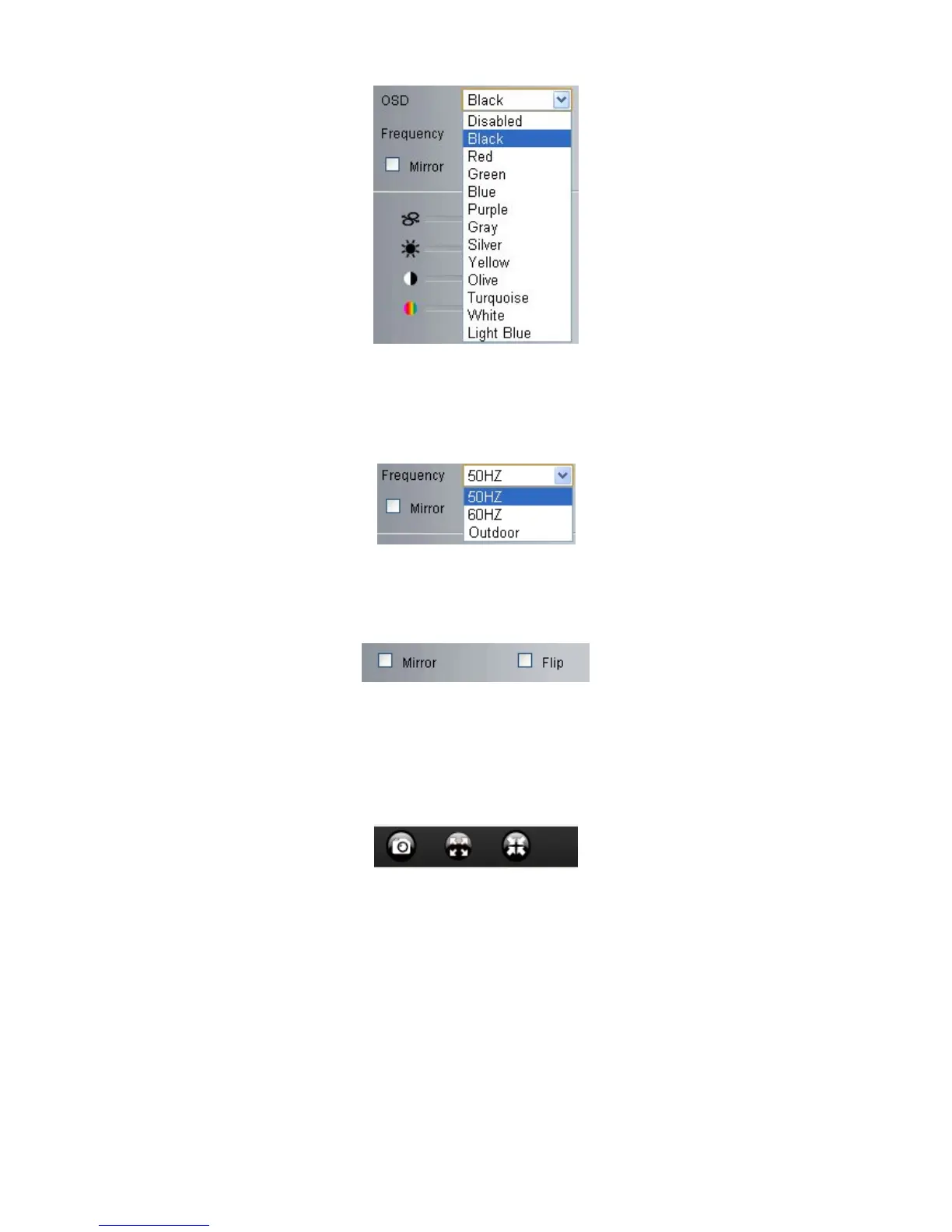
Frequency: Including 50HZ, 60HZ, Outdoor.
50HZ/60HZ for the users who use 50HZ/60HZ frequency, outdoor for the users who want to use this camera
to monitor an outdoor environment (through a window).
Mirror and Flip
Mirror: Select this checkbox to see a mirror image. Uncheck it to go back to normal.
Flip: Select this checkbox to flip the image upside down. Uncheck it to go back to normal.
NOTE: You can choose Mirror and Flip function if you set up the camera in a special position, upside down for
example.
3.5.2 Top Menu For VLC Mode:
This will be the same as 3.3.1 TOP Menu For QuickTime Mode.
3.6 Left Side Menu:
3.6.1 Left Side Menu For IE browser
There are some basic operation icons listed on the left side menu as below:



 To Next Page