20
Mirror and Flip
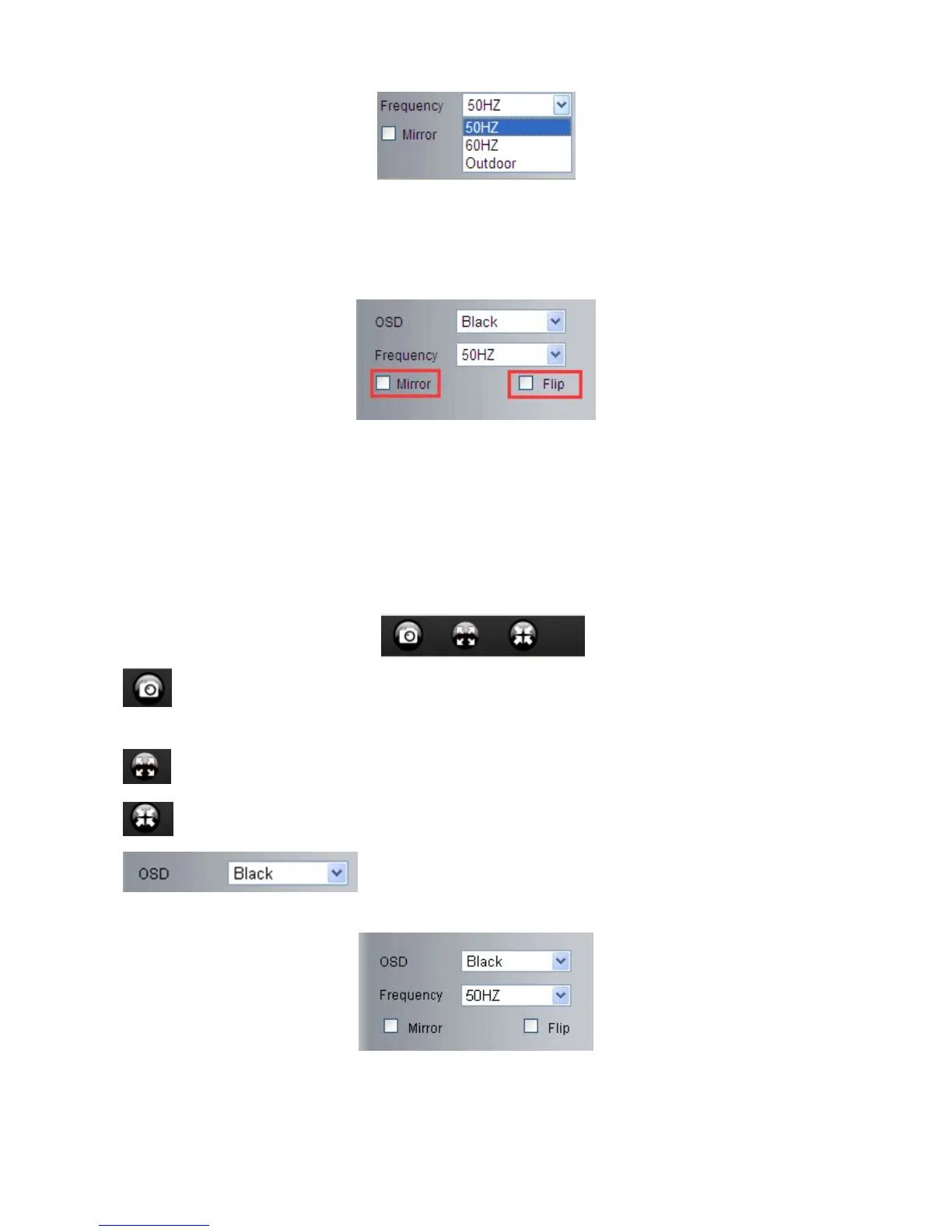
Mirror: Select this checkbox to see a mirror image. Uncheck it to go back to normal.
Flip: Select this checkbox to flip the image upside down. Uncheck it to go back to normal.
NOTE: You can choose Mirror and Flip function if you set up the camera in a special position, upside down for
example.
3.5 Live Video for Safari, Chrome, Firefox:
3.5.1 Play Menu For QuickTime Mode:
Capture: Click to take snapshot, the picture be saved in the PC to its appointed path as JPG format,
will pop-up the snapshot, right click the picture to save it.
Fullscreen: Click to have fullscreen view;
: Click to exit fullscreen.
OSD Settings: Click it will pop-up the OSD settings interface, including
OSD Color, Frequency, Image Mirror and Flip.
OSD: Means “On-Screen Display”
OSD Color: Including Disabled, Black, Red, Green, Blue, Purple, Gray, Silver, Yellow, Olive, Turquoise, White,
Light Blue etc.



 To Next Page