32
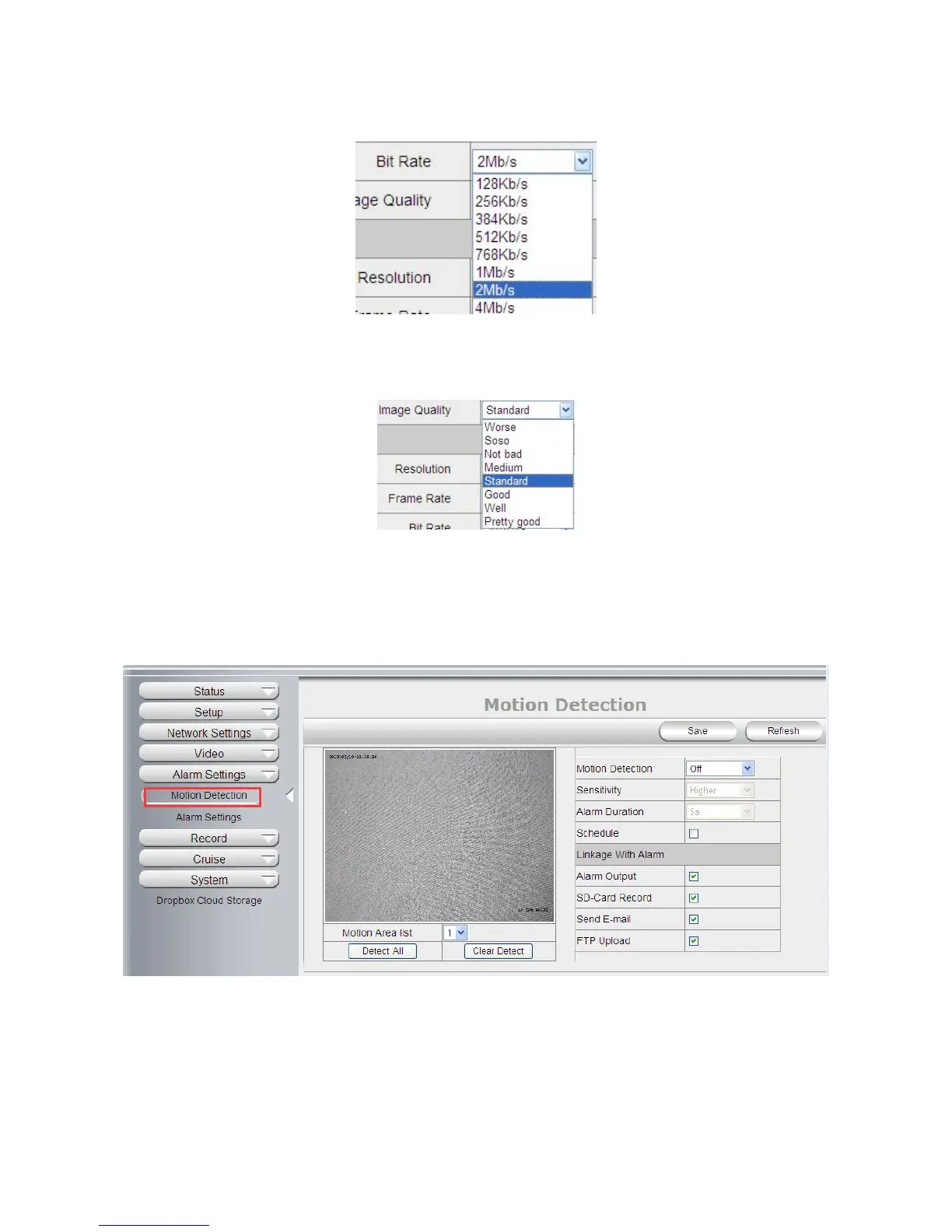
Bit Rate: Higher bite rate means better quality images, but takes more bandwidth, so adjust the settings
according to the actual bandwidth available. The range of bit rate from 128 Kbps ~ 4 Mbps.
Image Quality: Better image quality, higher bit rate value, but it will take more bandwidth, the image quality
parameters could be set as below:
NOTE: When the device runs, only can select Bit Rate or Image Quality either.
4.5 Alarm Settings
4.5.1 Motion Detection
Motion Detection Zone Armed:
Can set all zones to be armed, or a specified zone armed.
Before setting a specified zone, you should set "Motion Detection" to "ON", then press left mouse, drag the
mouse onto video area to set the detection zone, and save it, supports 3 areas.



 To Next Page