19
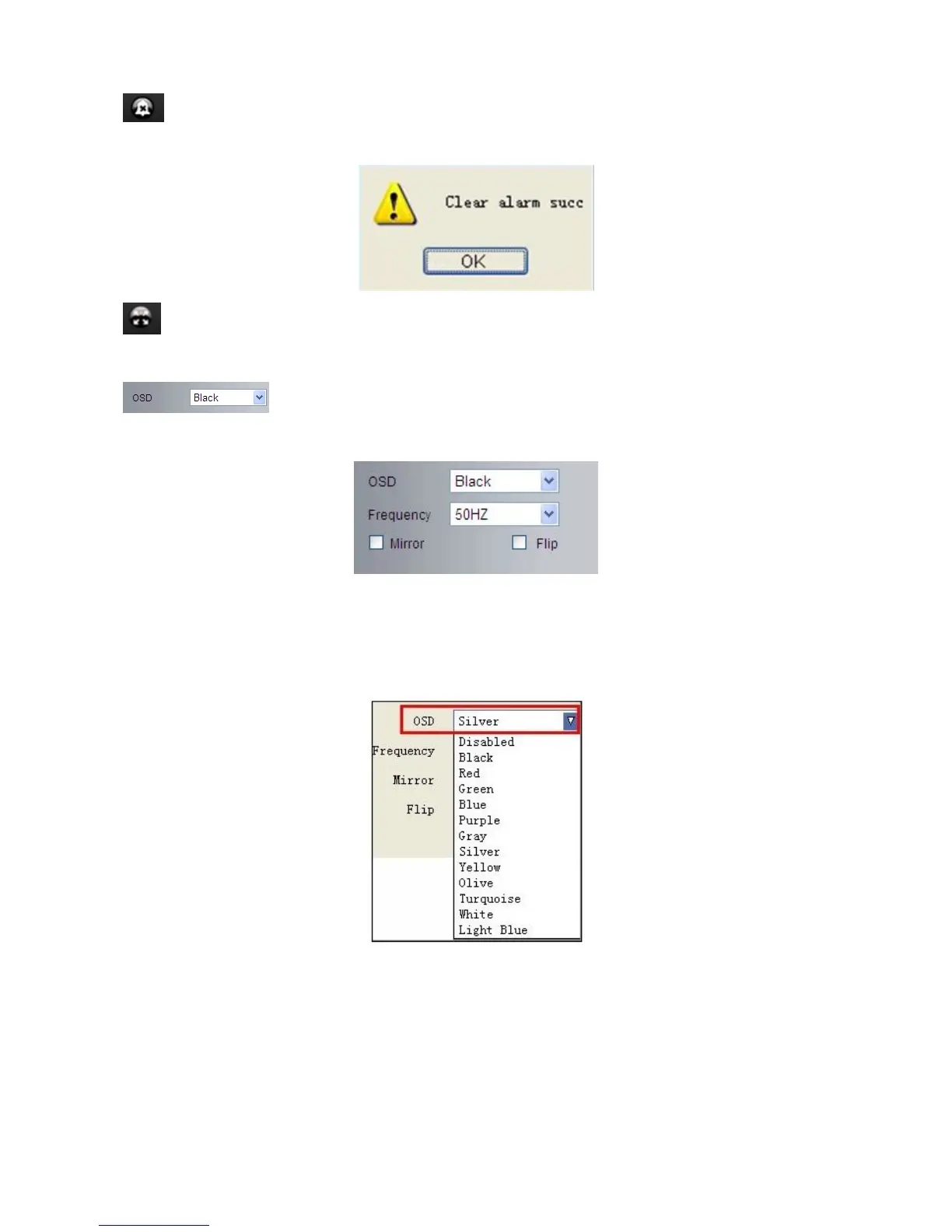
Clear Alarm: Click to stop the alarm manually when there is an alarm triggered, and pop-up prompt as
below:
Fullscreen: Double click/Click to get fullscreen view;
OSD Settings: Click it will pop-up the OSD settings interface, including OSD Color,
Frequency, Image Mirror and Flip.
OSD: Means “On-Screen Display”
OSD Color: Including Disabled, Black, Red, Green, Blue, Purple, Gray, Silver, Yellow, Olive, Turquoise, White,
Light Blue etc.
Frequency: Including 50HZ, 60HZ, Outdoor.
50HZ/60HZ for the users who use 50HZ/60HZ frequency, outdoor for the users who want to use this camera
to monitor an outdoor environment (through a window).



 To Next Page