GDM-5510 (E) 1-6
1
2
4
1
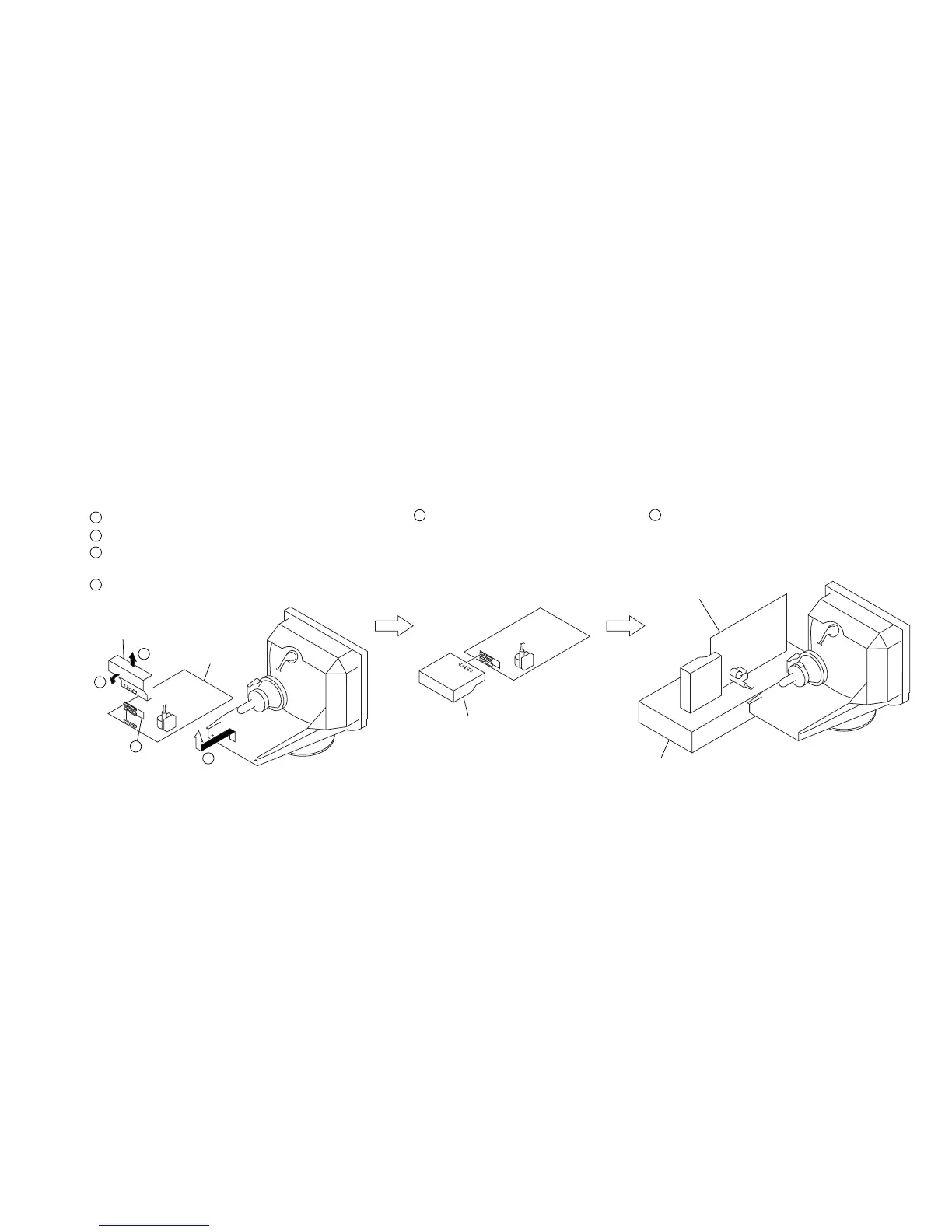
Remove the D board.
D board
2
Remove the Video block assembly.
3
Install the Adaptor board
(XT MOUNT) (A-1391-123-A).
4
Lay the Video block assembly.
Video block assembly
Video block assembly
5
Install the video block assembly.
6
Put a box which is about 15cm in height
under the D board to fix it.
(Please disconnect the CN 701 first.)
D board
Box
3
1-6. SERVICE POSITION



 To Next Page