GDM-5510 (E) 5
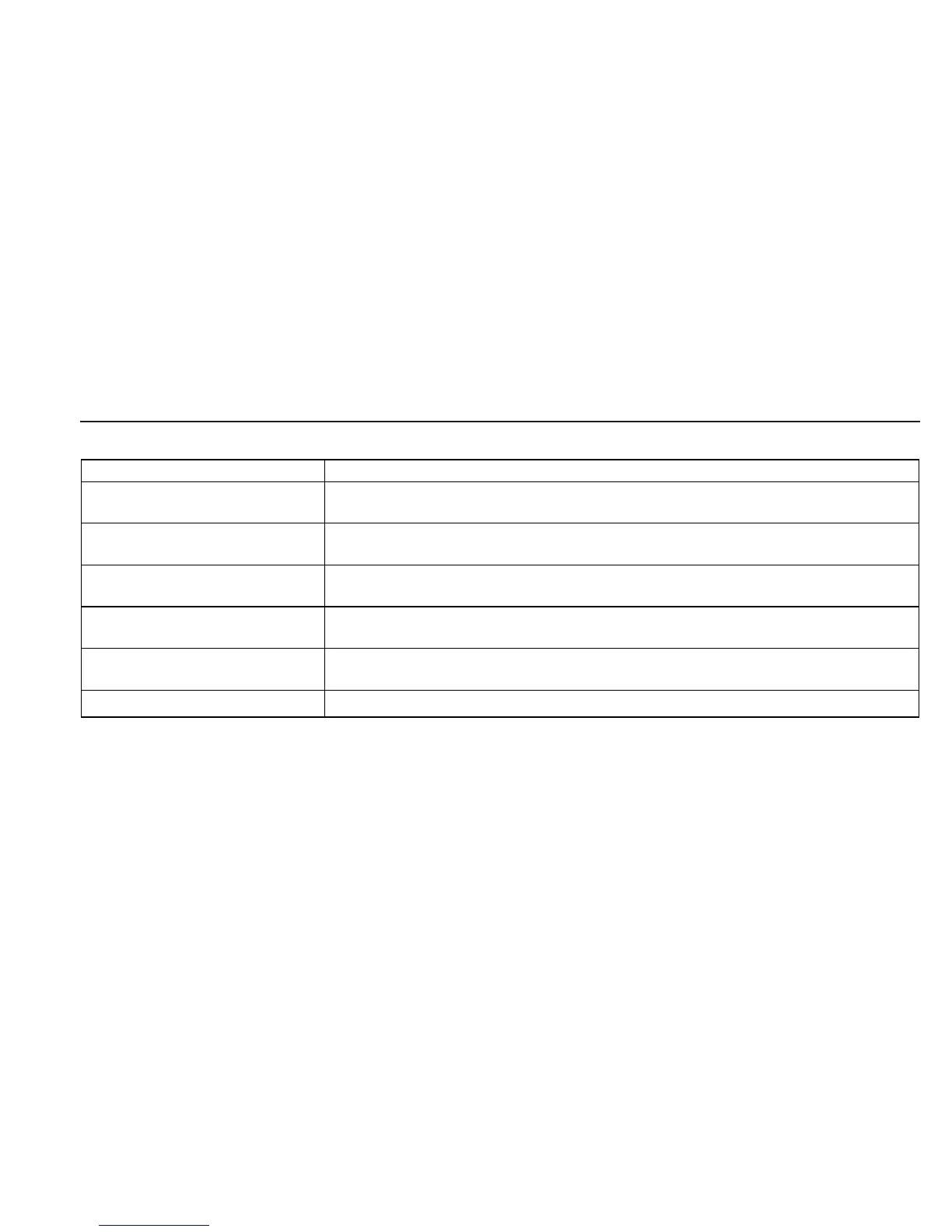
DIAGNOSIS
Failure
+B failure
Horizontal / Vertical Deflection
failure, Thermal protector
ABL protector
HV failure
Aging / Self Test
Out of scan range
Power LED
Amber → Off
(0.5 sec) (0.5 sec)
Amber → Off
(1.5 sec) (0.5 sec)
Amber → Off
(0.5 sec) (1.5 sec)
Amber → Off → Amber → Off
(0.25 sec) (0.25 sec) (0.25 sec) (1.25 sec)
Amber → Off → Green → Off
(0.5 sec) (0.5 sec) (0.5 sec) (0.5 sec)
Green (OSD indication)
Aging Mode (Video Aging) : During Power Save, press MENU button for longer than 2 second.
Self Test (OSD Color Bar) : During Power Save, push up Control button for longer than 2 second.
Reliability Check Mode : During Power Save, push down Control button for longer than 2 second.



 To Next Page