4-14 Sun StorEdge 3000 Family FRU Installation Guide • May 2004
2. If the host clock is correct, click Yes.
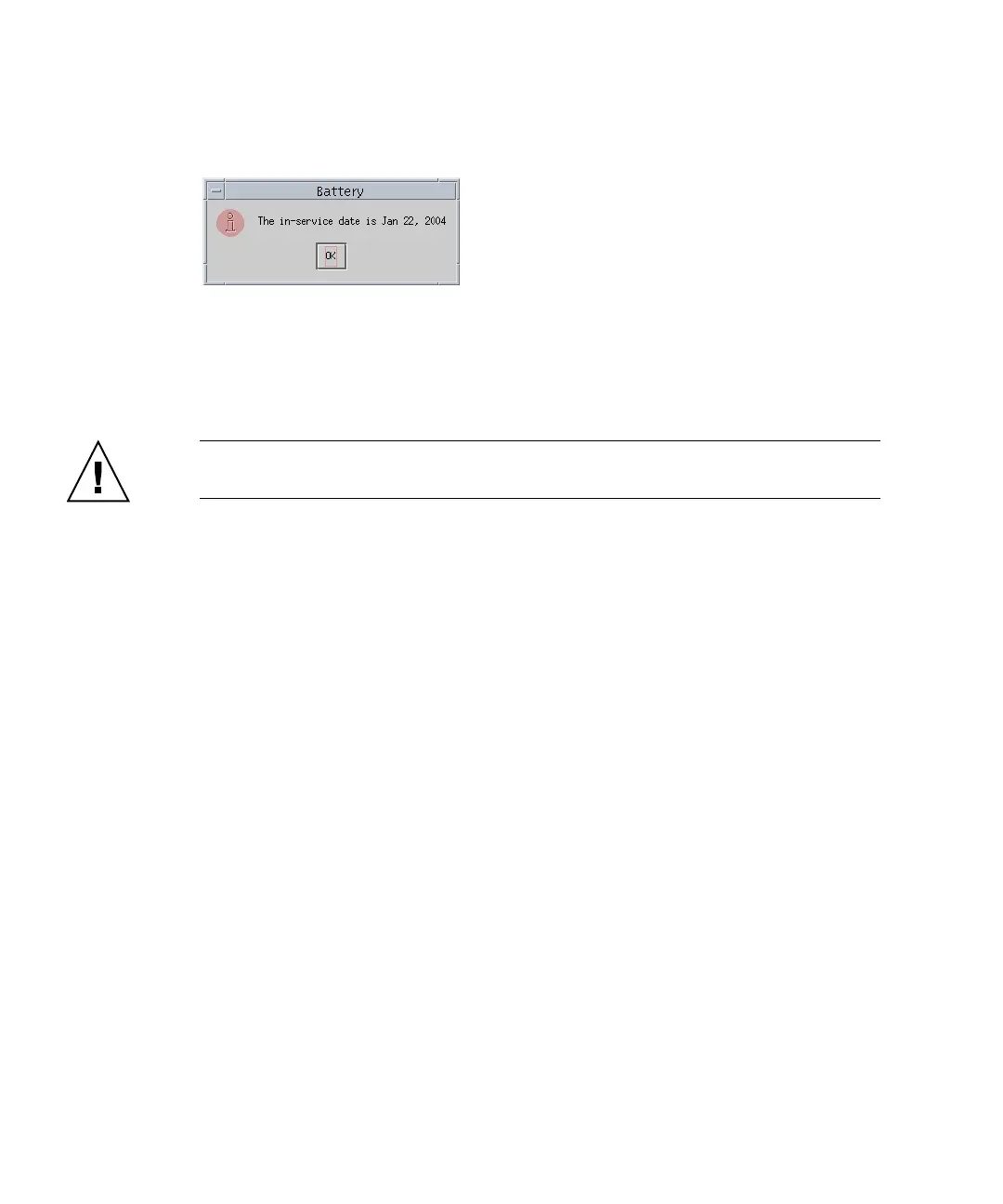
The following confirmation message is displayed. Click OK.
Sun StorEdge Configuration Service sets the in-service date and displays the date in
the In-Service Date field in the Battery Information window.
3. If the host clock is incorrect, click No and reset the clock so that Sun StorEdge
Configuration Service can prompt you to verify it again and set the in-service
date.
Caution – If you do not reset and verify the in-service date, Sun StorEdge
Configuration Service cannot accurately calculate the battery expiration date.



 To Next Page
 Loading...



