Chapter 4 Battery FRUs 4-13
4.5.3 Verifying the In-Service Date When Replacing a
Battery in SSCS
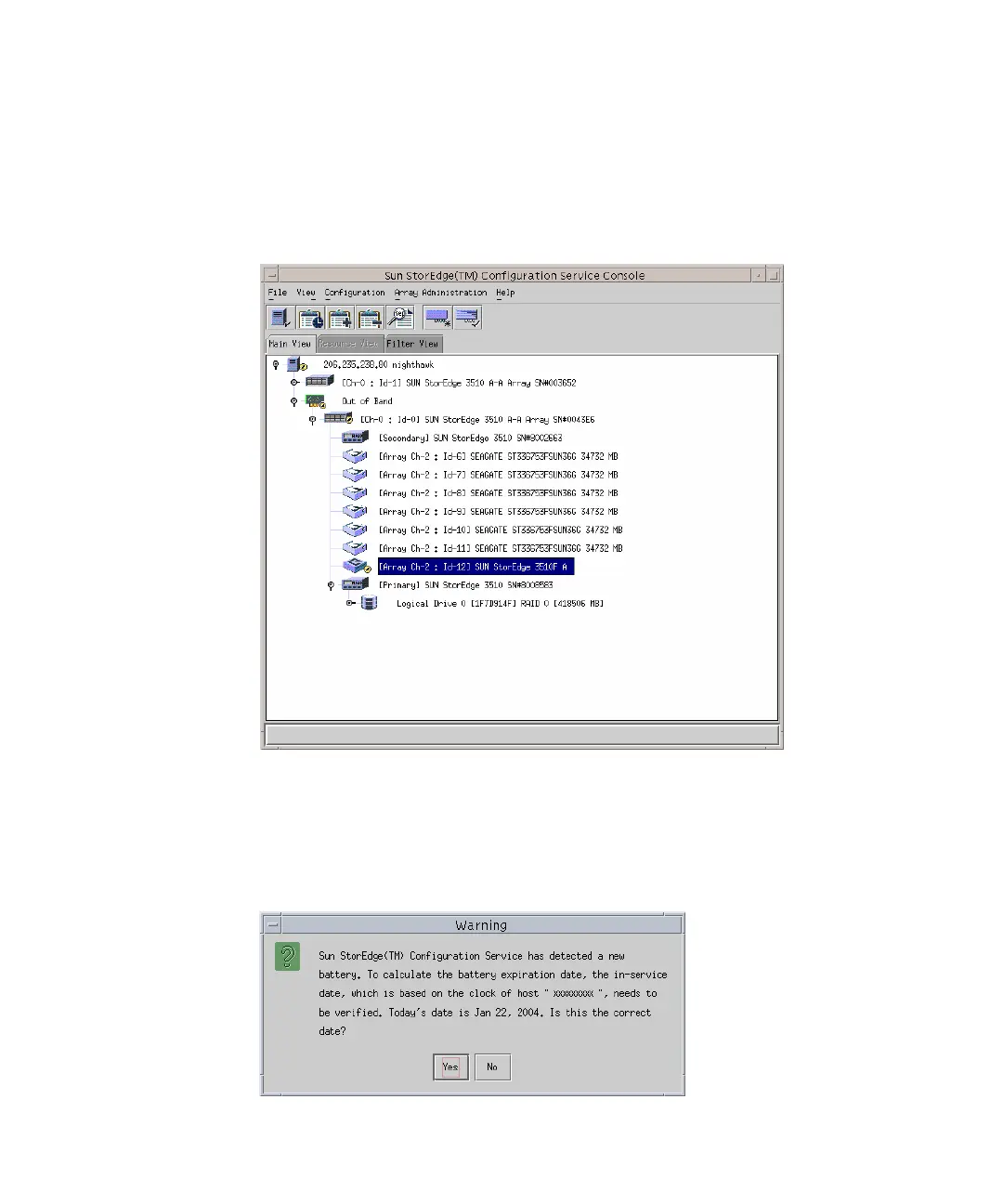
When Sun StorEdge Configuration Service detects a battery FRU, the enclosure icon
displays a degraded (yellow) status symbol as shown in the following example.
1. Double-click the enclosure icon.
Sun StorEdge Configuration Service calculates the battery expiration date using the
in-service date (date that the battery is put into service), which is based on the host
clock. The program prompts you to verify the date by displaying the following
message:



 To Next Page
 Loading...



