- 26 -
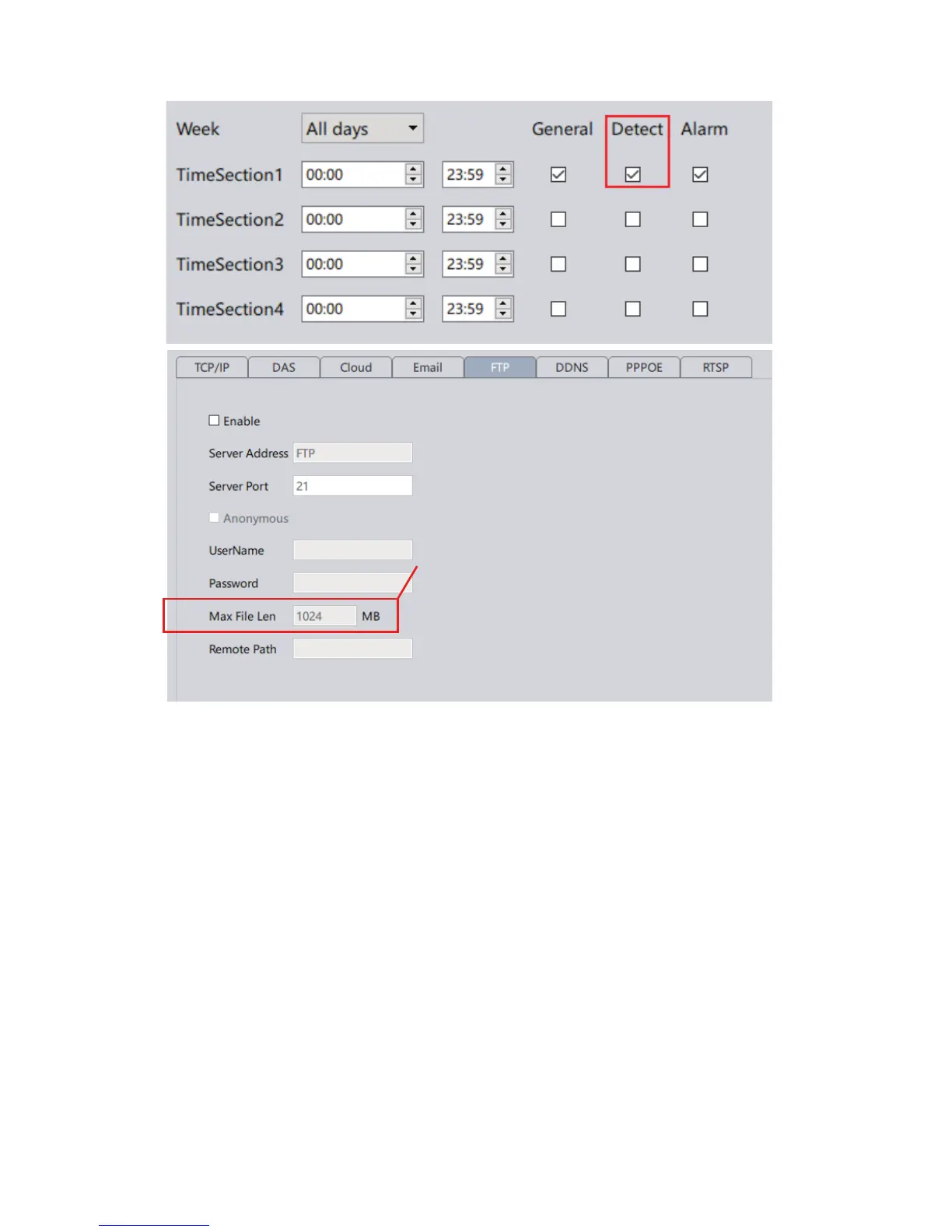
Step 3: Enable the motion detection (in Video Detect or Video Motion).
See Chapter 15. Then enable the FTP option.
Snapshots: You must also enable snapshot in Video Detect.
Videos: You must also enable record in Video Detect and have a storage media
in order to upload the videos to FTP. Like many other network cameras, you will
need to have a TF card (install inside the camera’s built-in memory slot) or a
NVR as a forwarding transfer station to your FTP. This is required because
without storage media, the camera does not have enough RAM to hold large
video files before it establishes a connection with your FTP.
We would suggest that you control the Max
File Length to ensure the stable upload of the file.



 To Next Page