-43-
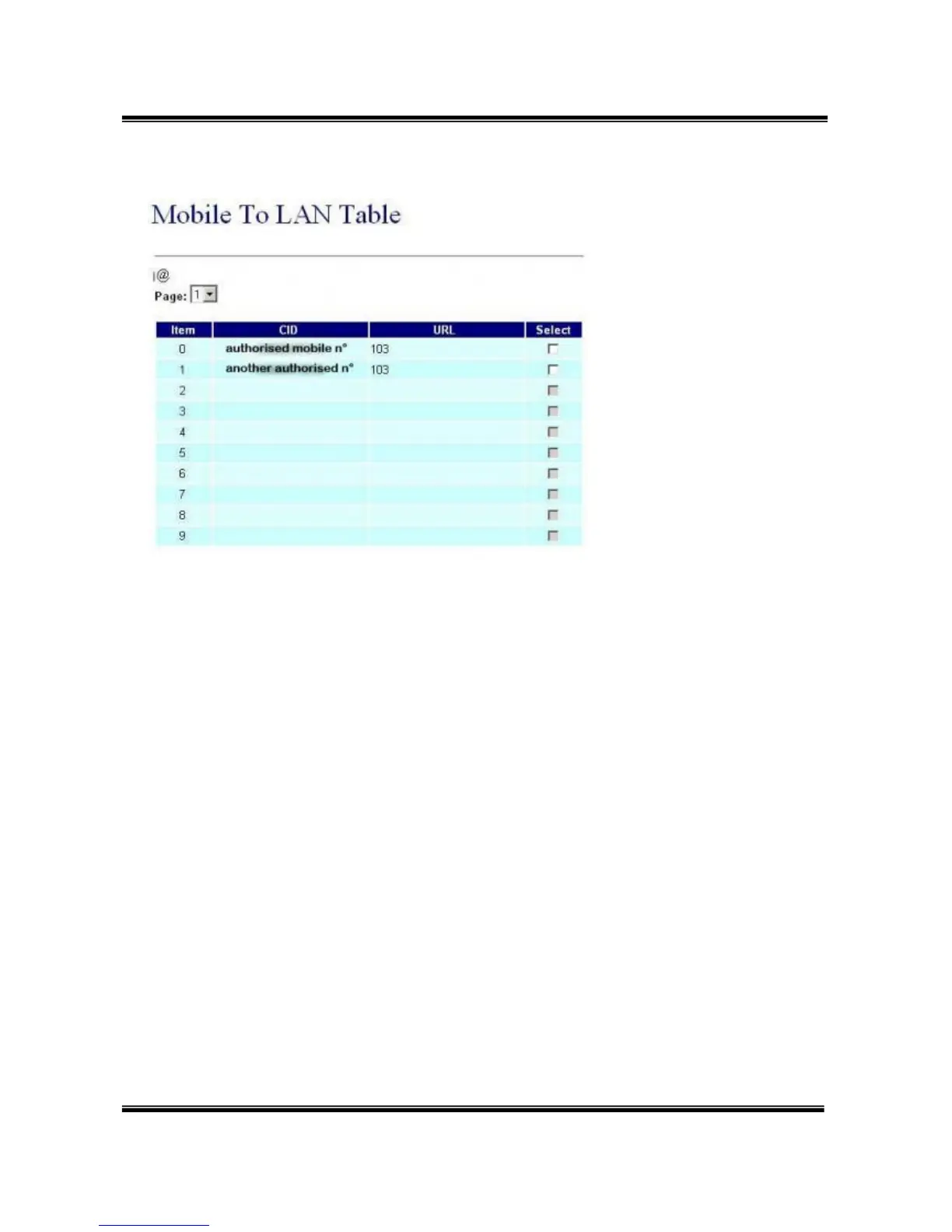
The mobile number you give in that page are the authorised mobile
which can call GSM to Asterisk.
These mobile number must be defined as your GSM provider displays
the number.
If you don't know how it is displayed, just give a call to the box and check
the number given in the 'Incoming Mob' field of the 'Mobile Status' page.
Any number which is not in that list won't have acces to the LAN side, so
to Asterisk.
If you want to allow any number, just set '*' in that field ... but beware of
the bill ;-)


 To Next Page