-17-
10. Network
In Network, you could check the Network status; configure the WLAN
Settings, LAN Settings and SNTP settings.
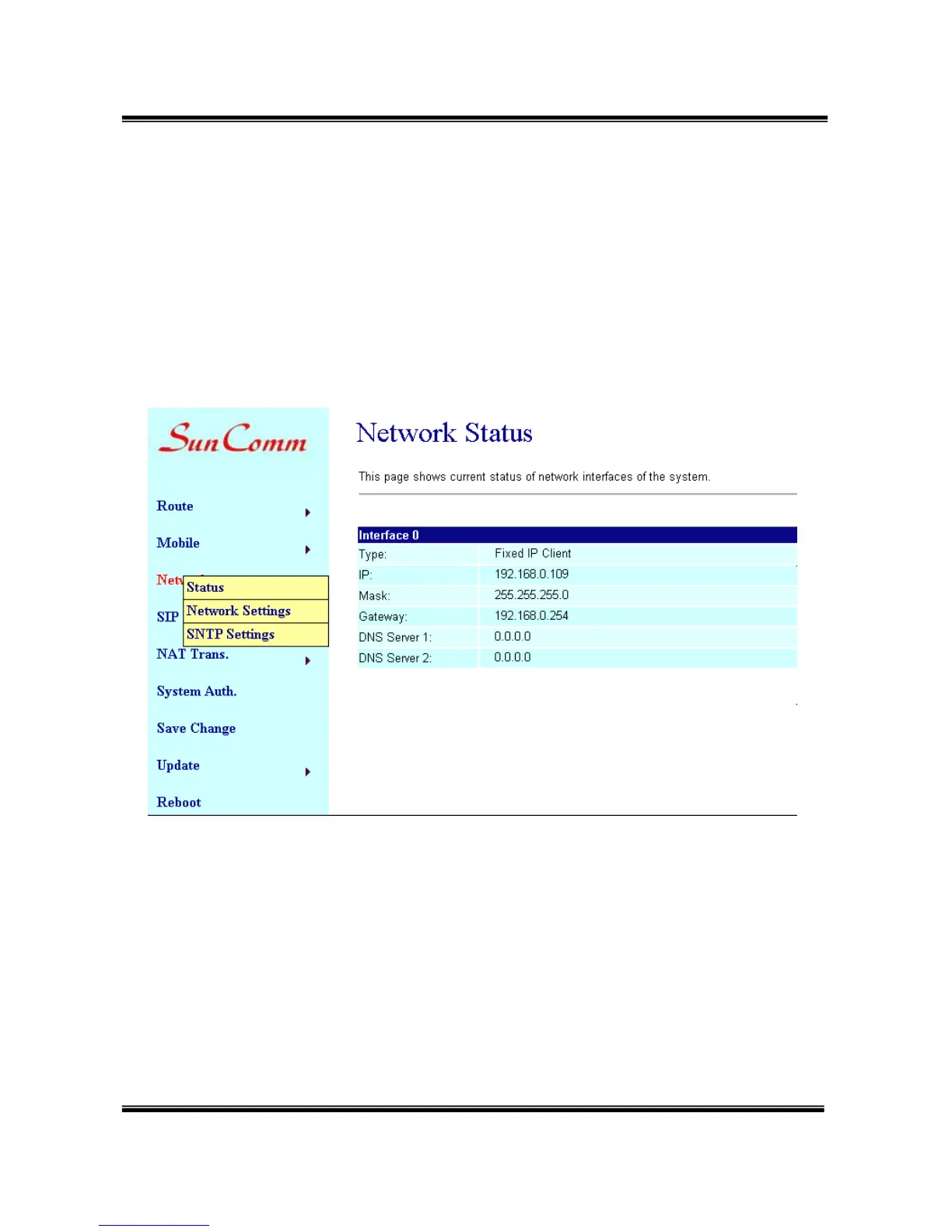
10.1 Network/ Status/ Network Status: information of current Network in
this page.
10.2 Network/ Network Settings/ Lan Settings: You can check the
current Network setting in this page.
The default IP is 192.168.0.100; you could change it to any available IP
address, or select different IP type to suit your environment.


 To Next Page