-4-
5. Accessory attachment
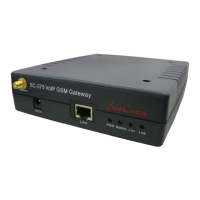
5.1 Connect the network cable both to your Hub and to LAN socket
of SC-375.
5.2 Connect the antenna and place it in a good receiving location
(not too close to the device).
5.3 Insert a SIM card into back of SC-375.
5.4 Plug the adapter in DC 12V socket and PWR socket. The PWR
light should turn red at the moment.
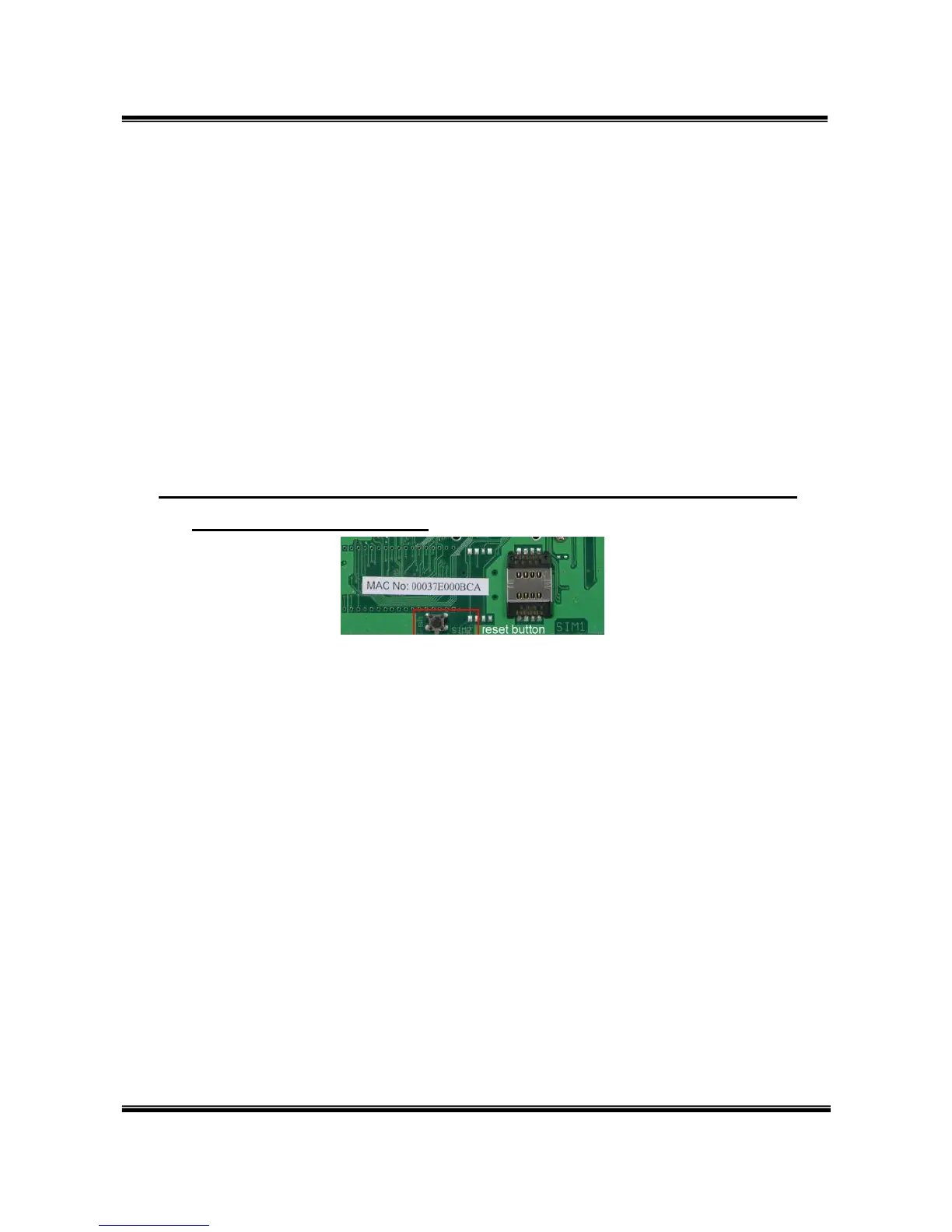
5.5 Click reset button 3 sec. SC-375 will restore default IP.
Other setting as usual.


 To Next Page