-5-
6. Setting and managing via web page
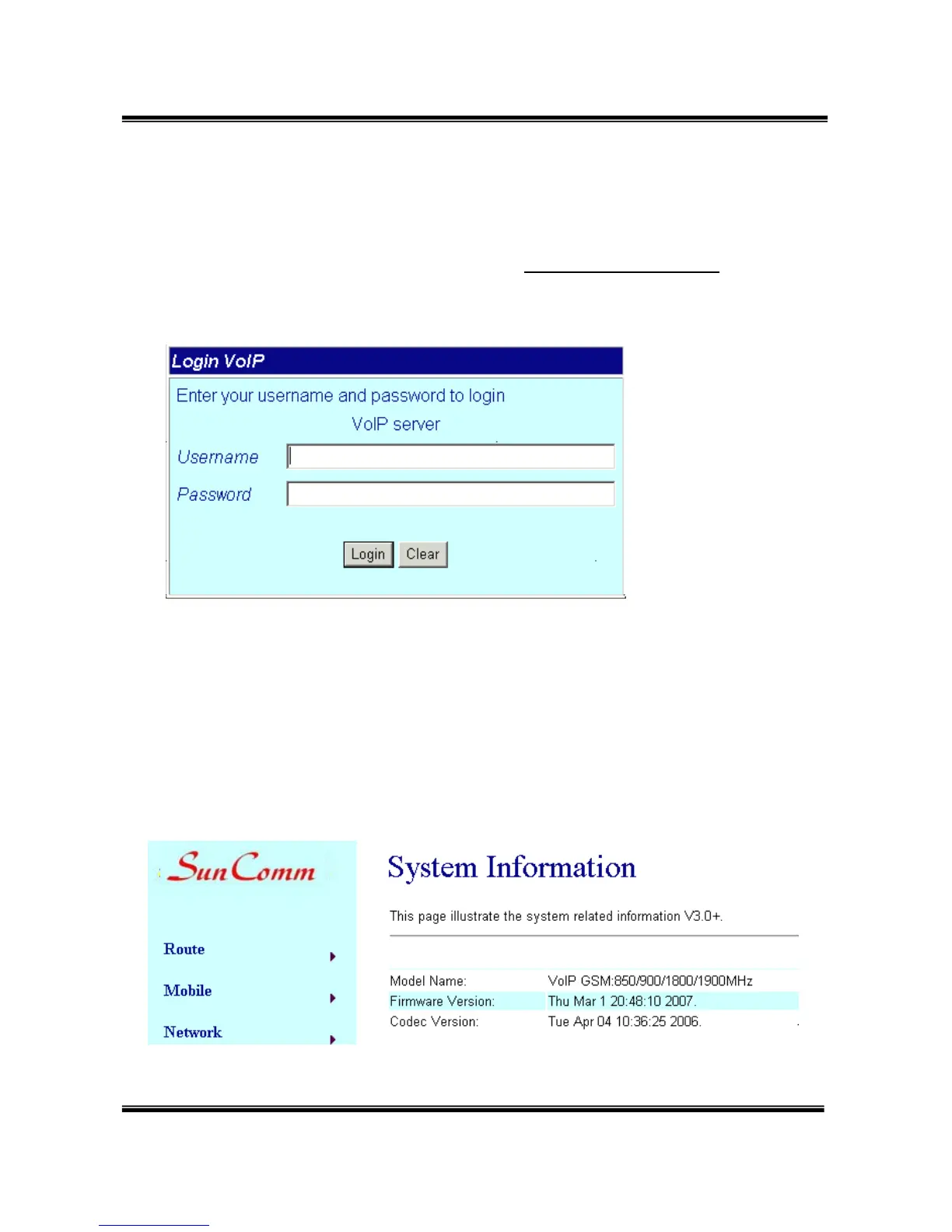
The default IP address of SC-375 is http://192.168.0.100. Before
accessing the web page, please confirm this address is available
in your network.
Enter the default username and password to login.
Default username: voip
Default password: 1234
7. System Information.
7.1 After login, you could see the system information such as: model
name, firmware version, codec version name, etc. in this page.


 To Next Page