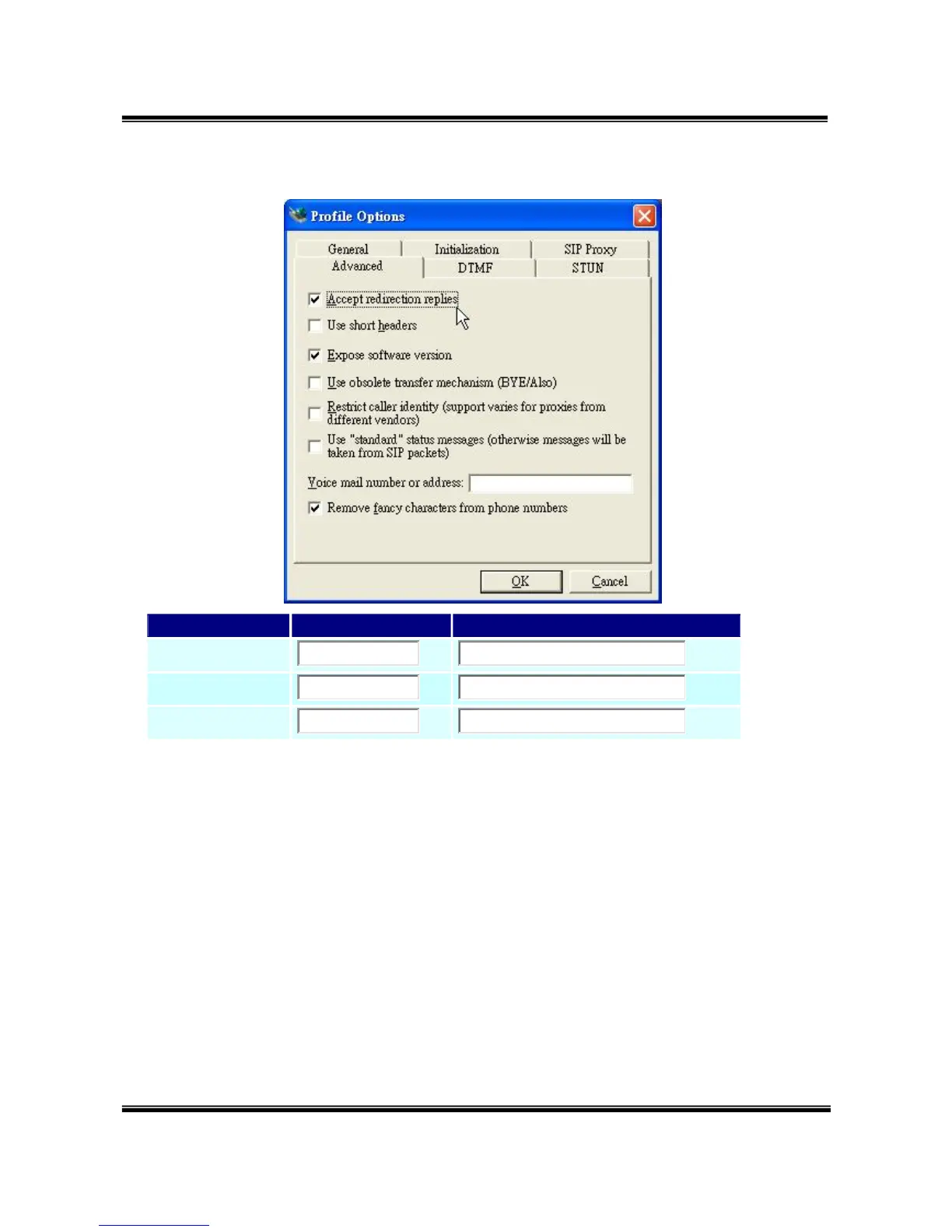
Fwd to External:
The Explanation of Picture:
Fwd to Mobile1:192.168.0.100 : 5060, it means when 5062 Port are
busying, SJ Phone can transfer the call to 5060 Port (192.168.0.100).
Fwd to Mobile2:192.168.0.100 : 5062, it means when 5060 Port are
busying, SJ Phone can transfer the call to 5062 Port (192.168.0.100).
z If both 5060 port and 5062 port are busying at same time, you can set
up "Fwd to External", then you can transfer the phone call to another
designate device.


 To Next Page