SunFounder pisloth
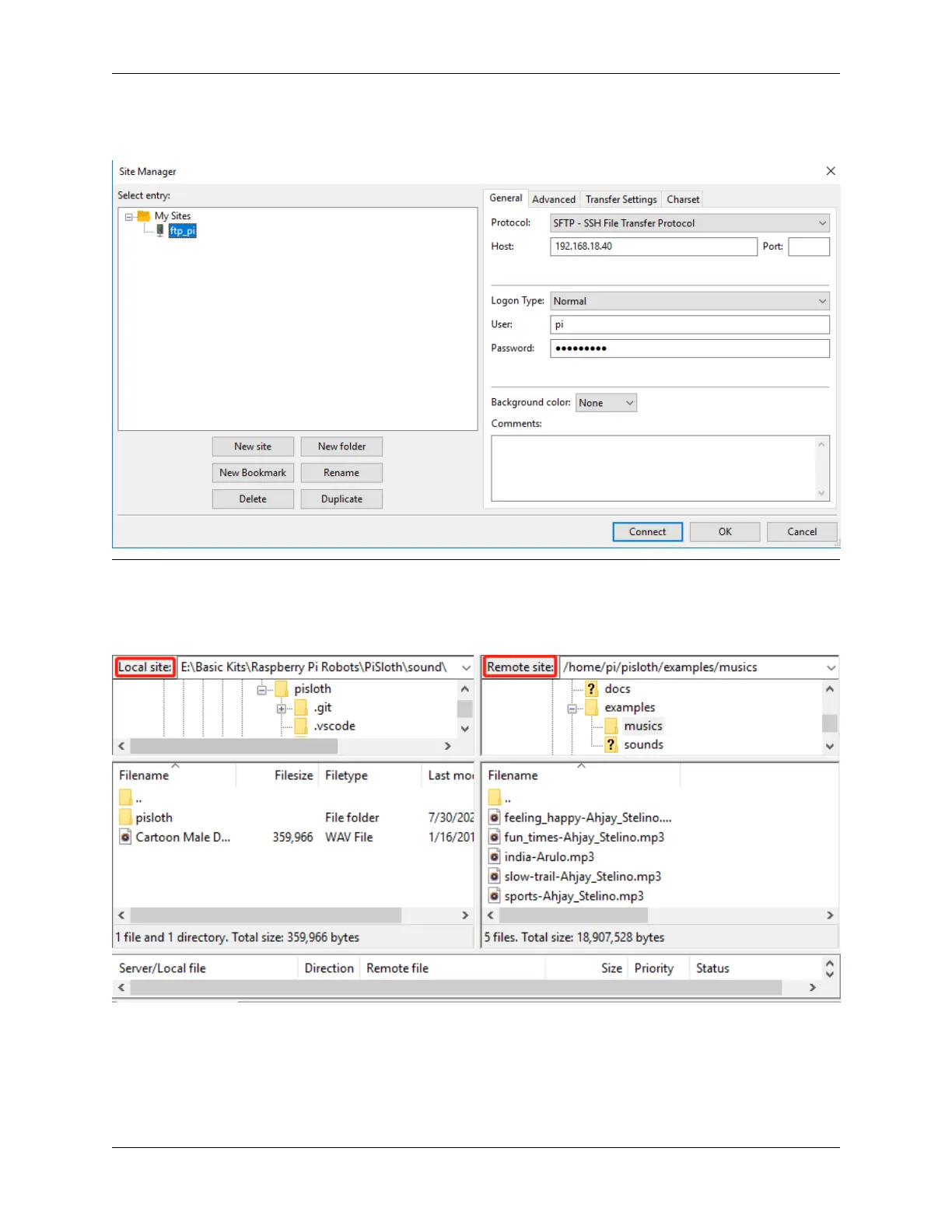
select File-> Copy Current Connection to Site Manager after a successful Quick Connect, enter the name and click
OK. Next time you will be able to connect by selecting the previously saved site inside File -> Site Manager.
Step 3: Upload/download files.
You can upload local files to Raspberry Pi by dragging and dropping them, or download the files inside Raspberry Pi
files locally.
5.2. Filezilla Software 103



 To Next Page