SunFounder pisloth
3.9 Custom Step
In the previous projects, we used a lot of actions that we wrote, so how are these actions composed and done? Generally
speaking, an action is composed of one or more steps.
In this project, we will learn how to customize PiSloth’s step.
All we have to do is to use the buttons in the remote control page to make PiSloth complete the step shown in the
figure below, and then get the angles of the 4 Servos at that time.
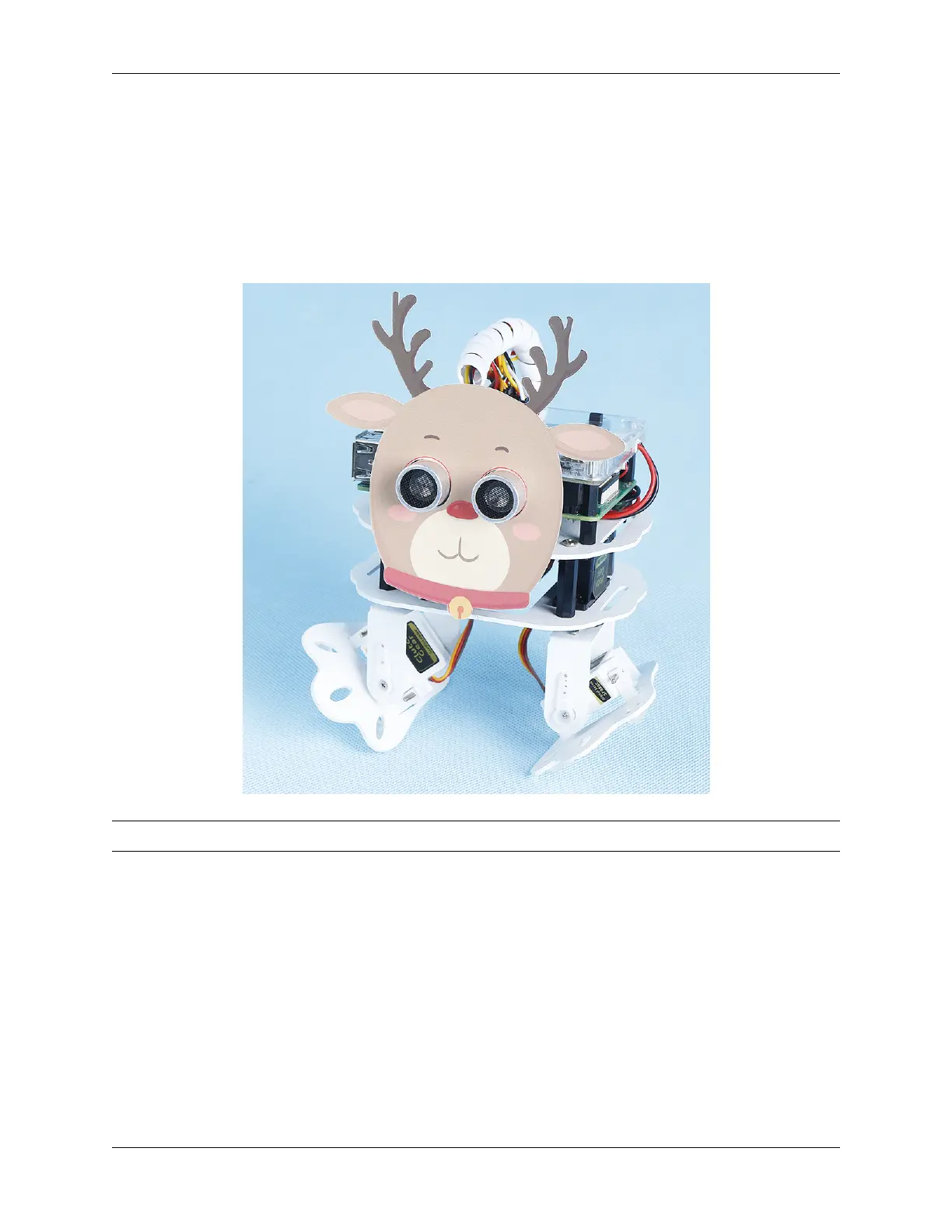
Note: You can download and print the PDF Cartoon Mask for your PiSloth.
Step 1: Drag out 9 buttons in the Remote Control to control the rotation angles of the 4 Servos on the PiSloth.
34 Chapter 3. Play with Ezblock



 To Next Page