SunFounder pisloth
3.8 Remote Control
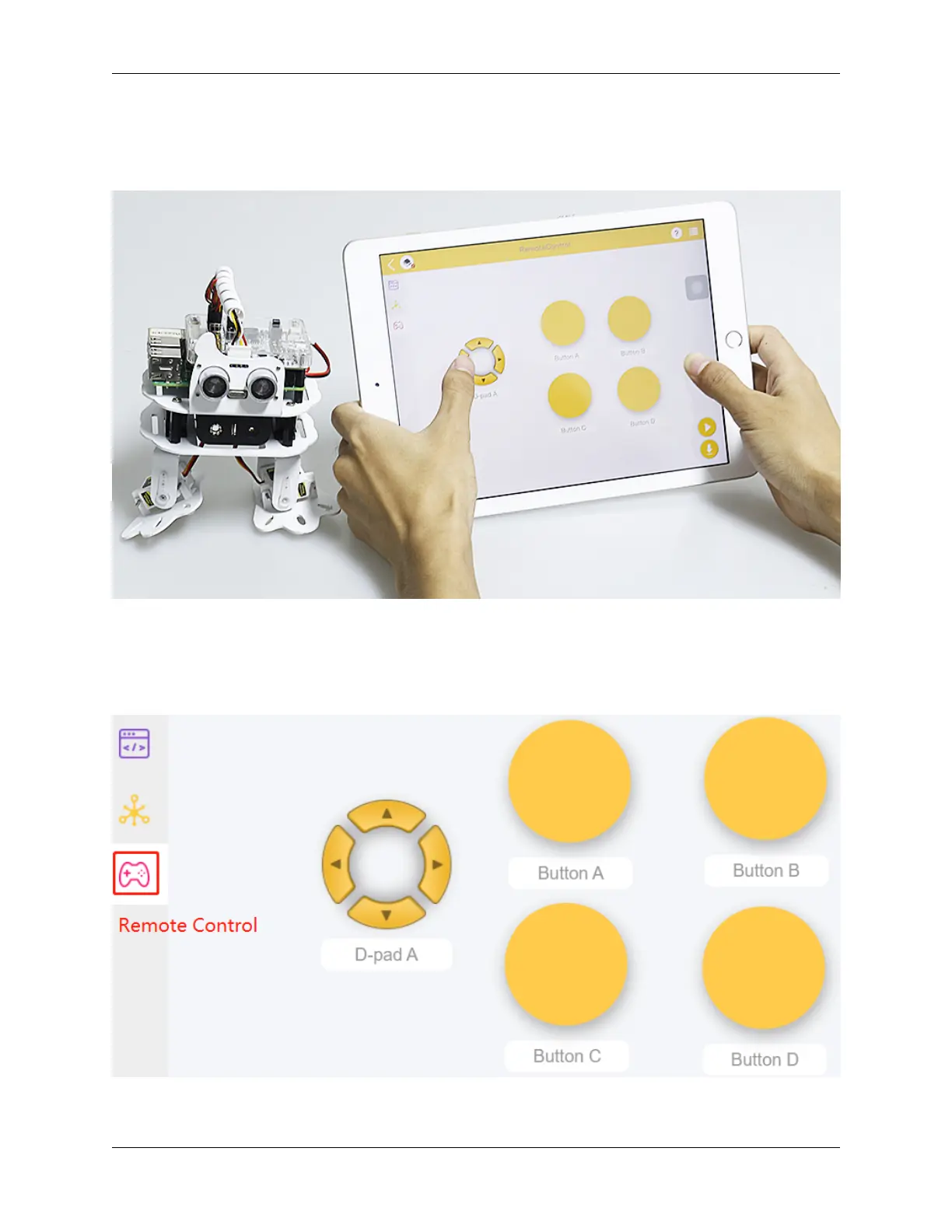
You can also use the widgets on EzBlock Studio to make PiSloth move.
• How to Use the Remote Control Function?
TIPS
To use the remote control function, you need to enter the Remote Control page from the left side of main page, and
then drag one D-pad and 4 buttons to the central area.
Back in the programming page, you will see an additional Remote category, and the D-pad and Button block appear
3.8. Remote Control 31



 To Next Page