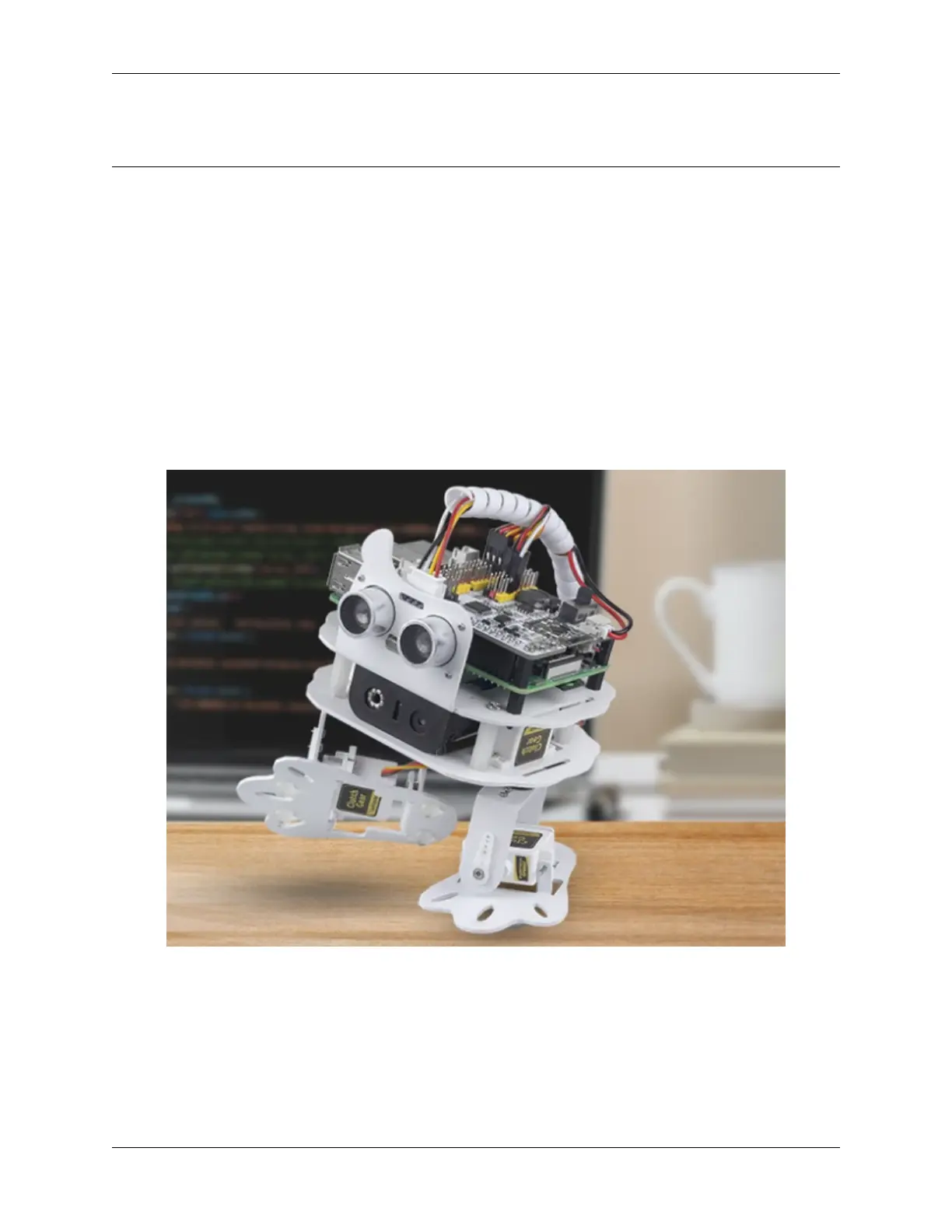
SunFounder pisloth
calibrate them in this step.
But if you think the assembly is perfect and no calibration is needed, you can also skip this step.
Projects
Here, we show you the projects of playing PiSloth on EzBlock Studio. If you are new to these, you can refer to the
code images inside each project to program, and can learn the use of blocks according to TIPS.
If you don’t want to write these projects one by one, we have uploaded them to EzBlock Studio’s Examples page and
you can run them directly or edit them and run them later.
3.2 Move
This is the first project. PiSloth has woken up, and it moves freely.
Before programming, you need to learn the basic usage of EzBlock Studio from here.
• How to Create a New Project?
TIPS
This is the basic structure of the program, the Start block is used to do some initialization (even if no block is placed,
it cannot be deleted) and the Forever block is, as the name suggests, a continuous loop that allows your program to
change and respond.
10 Chapter 3. Play with Ezblock



 To Next Page