SunFounder pisloth
Sound or Earphone
The Raspberry Pi is equipped with an audio port about 3.5 mm that can be used when your screen has no built-in
speakers or when there is no screen operation.
4.1.2 Installing the OS
Required Components
Any Raspberry Pi 1 * Personal Computer
1 * Micro SD card
Step 1
Raspberry Pi have developed a graphical SD card writing tool that works on Mac OS, Ubuntu 18.04 and Windows,
and is the easiest option for most users as it will download the image and install it automatically to the SD card.
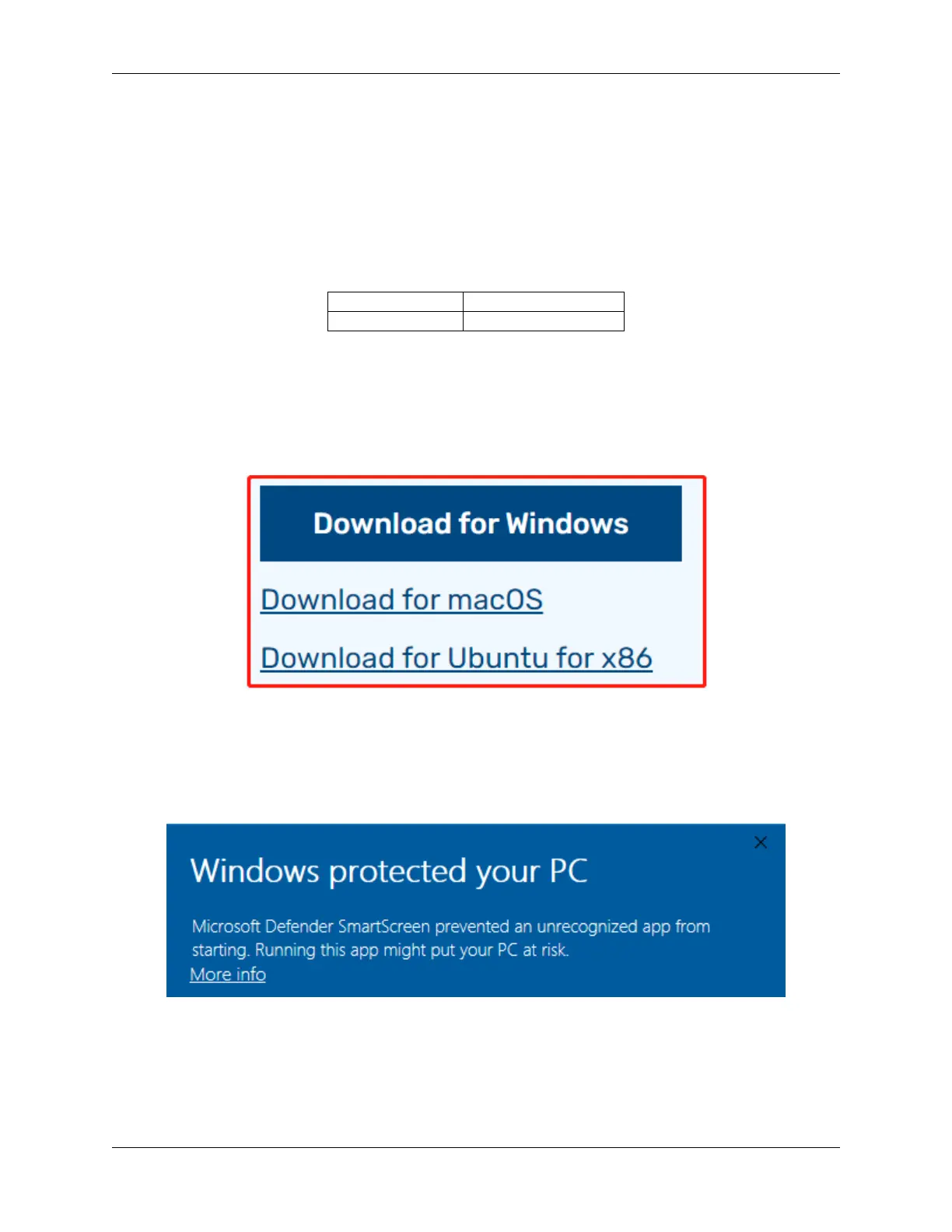
Visit the download page: https://www.raspberrypi.org/software/. Click on the link for the Raspberry Pi Imager that
matches your operating system, when the download finishes, click it to launch the installer.
Step 2
When you launch the installer, your operating system may try to block you from running it. For example, on Windows
I receive the following message:
If this pops up, click on More info and then Run anyway, then follow the instructions to install the Raspberry Pi
Imager.
Step 3
Insert your SD card into the computer or laptop SD card slot.
Step 4
4.1. Quick Guide on Python 47



 To Next Page