SunFounder pisloth
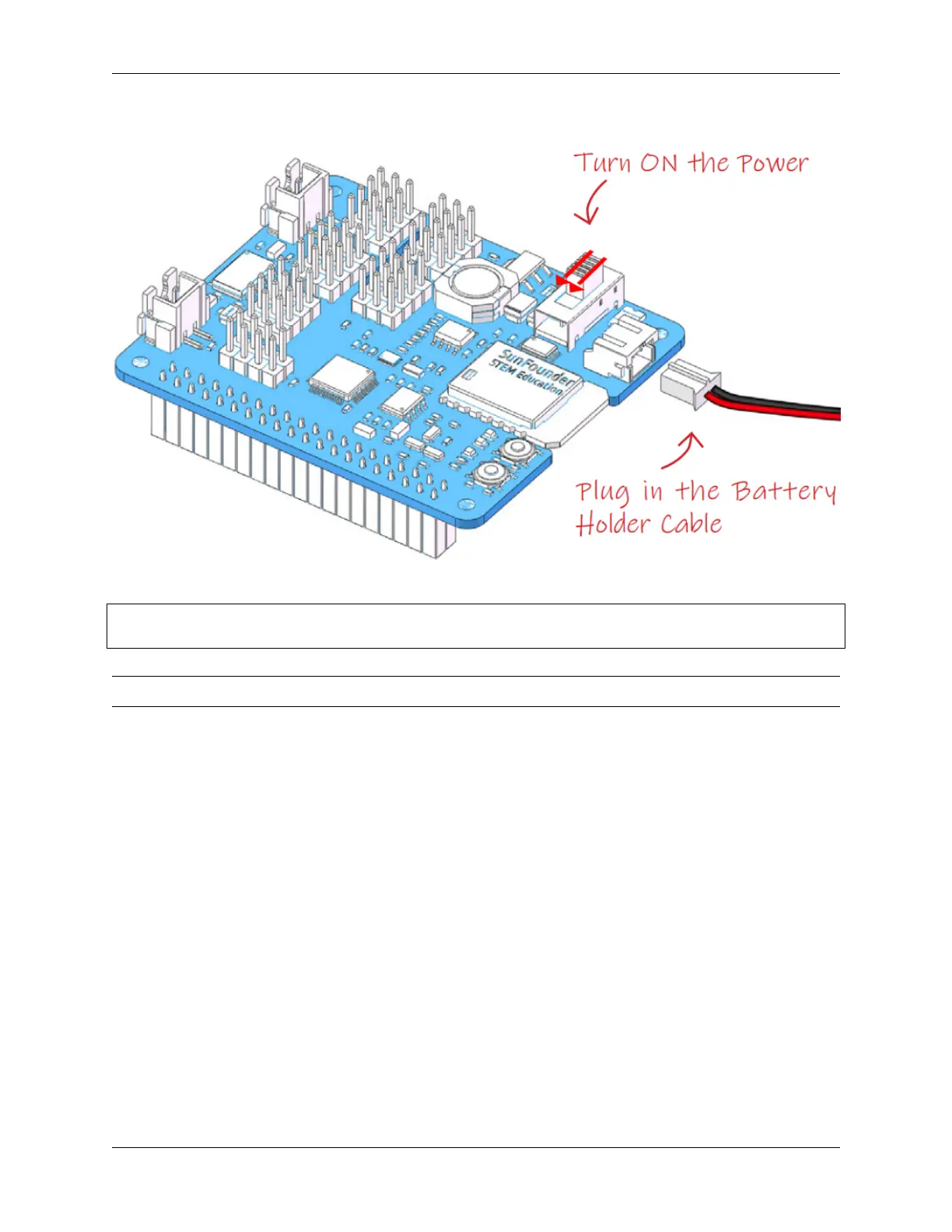
Wait for 1-2 minutes, there will be a sound to indicate that the Raspberry Pi boots successfully.
Now, run servo_zeroing.py in the examples/ folder.
cd /home/pi/piarm/examples
sudo python3 servo_zeroing.py
Note: If you get an error, try re-enabling the Raspberry Pi’s I2C port, see: i2c_config.
Next, plug the servo cable into the P11 port as follows.
4.1. Quick Guide on Python 77



 To Next Page