User Manual 3 Product Introduction
11
3.2 Appearance
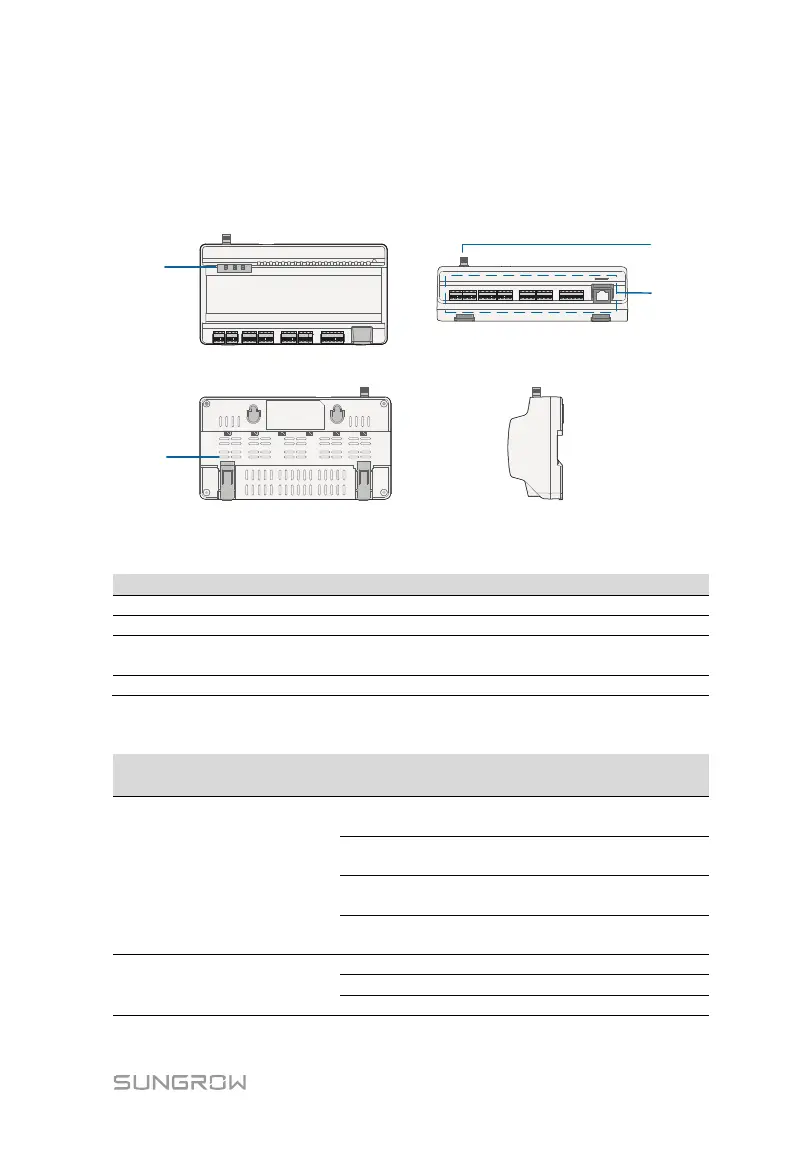
Views of the Logger1000 are shown in the following figure.
Front view
Rear view
Bottom view
Side view
A
B
C
D
Fig. 3-1 Appearance
Indicate the running state of the Logger1000
C
WLAN antenna mounting
hole
-
Refer to "Tab. 6-1 Port description"
Indicator
LED color LED status Description
Running
indicator (RUN)
Red/green
Off
No external power supply
connected
(Green)
Normal running
Device alarm
Logger1000 running fault
WLAN indicator
(WLAN)
Blue
Wi-Fi connected successfully
Data communication in process
Slow flash means that the indicator flashes once every second.



 To Next Page