8 Web Interface User Manual
38
PV-plant value
Information such as today yield, total yield, real-time active power, and number of
offline devices can be viewed.
Click the button "Exp." To view more information.
Inverter real-time values
Information on the inverter such as state, daily yield, active power, and reactive can
be viewed.
8.7.2 Current Alarms
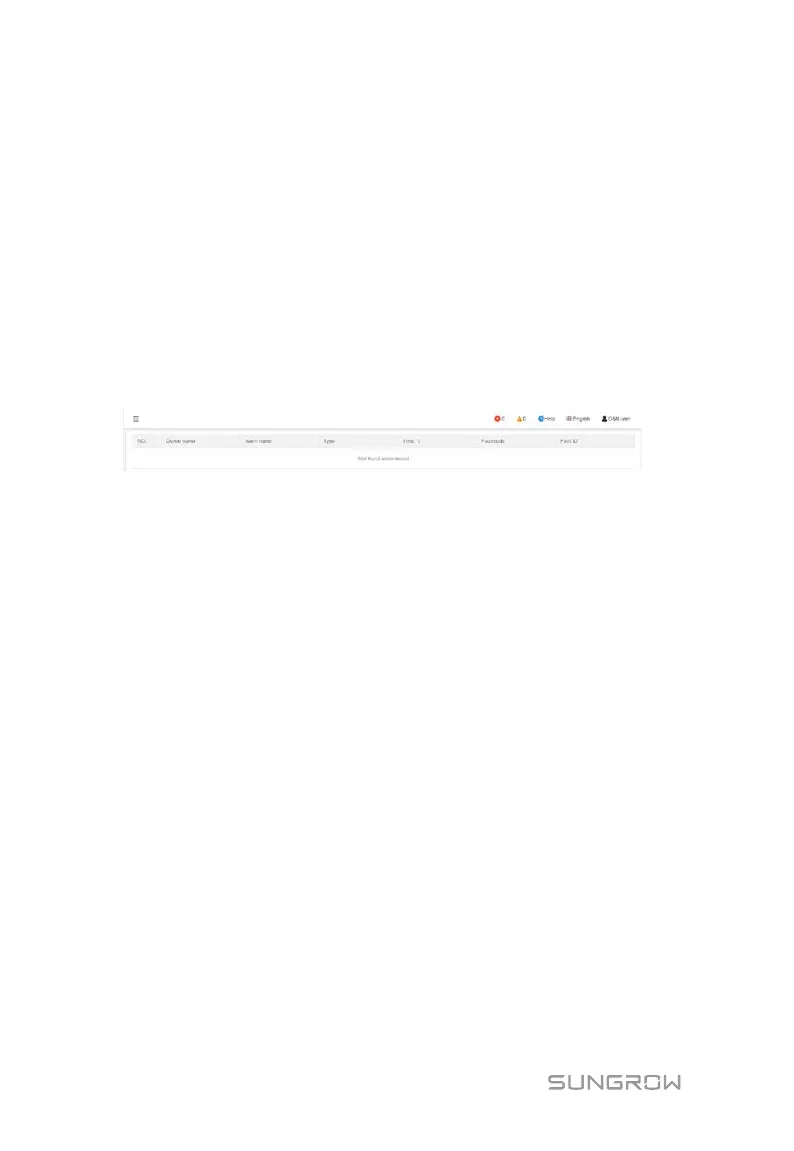
Click "Overview" -> "Current alarms" to view the device fault information.
Information such as device name, alarm type, alarm time, fault code, and fault ID can
be viewed.
8.8 Device Monitoring
Click "Device Monitoring" to enter the corresponding interface.
Device information such as real-time data, DC data, initial parameter, and device
information can be viewed on this interface.
8.8.1 Real-Time Information
Click "Device Monitoring" -> "Realtime values" to view the corresponding
information.



 To Next Page