26
8.2 Maintenance
8.2.1 Maintenance Notices
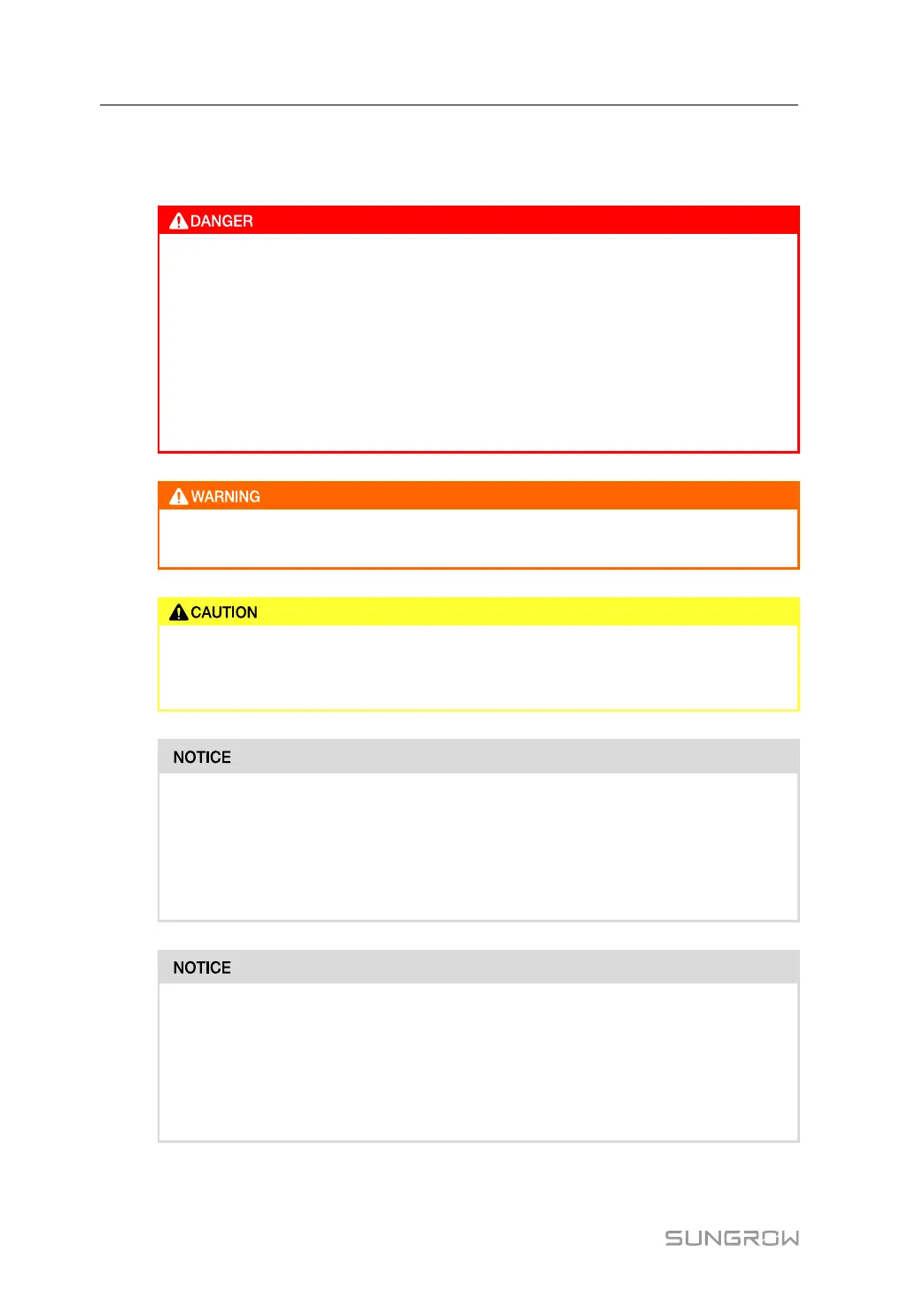
Risk of device damage or personal injury due to incorrect service!
• Be sure to use special insulation tools when perform high-voltage operations
• Before maintaining the optimizer, first cut off the power input and the power
output, and measure the voltage and current with professional measuring in-
strument. Only when there is no voltage nor current can operators who wear
protective equipment operate and maintain the optimizer.
• Even if the optimizer is shut down, it may still be hot and cause burns. Operat-
ing the optimizer with protective gloves after it cools down.
If a fault occurs during operation, be sure to re-power the optimizer after the fault
is cleared. Otherwise, the fault may expand, or the device may be damaged.
To prevent misuse or accidents caused by unrelated personnel, post prominent
warning signs or demarcate safety warning areas around the optimizer to prevent
accidents caused by misuse.
As the optimizer contains no component parts that can be maintained, never open
its enclosure or replace any internal components.
To avoid the risk of electric shock, do not perform any other maintenance opera-
tions beyond this manual. If necessary, contact SUNGROW for maintenance.
Otherwise, the losses caused are not covered by the warranty.
Touching the PCB or other static sensitive components may cause damage to the
device.
• Do not touch the circuit board unnecessarily.
• Observe the regulations to protect against electrostatic and wear an anti-static
wrist strap.
8 Troubleshooting and Maintenance User Manual


 To Next Page