USING THE COMPUTER
Start-up and shut-down
The starting mode is selectable in Sunit Telematics
Manual on-off (default)
- on: Press the on/off button shortly
- off: Use the operating system’s Shut-down feature only.
Automatic starting
- you can set the automatic starting adjustments in Sunit Telematics (at Windows Control Panel)
Automatic shut-down
- you can adjust the mode of shut-down, delay and standby time in Sunit Telematics
Cold start
- the unit starts only after the pre-heating, when the temperature inside of the unit has reached +5°C.
Depending on the prevailing temperature, pre-heating can last up to 4 minutes.
With start of the unit, the following devices starts also:
- GPS is ready to receive data as soon as the operating system is running. GPS requires signal from
at least 3 satellites for location.
- if the optional phone is installed, the search of the network is performed automatically.
Display adjustments
The display is equipped with automatic adjustment of the backlight, therefore manual adjustment of
the brightness is not recommended except in the dark
- adjust the minimum brightness by following instructions given in page 8 or 9
- manual adjusting effects only in twilight or in the dark
INSTALLING AND REMOVING THE SIM CARD
The Sunit d computer is implemented by integrated SIM slot for GSM/GPRS/EDGE phone. To install
the SIM card:
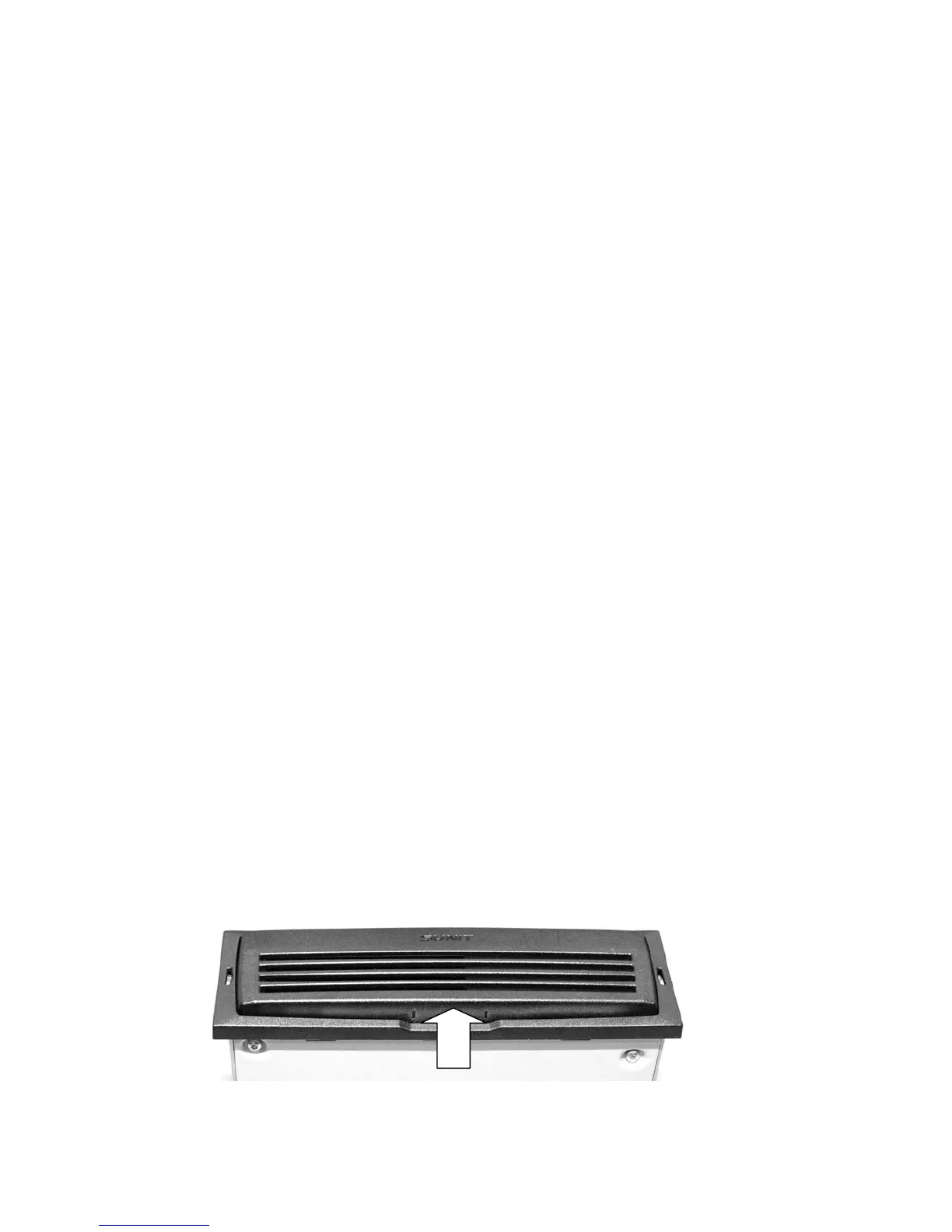
1. Open front panel by pressing and turning it from the bottom
12
2. Push SIM card firmly into the slot.


 To Next Page