EasyManua.ls Logo

Sunnect AP501 - Manual Locking Mode

Sunnect AP501
27 pages
Print Icon
To Next Page IconTo Next Page
To Previous Page IconTo Previous Page
Loading...
B
Manual
Locking
Mode
&::>-.
w
Note
T
he
fo
ll
owi
ng
proce
dur
es
are
ap
pli
ca
bl
e on
ly
when the
Au
to
Lock
mode
is
turn
ed o
ff
.
(See
th
e Auto L
ock
M
ode
sectio
n
for
in
fo
rm
at
io
n
on
the
Au
to
Lo
ck
mode.)
1
From
Outside
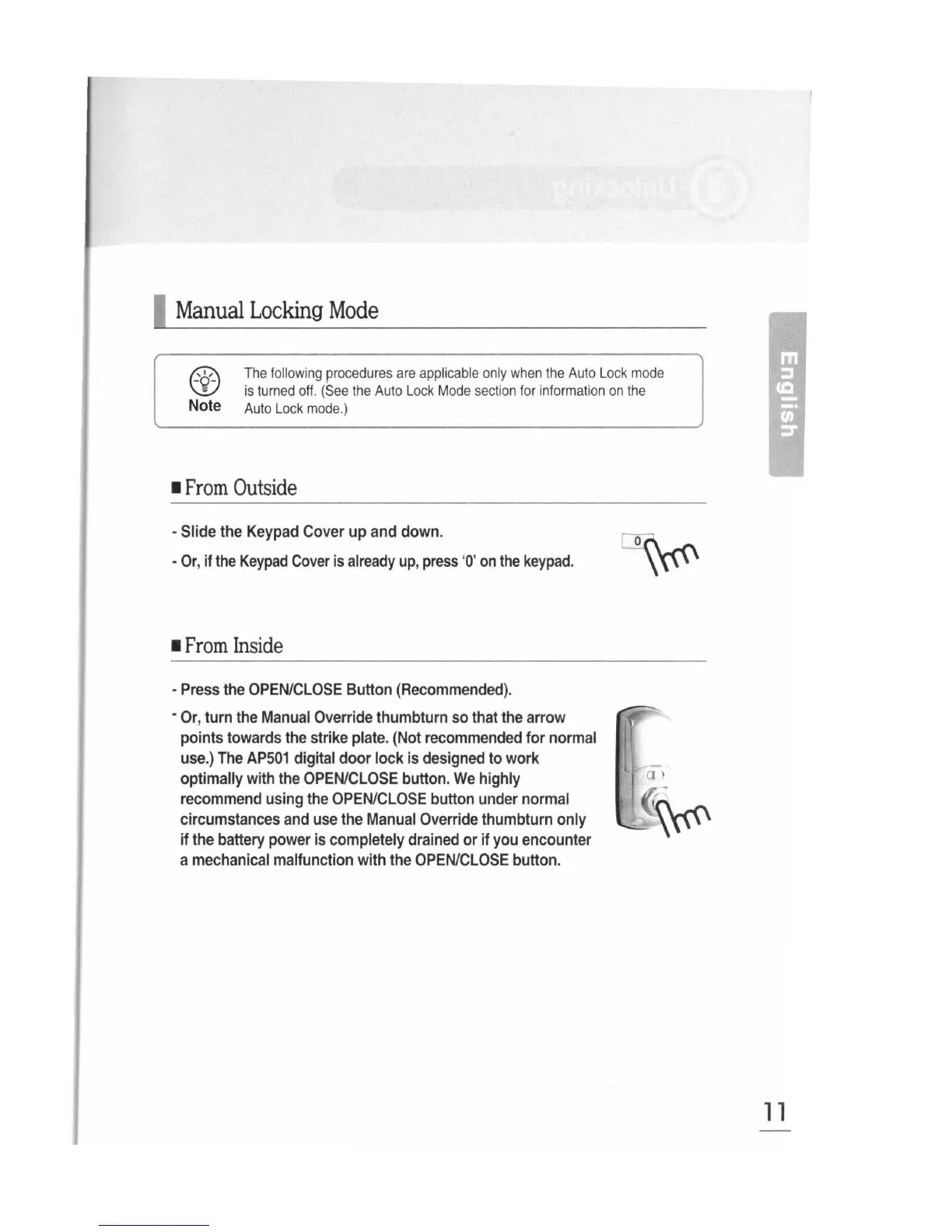
-Slide the
Keypad
Cover
up
and
down.
-
Or
, if
the
Keypad
Cover
is
already
up
,
press
'0'
on
the
keypad.
1
From
Inside
-
Press
the
OPEN/CLOSE
Button
(Recommended).
-
Or
, turn
the
Manual
Override
thumbturn
so
that
the
arrow
points towards
the
strike
plate
.
(Not
recommended
for
normal
use.)
The
AP501
digital door lock
is
designed
to
work
optimally with
the
OPEN/CLOSE
button.
We
highly
recommend
using
the
OPEN/CLOSE
button
under
normal
circumstances
and
use
the
Manual
Override
thumbturn only
if
the
battery
power
is
completely
drained
or if
you
encounter
a
mechanical
malfunction with
the
OPEN/CLOSE
button.
11