EasyManua.ls Logo

Sunnect AP501 - Switching the Left;Right Handing

Sunnect AP501
27 pages
Print Icon
To Next Page IconTo Next Page
To Previous Page IconTo Previous Page
Loading...
14
It
is
important
to
set
the
handing
of
the
door
lock
correctly.
If
set
incorrectly,
the
door
lock
would
extend
the
deadbolt
latch
when
it
should
retract
,
and
vice
versa
,
such
that
the
door
lock
would
unlock
when
it
should
lock
and
lock
when
it
should
unlock
.
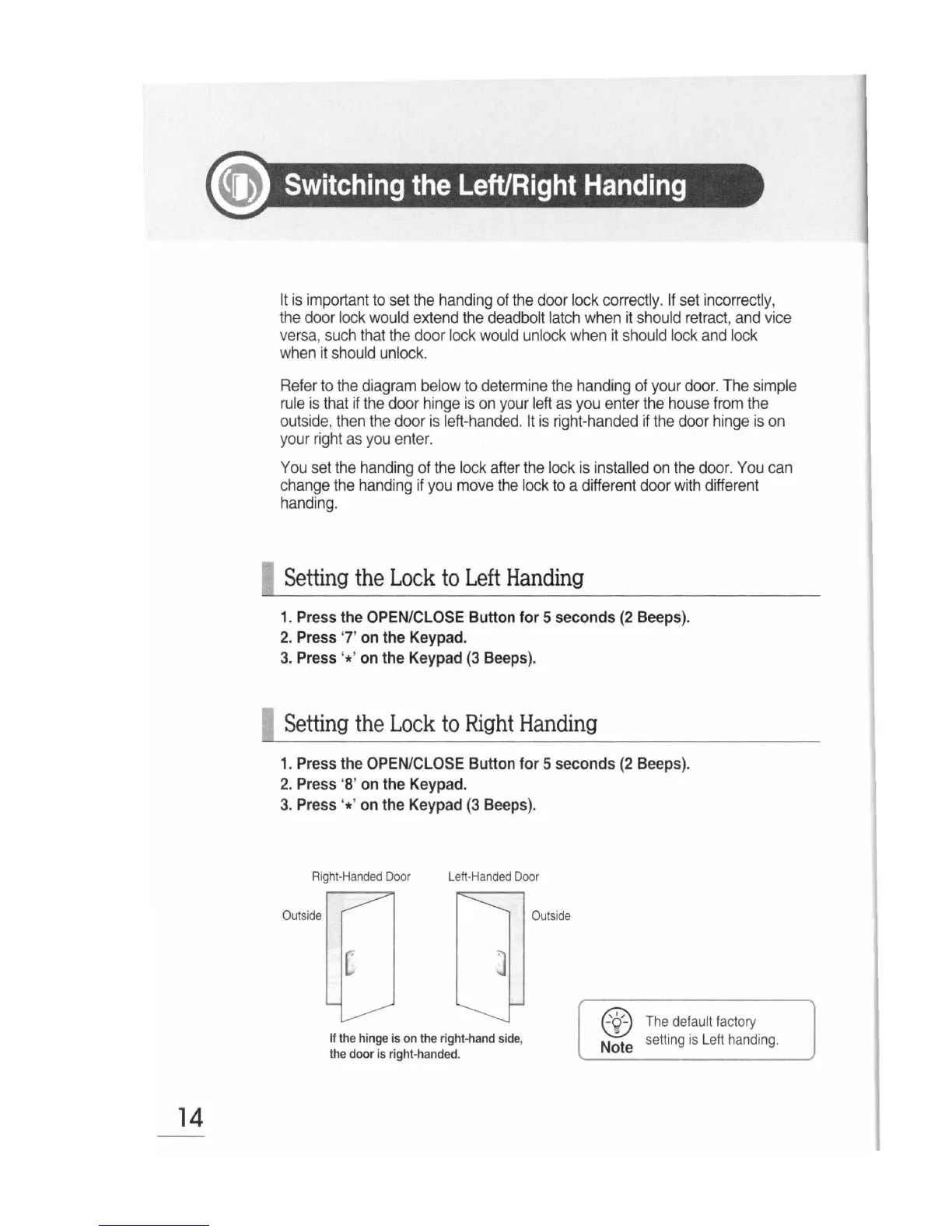
Refer
to
the
diagram
below
to
determine
the
handing
of
your
door.
The
simple
rule
is
that
if
the
door
hinge
is
on
your
left
as
you
enter
the
house
from
the
outside
,
then
the
door
is
left
-
handed.
It
is
right-handed
if
the
door
hinge
is
on
your
right
as
you
enter.
You
set
the
handing
of
the
lock
after
the
lock
is
installed
on
the
door.
You
can
change
the
handing
if
you
move
the
lock
to
a
different
door
with
different
handing.
0
Setting
the
Lock
to
Left
Handing
1.
Press
the
OPEN/CLOSE
Button
for
5
seconds
(2
Beeps).
2.
Press
'7'
on
the
Keypad.
3.
Press
'*'
on
the
Keypad
(3
Beeps).
n
Setting
the
Lock
to
Right
Handing
1.
Press
the
OPEN/CLOSE
Button
for
5
seconds
(2
Beeps).
2.
Press
'8'
on
the
Keypad.
3.
Press
'*'
on
the
Keypad
(3
Beeps).
Right-H
an
d
ed
Do
or
Left
-
Handed
Door
II
the
hinge
is
on
the
right-
hand
side
,
the
door
is
right-handed.
Outside
@
The
default
factory
Note
setting
is
L
eft
handing.